

This thread was archived.
Please ask a new question if you need help.

Solved
Archived
windows 11, ff134 default page icon shrunk

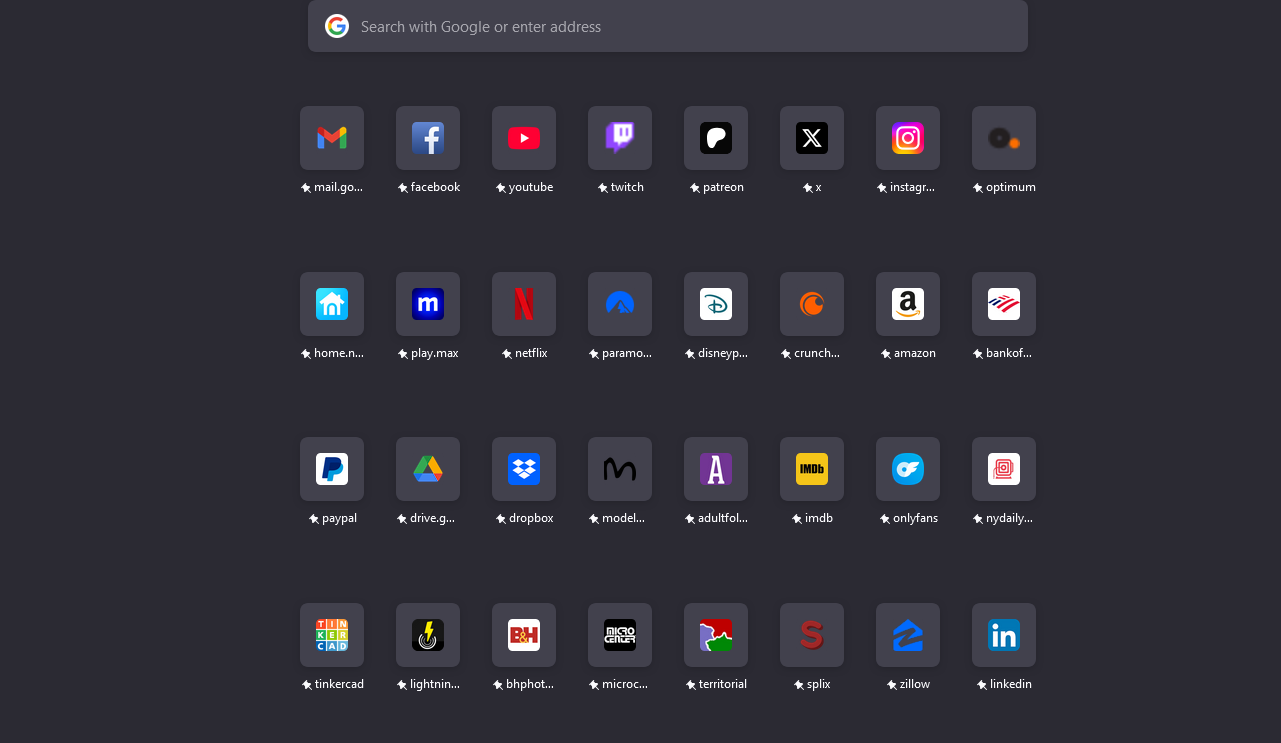
last night out of no where the default page favorites have shrunk like a guy in a cold pool the spacing between is still correct - but the icon size is much smaller
i checked my zoom options and im set to normal
help this is mildly annoying and totally driving me wild
no changes to system have been made in months - nor a windows update
last night out of no where the default page favorites have shrunk
like a guy in a cold pool
the spacing between is still correct - but the icon size is much smaller
i checked my zoom options and im set to normal
help this is mildly annoying and totally driving me wild
no changes to system have been made in months - nor a windows update
All Replies (1)
Chosen Solution
Solved it with reddit it appeares to be caused by the new corner logo.
First, navigate to "about:studies"
Then find "Default UI Experiment - Logo in corner Rollout" and click Remove.
Then re-launch Firefox and the old bigger icons should be back!