


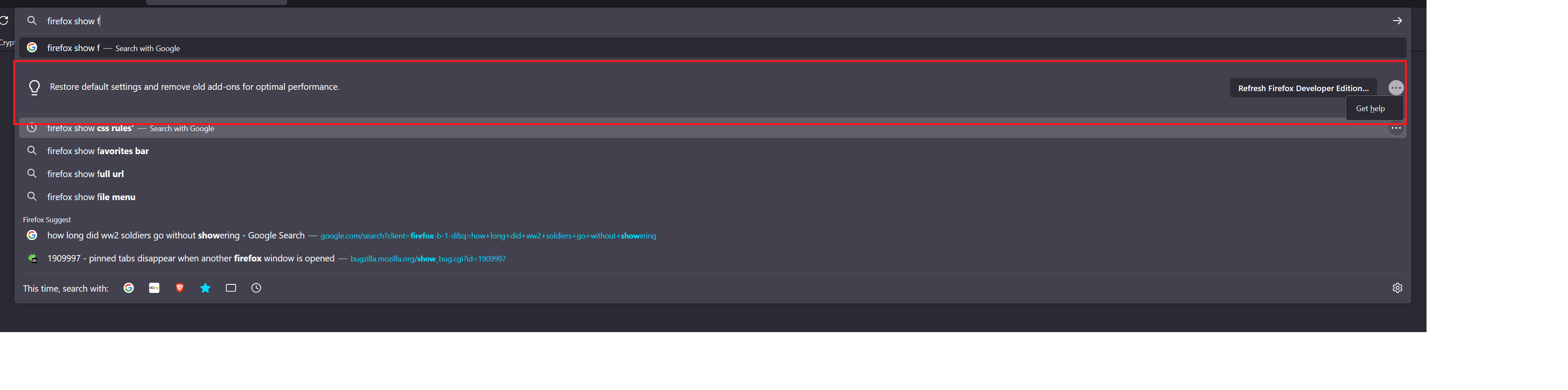
How do I disable URL intervention tips?

I tried following these steps but it didnt work. Is it possible to turn this off in about config or hide it with a userchrome.css style sheet?
https://winaero.com/disable-feature-tips-and-suggestions-in-address-bar-in-firefox-75/
All Replies (5)
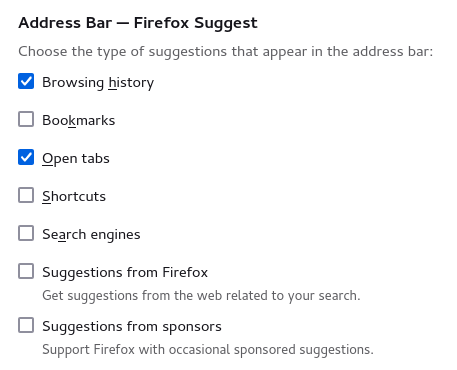
You can select what suggestions to show when you enter an URL in the location/address bar. See Suggestions from...":
- Settings -> Search -> Address Bar — Firefox Suggest
None of those options remove this kind of tip. It is called a URL feature tip or invervention and following the steps below I believe worked in the past but not on current version (130.0b8 (64-bit) Developer Edition)
https://winaero.com/disable-feature-tips-and-suggestions-in-address-bar-in-firefox-75/
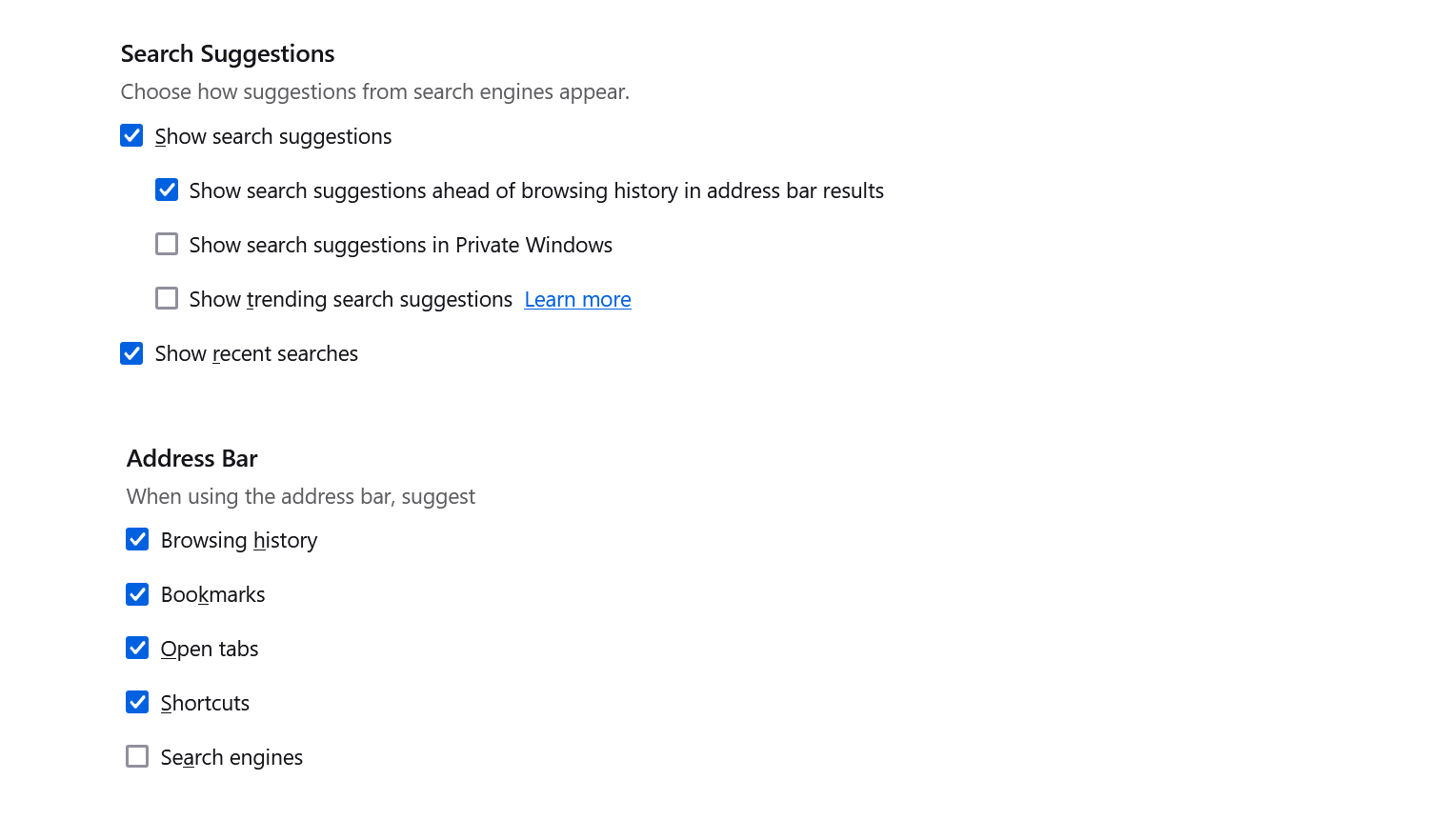
I was referring to the two Suggestion settings that appear just below what shows in your screenshot.
- about:config => browser.urlbar.suggest.quicksuggest
browser.urlbar.suggest.quicksuggest = false doesnt help
There a\re currently two quicksuggest prefs that are controlled by the "Suggestions from..." I mentioned above.
- browser.urlbar.suggest.quicksuggest.nonsponsored => false
- browser.urlbar.suggest.quicksuggest.sponsored => false