


chat corrupted

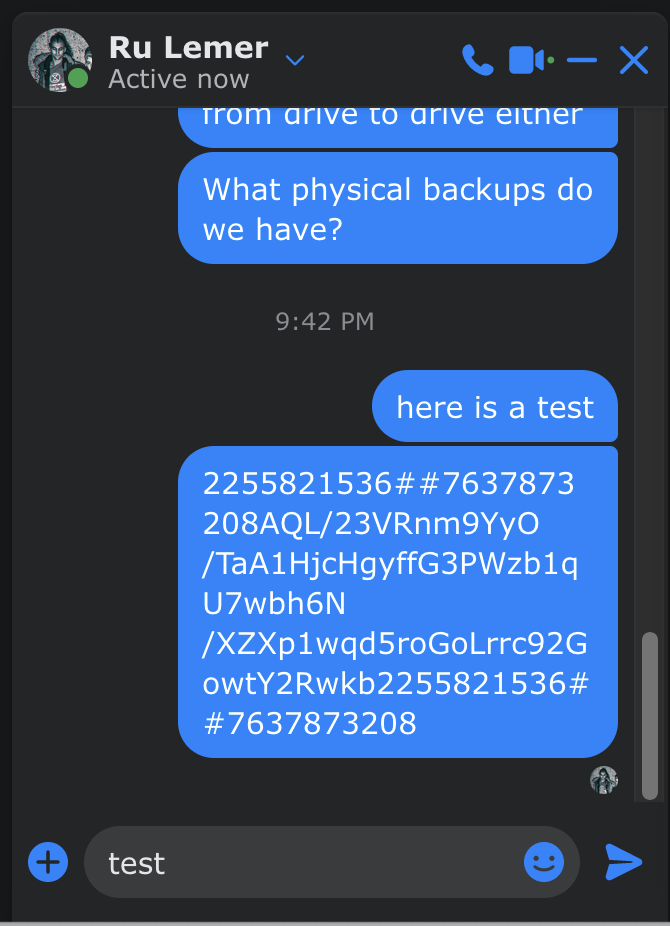
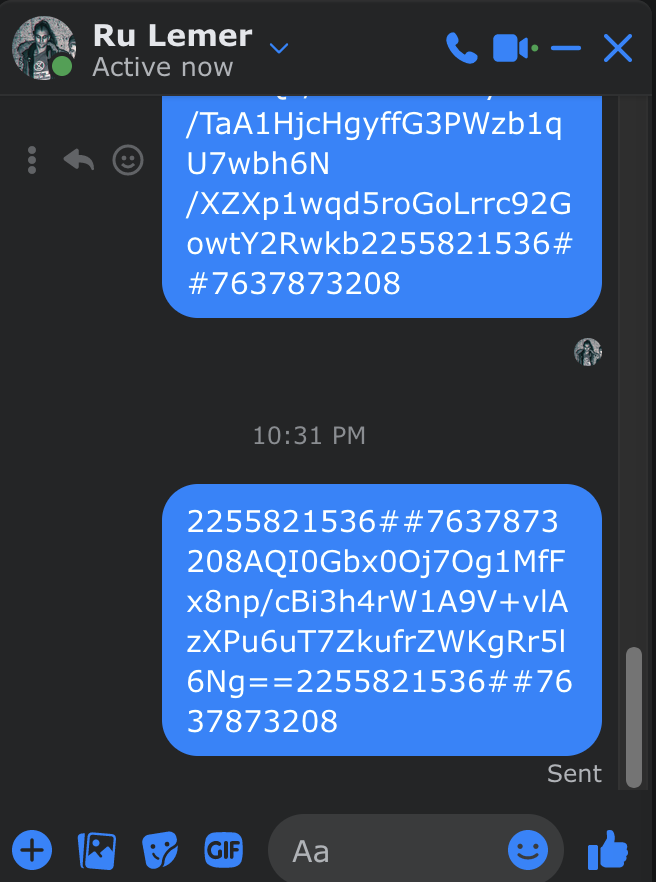
My chat sends garbage. Here I type 'test' to my son. Here is what my chat shows after I press RTN:
2255821536##7637873208AQL/23VRnm9YyO/TaA1HjcHgyffG3PWzb1qU7wbh6N/XZXp1wqd5roGoLrrc92GowtY2Rwkb2255821536##7637873208
All Replies (4)
If you have ZoneAlarm, try updating to the latest version or disable the anti-keylogger feature.
@dropa, the chat window shows up on my iMac in Firefox on the Facebook window. I tried restarting and the problem remained.
Today the problem has disappeared so I can't mark it as solved :-(
AWOL gremlin?
Thanks for offering to help.
pete
@zeroknight, thanka but no, I don;t have zonealarm
pete
How does this show in the Inspector ?
You can right-click and select "Inspect" to open the built-in Inspector with this element selected.
- https://firefox-source-docs.mozilla.org/devtools-user/page_inspector/how_to/open_the_inspector/
- https://firefox-source-docs.mozilla.org/devtools-user/page_inspector/how_to/examine_and_edit_html/
You can check in the Rules tab in the right panel in the Inspector what font-family is used for selected text. You can check in the Fonts tab in the right panel in the Inspector what font is actually used because Firefox might be using a different font than specified by the website. If the Fonts tab is hidden, click the down arrow at the right end.