


Thunderbird

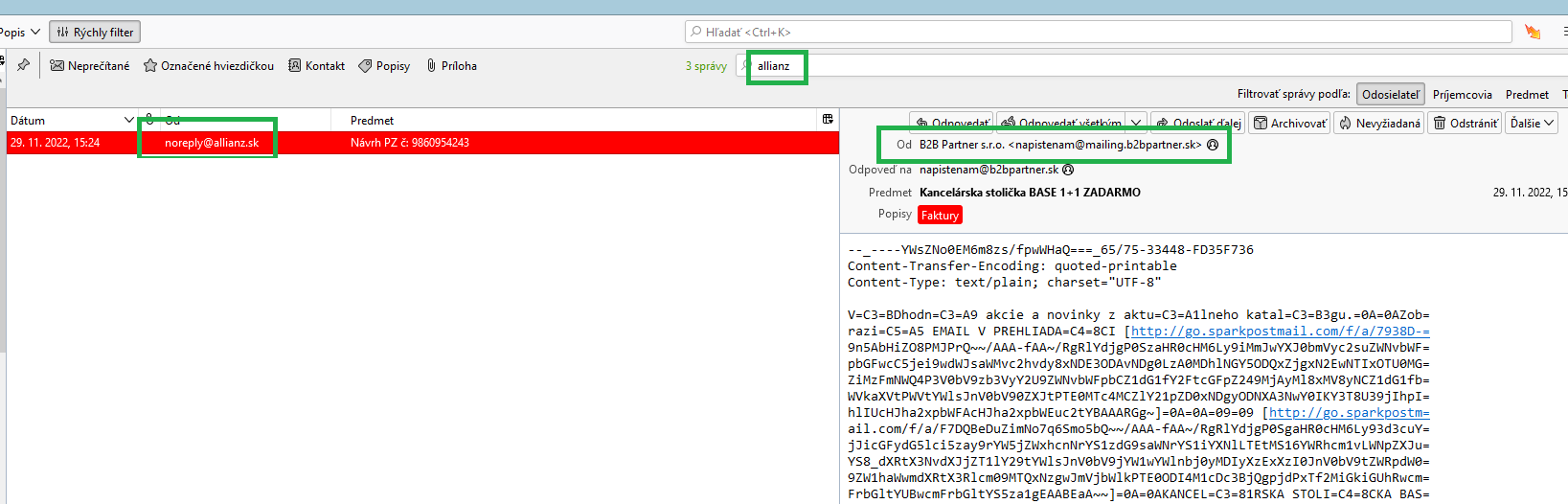
Good morning, I would like to ask you advice with view of original message. I obtained message from sender Allianz company and when I click on this message display me message from other sender <napistenam@mailing.b2bpartner.sk> and Im not able display original message from Allianz with attchment. Can I fix it? Please see picture in attachment. BR, Tibor
Good morning,
I would like to ask you advice with view of original message.
I obtained message from sender Allianz company and when I click on this message display me message from other sender <napistenam@mailing.b2bpartner.sk> and Im not able display original message from Allianz with attchment. Can I fix it? Please see picture in attachment.
BR,
Tibor
Chosen solution
Try to rebuild the index file of the troubled folder.
Right-click the folder - Properties - Repair Folder
Read this answer in context 👍 1All Replies (2)

Chosen Solution
Try to rebuild the index file of the troubled folder.
Right-click the folder - Properties - Repair Folder
to christ1: Thank you, solved according your advise.