


I can't Download any photo from by firefox
Hey! I can't Download any photo from right-click and => Save file as... When I press "Save file as..." there's no ant event or something, It's like Button but with out any action.
I use Ubuntu "Ubuntu 22.04.1 LTS" Firefox version 107.0.1
I need help please...
Chosen Solution
I fix it!!
You can check for issues with "xdg-desktop-portal" and possibly install some packages.
- sudo apt install xdg-desktop-portal xdg-desktop-portal-gtk
Whether to use gtk portal for the file picker. 0:never 1:always 2:auto (true for flatpak or GTK_USE_PORTAL=1, false otherwise)
- about:config => widget.use-xdg-desktop-portal.file-picker = 0
cor-el the fixer |https://support.mozilla.org/en-US/questions/1387408
And thanks for help: jonzn4SUSE, jscher2000
Modified by KUJI8
All Replies (5)
Do any actions that call a system file browsing window work? For example:
- the Browse... button below this text box when composing a reply
- (menu bar) File > Open File...
- right-click a page > Save Page As...
If not, it could be the issue mentioned in this thread:

Try downloading Firefox from Mozilla, run it from the folder and see if you have the same issue. https://www.mozilla.org/en-US/firefox/all/#product-desktop-release Are you on X11 or Wayland?
Operating System: openSUSE Tumbleweed 20221203
KDE Plasma Version: 5.26.4
KDE Frameworks Version: 5.100.0
Qt Version: 5.15.7
Kernel Version: 6.0.10-1-default (64-bit)
Graphics Platform: X11
Processors: 12 × Intel® Core™ i7-9850H CPU @ 2.60GHz
Memory: 125.2 GiB of RAM
Graphics Processor: Mesa Intel® UHD Graphics 630
Manufacturer: HP
Product Name: HP ZBook 17 G6
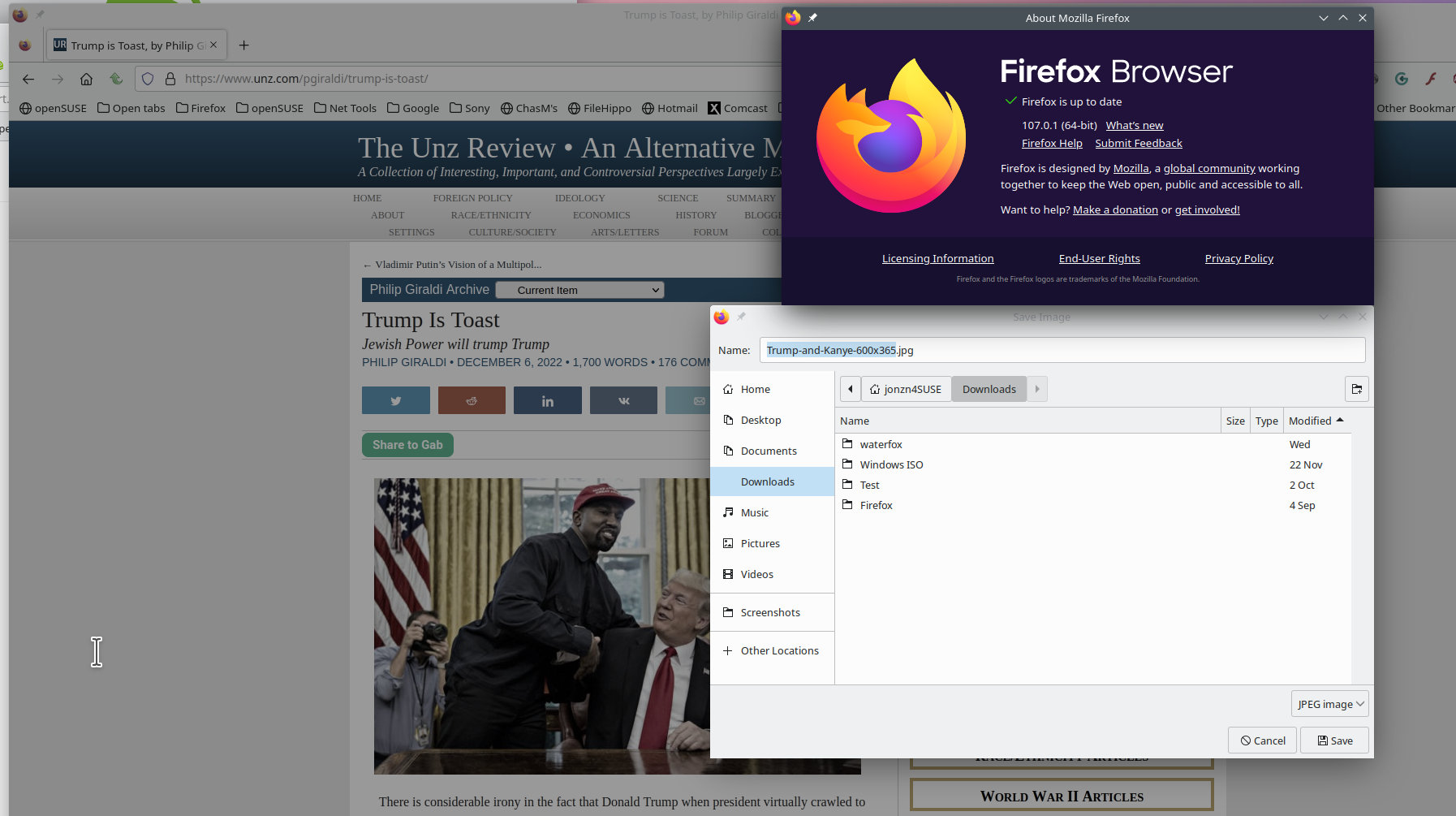
jonzn4SUSE said
Try downloading Firefox from Mozilla, run it from the folder and see if you have the same issue. https://www.mozilla.org/en-US/firefox/all/#product-desktop-release Are you on X11 or Wayland? Operating System: openSUSE Tumbleweed 20221203 KDE Plasma Version: 5.26.4 KDE Frameworks Version: 5.100.0 Qt Version: 5.15.7 Kernel Version: 6.0.10-1-default (64-bit) Graphics Platform: X11 Processors: 12 × Intel® Core™ i7-9850H CPU @ 2.60GHz Memory: 125.2 GiB of RAM Graphics Processor: Mesa Intel® UHD Graphics 630 Manufacturer: HP Product Name: HP ZBook 17 G6
I tried it "downloads firefox and open it from folder" and there's no any problem with it(I can download form it) and and btw I use to Chrome to download files after this issue.
- (
jscher2000 - Support Volunteer said
Do any actions that call a system file browsing window work? For example:If not, it could be the issue mentioned in this thread: Solved: No Aspect of File Interface works Ubuntu 22.04
- the Browse... button below this text box when composing a reply
- (menu bar) File > Open File...
- right-click a page > Save Page As...
I installed "xdg-desktop-portal and xdg-desktop-portal-gtk" but still I can't Download ;(
Chosen Solution
I fix it!!
You can check for issues with "xdg-desktop-portal" and possibly install some packages.
- sudo apt install xdg-desktop-portal xdg-desktop-portal-gtk
Whether to use gtk portal for the file picker. 0:never 1:always 2:auto (true for flatpak or GTK_USE_PORTAL=1, false otherwise)
- about:config => widget.use-xdg-desktop-portal.file-picker = 0
cor-el the fixer |https://support.mozilla.org/en-US/questions/1387408
And thanks for help: jonzn4SUSE, jscher2000
Modified by KUJI8