


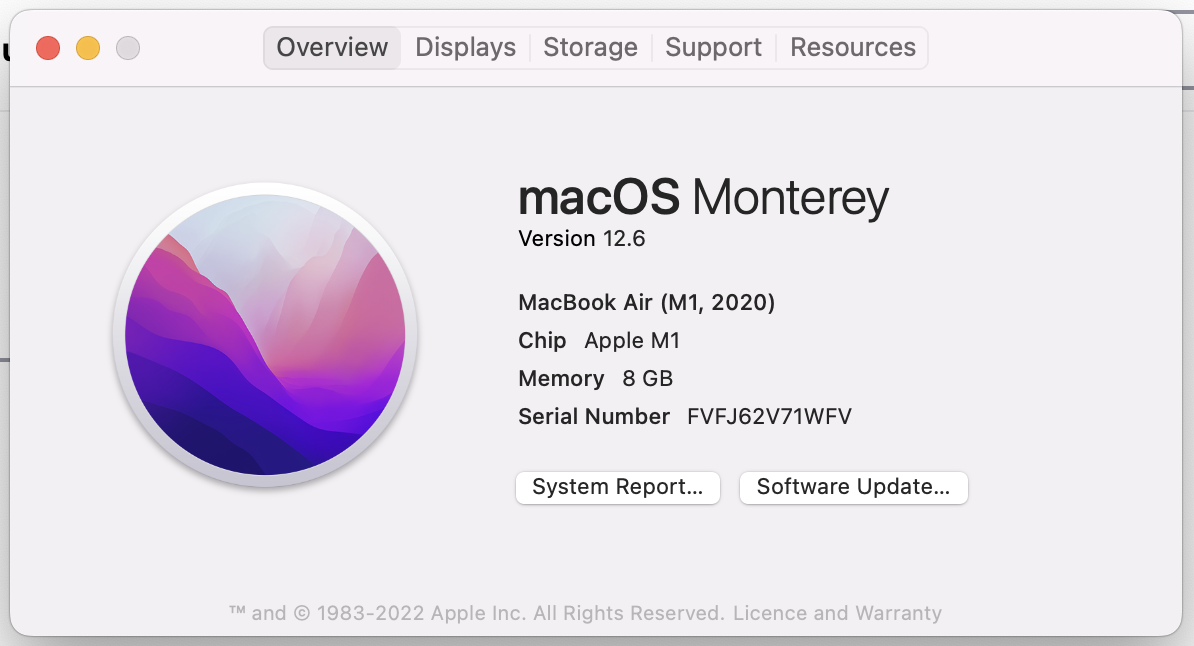
Cannot use Firefox on MacBook Air - macOS 12.6

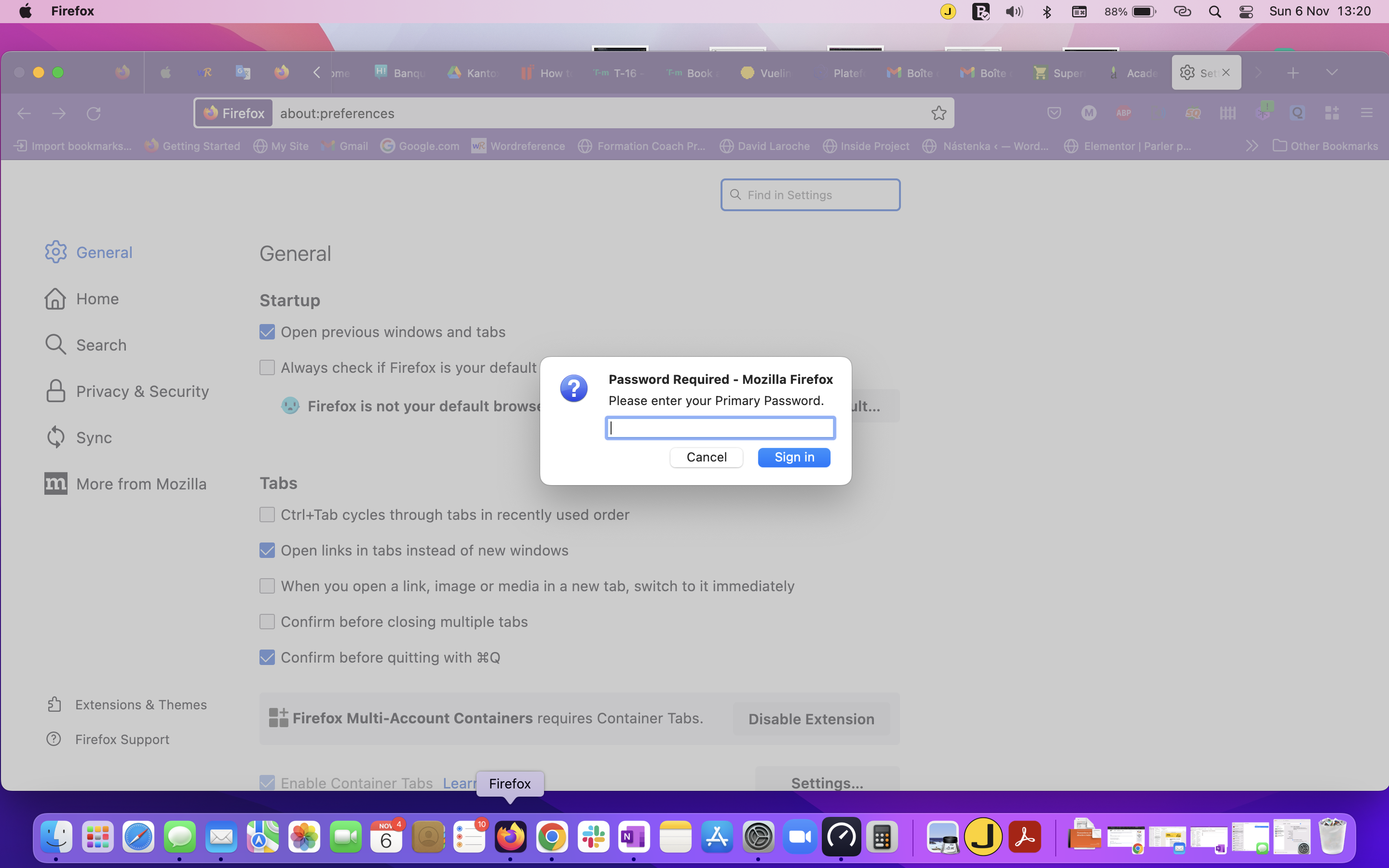
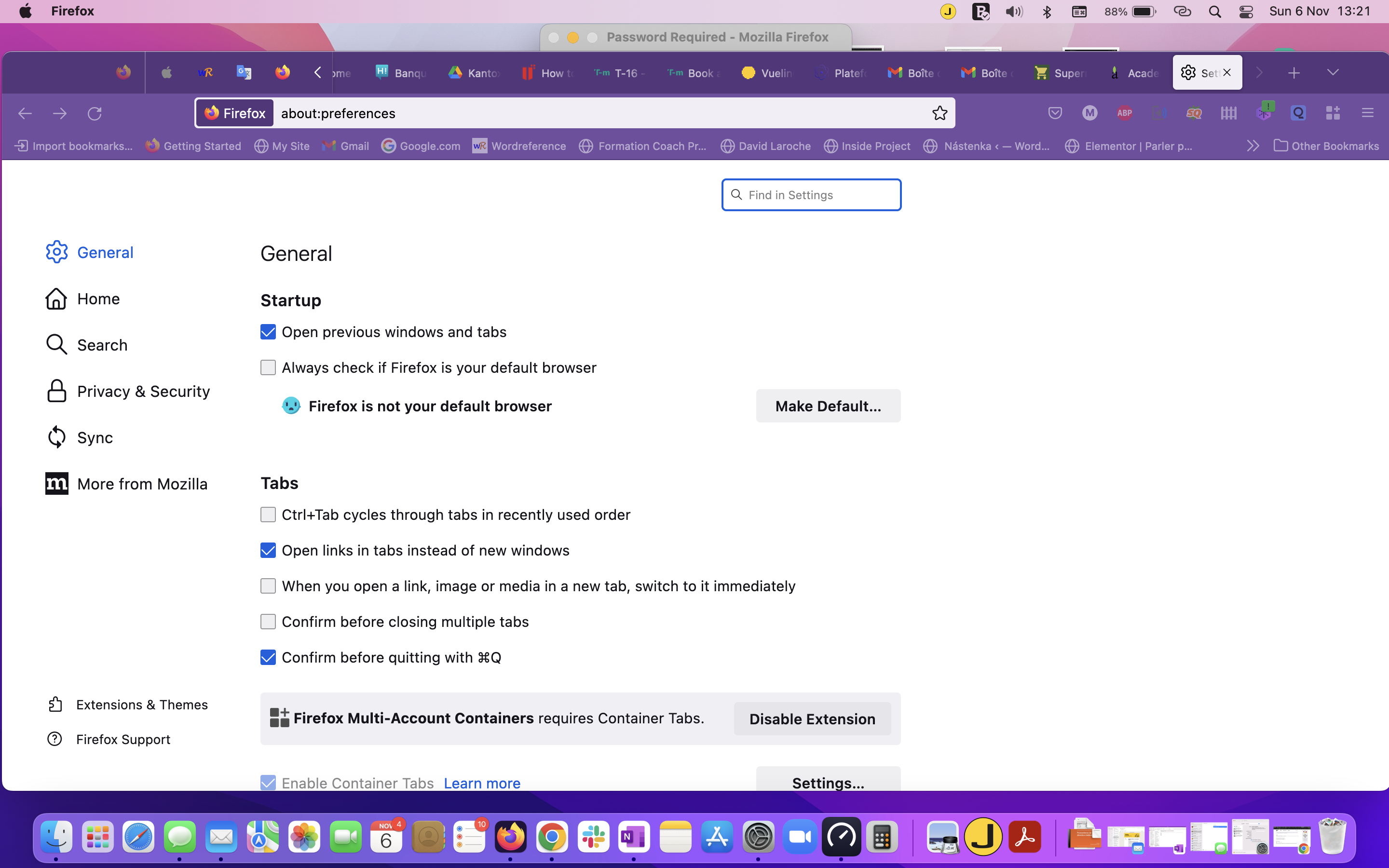
When I launch Firefox on my MacBook, it asks me for the Primary Password and I believe it pops up twice - see screen capture 1. After entering the password, I get this Firefox window with Password Required on the top and I cannot do anything with it. I cannot click on anything except for lowering the window. Can you help?
Chosen Solution
Hi folks, I managed to figure out a work-around rather than a solution. When I launch Firefox on MaBook Air, I have to be very fast and click "cancel" when the first pop-up window appears to enter my primary password. Then I only have one pop-up window which works and where I can actually enter my primary password and once entered Firefox is operational. I hope this can help you
All Replies (4)
Hi there, sounds like you might be having an issue with Sync. The primary password is an optional extra layer of security, you can learn more here: https://mzl.la/3bFxfI1
Hi Spencer, thank you for your reply. I had a look at the link you sent but I cannot find anything that I can use. There is nothing I can do with Firefox on my MacBook Air - nothing responds. Therefore I cannot even access the Sync menu. Any ideas?
Could anybody else make a recommendation? Thanks in advance, Martin
Chosen Solution
Hi folks, I managed to figure out a work-around rather than a solution. When I launch Firefox on MaBook Air, I have to be very fast and click "cancel" when the first pop-up window appears to enter my primary password. Then I only have one pop-up window which works and where I can actually enter my primary password and once entered Firefox is operational. I hope this can help you