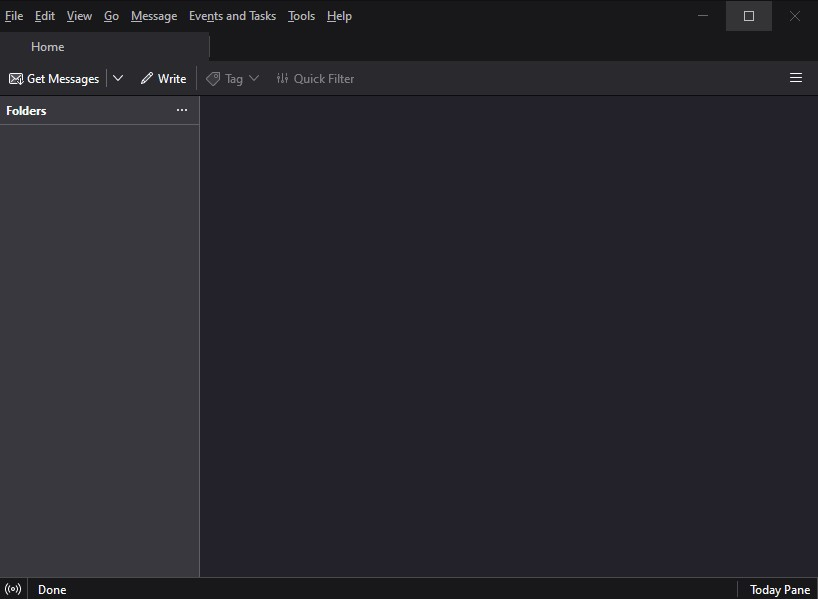
No folders at all

After accepting the upgrade from 91.xx to 102.3.2, Thunderbird won't show any folders. All Account Settings are still there, Addresses are still there, Filters are still there, and I can send emails successfully through various accounts.
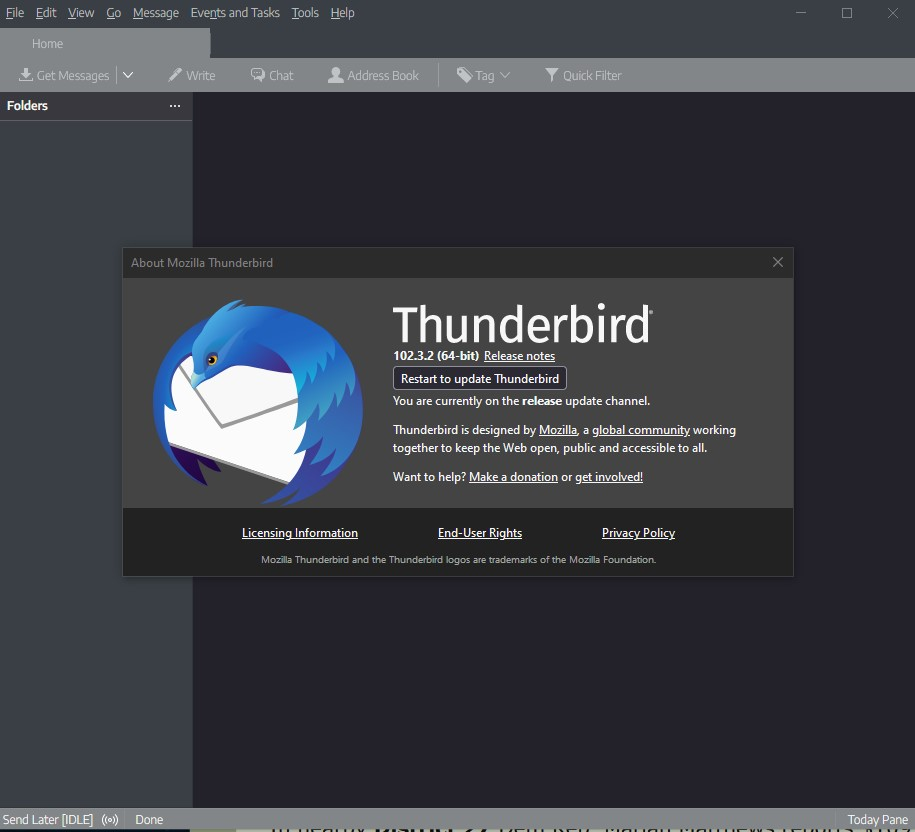
I've toggled all the View settings I could find. Troubleshooting Mode is no different. All add-ons disabled or removed. The button in the About page continually reloads the current version, although it did pick up 102.3.3 when that was released.
It's probably a simple thin, but I haven't figured it out and am eager for suggestions. Thank you!
Chosen solution
RESOLVED
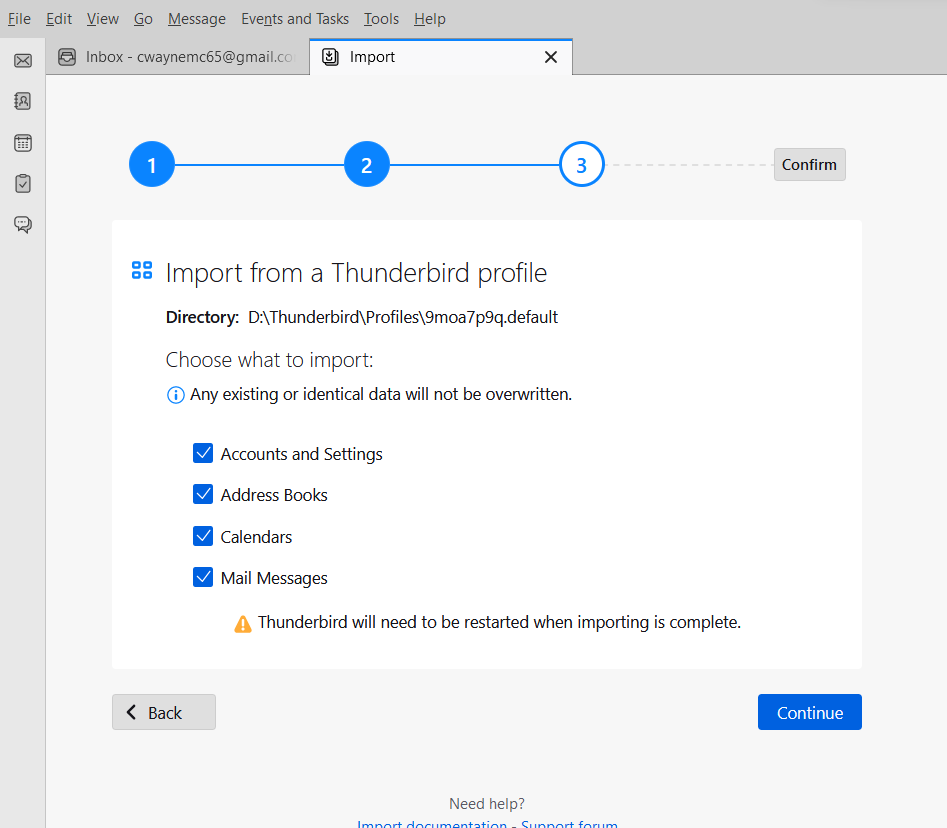
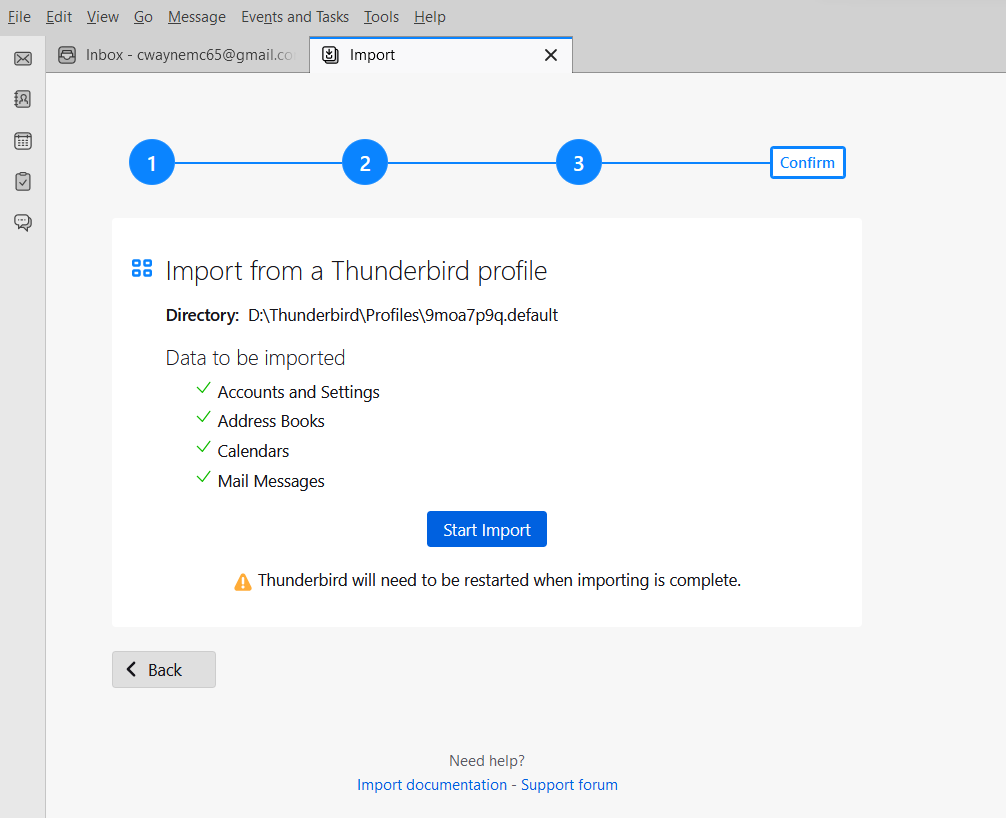
Imported the old profile into a new one. Took 20+ minutes and Thunderbird was unresponsive most of the time, but the process completed and all folders now visible and usable after restart.
Several accounts with "Keep messages..." enabled under Synchronization & Storage sections have been fragmented into multiple (30-200+) extra (?) INBOX-xxx folders which appear in most cases to be empty. These folders exist in addition to regular folders for the accounts, the regular folders appear to be correctly populated with emails. Was able to remove these by checking "Clean up ("Expunge") inbox on Exit" under Server Settings for affected accounts and restarting Tb.
I note that the Unified Inbox feature isn't working in 102.3.3, but otherwise pleased to have a working email client again.
Read this answer in context 👍 0All Replies (4)
I should add that Tbird seems to be receiving emails too, it just won't show them on the screen. Windows_NT 10.0 19044 NVIDIA NVS 510
Chosen Solution
RESOLVED
Imported the old profile into a new one. Took 20+ minutes and Thunderbird was unresponsive most of the time, but the process completed and all folders now visible and usable after restart.
Several accounts with "Keep messages..." enabled under Synchronization & Storage sections have been fragmented into multiple (30-200+) extra (?) INBOX-xxx folders which appear in most cases to be empty. These folders exist in addition to regular folders for the accounts, the regular folders appear to be correctly populated with emails. Was able to remove these by checking "Clean up ("Expunge") inbox on Exit" under Server Settings for affected accounts and restarting Tb.
I note that the Unified Inbox feature isn't working in 102.3.3, but otherwise pleased to have a working email client again.
re :I note that the Unified Inbox feature isn't working in 102.3.3,
If you see an empty or incomplete Unified 'Inbox', but it's individual Inbox subfolders work ok.
- Right click on Unified Inbox and select 'Properties'
- Click on 'Choose'
- reselect all the 'Inbox' checkboxes for each account
- click on 'OK'
- click on 'Update'

Thunderbird 102.6.1 shows none of my folders.
I used Dell Migrate to copy data from my old pc (Win 10) to my new one (Win 11). No folders, no old messages.
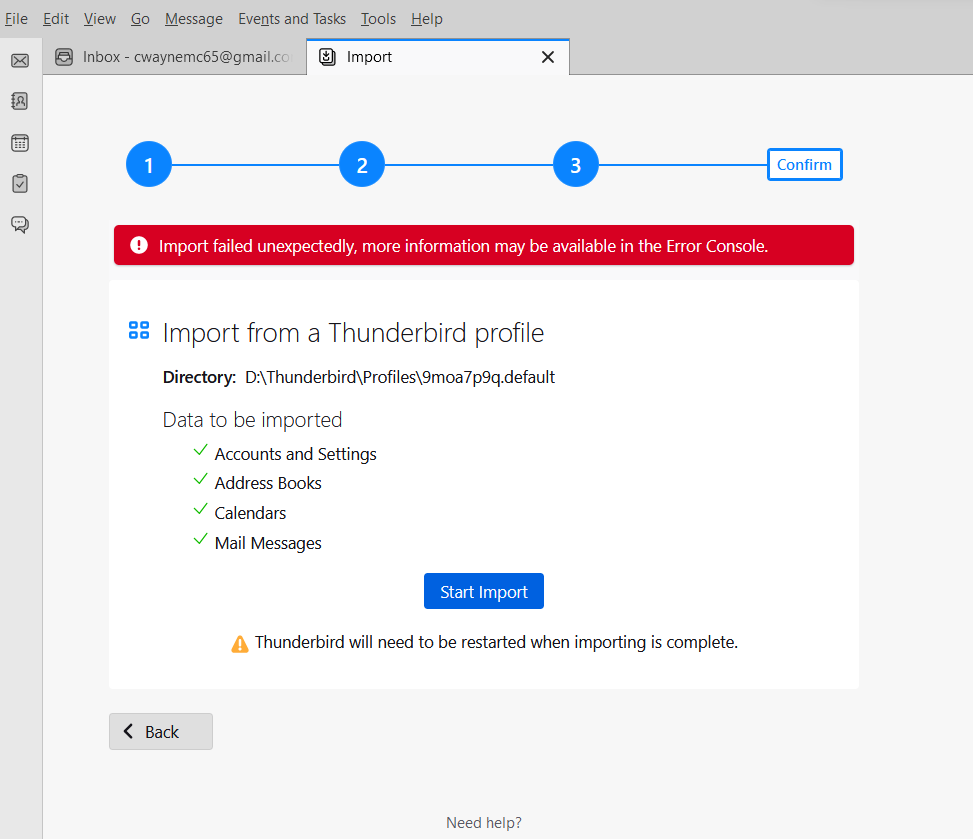
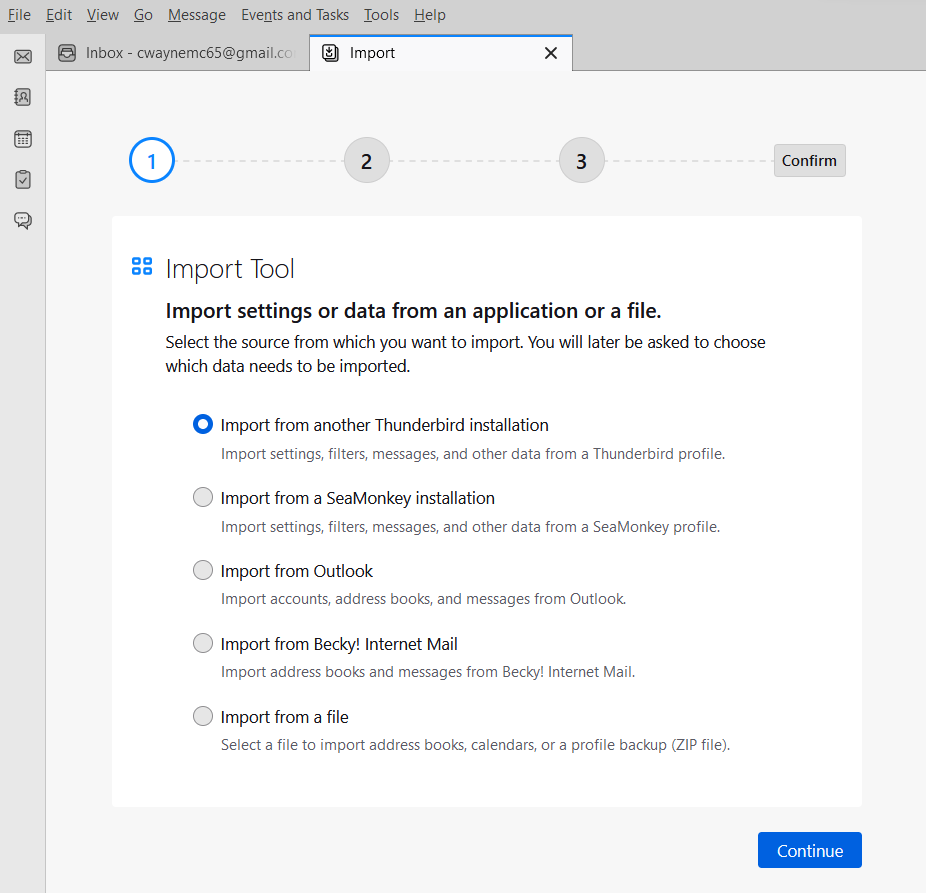
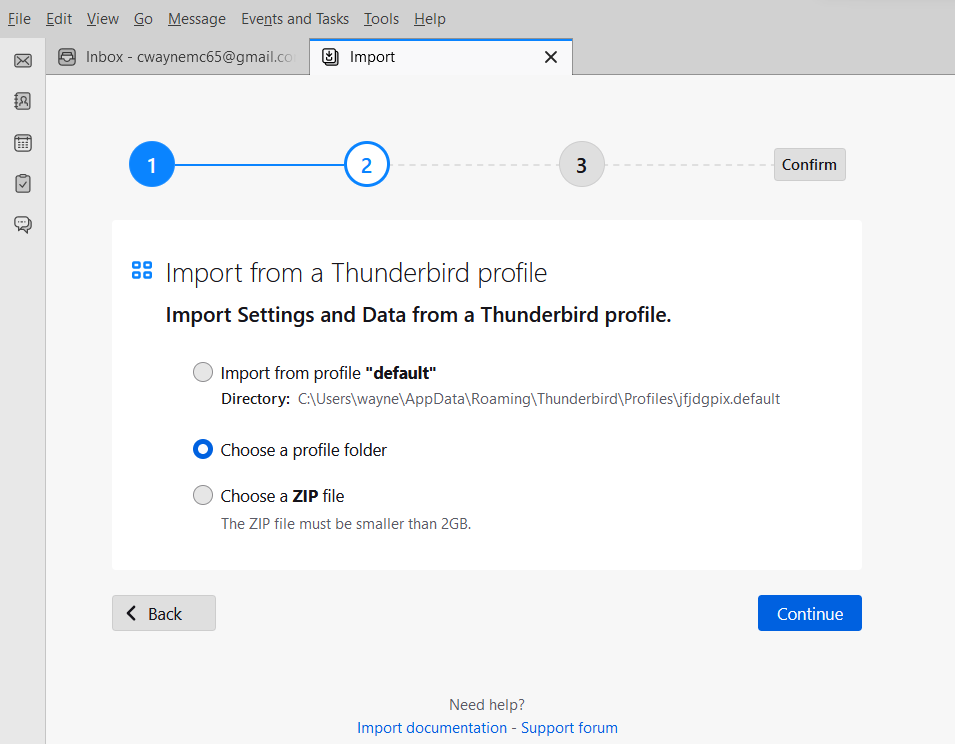
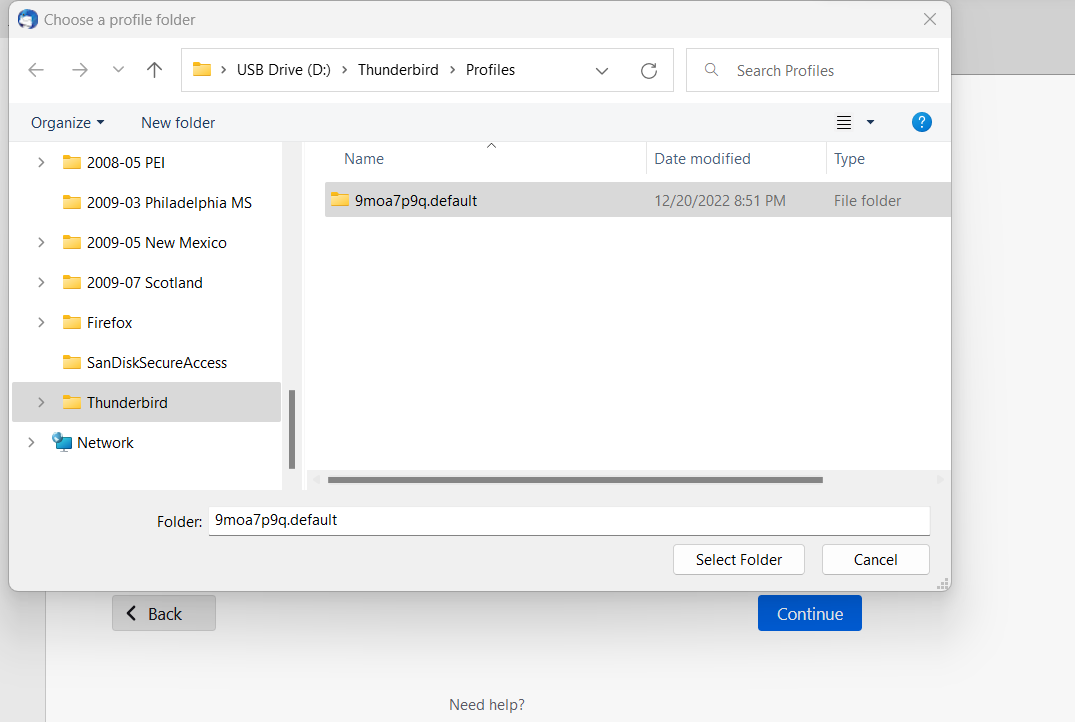
I tried copying the profile folder from the old pc using file explorer, and pasting to new pc using Thunderbird /Tools /Import. Thunderbird recovered my messages, but not my folders.
Screen shots of the process are attached.