


"Important" Folder in Gmail not seen

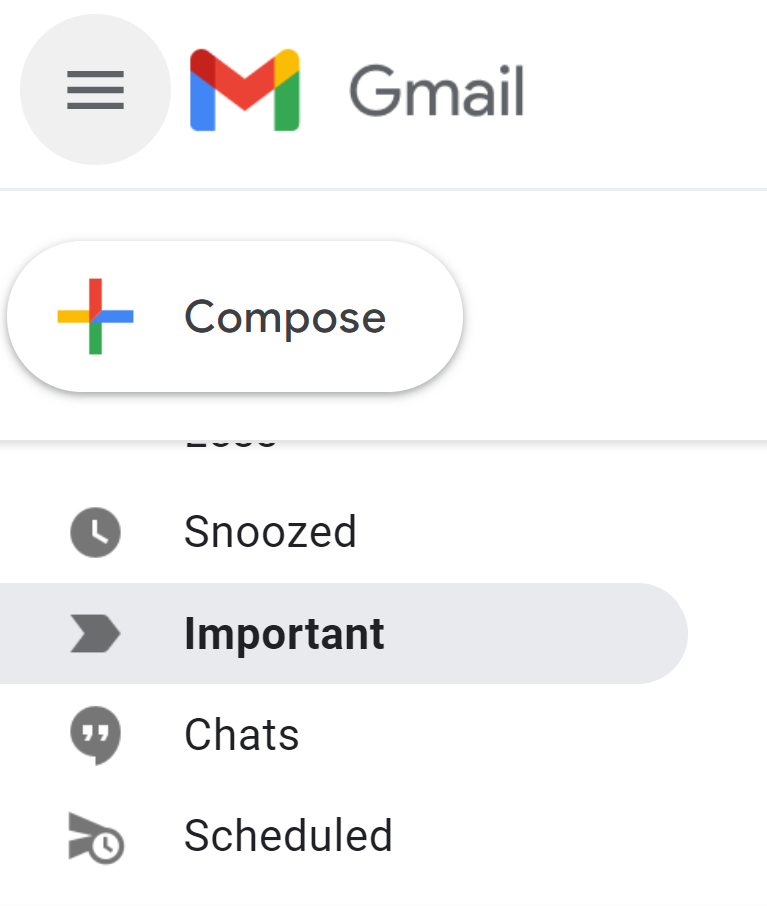
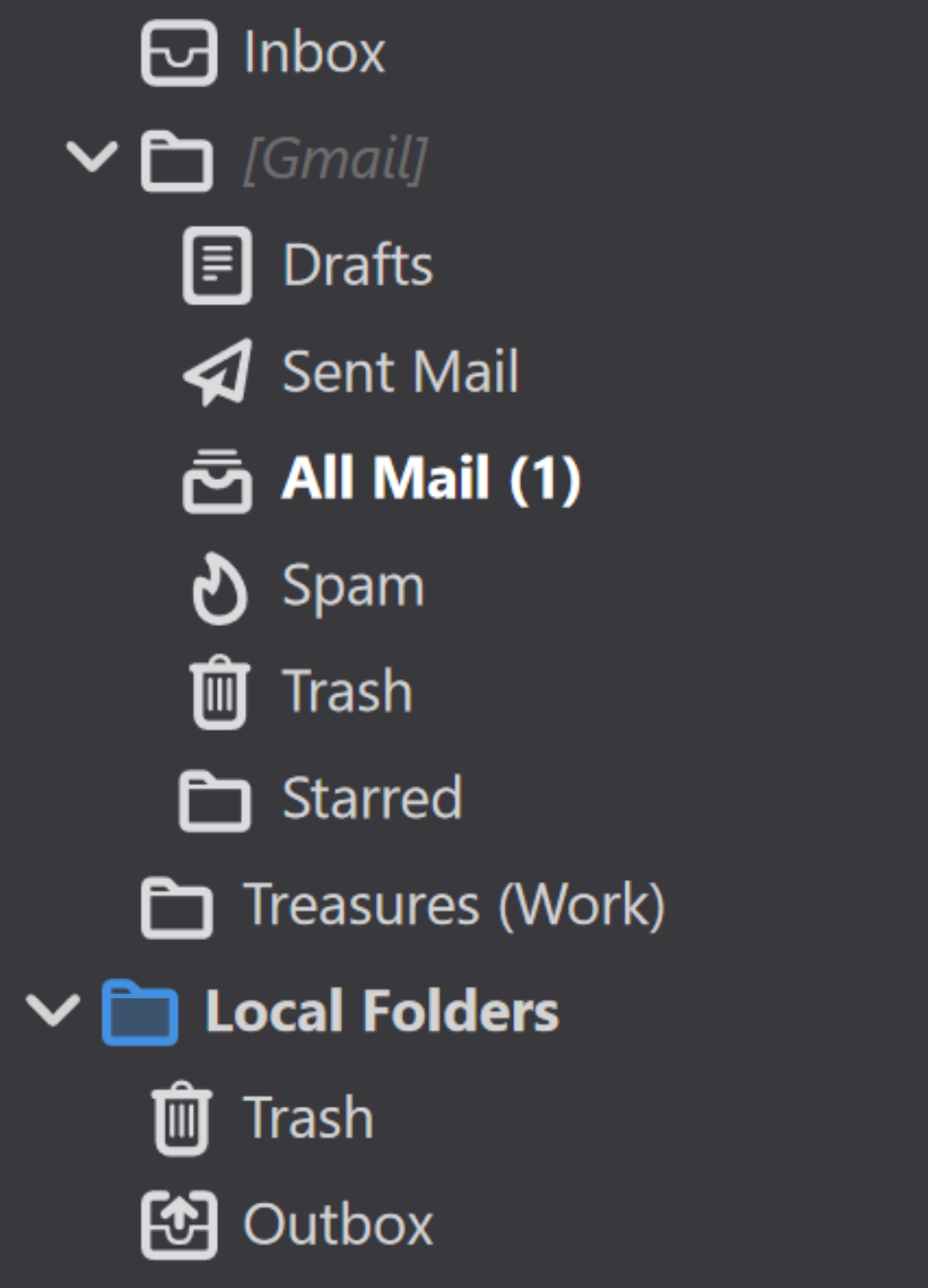
Hi Mozilla Thunderbird I have an "important" folder in my Gmail. However, it is not seen in my Mozilla Thunderbird. I can access its content when I press "all mail," but having the "important" folder makes it more organized, so I don't have to open Gmail anymore.
Seeing the "Snoozed" and "Scheduled" will be cool too if Thunderbird can do that.
Kindly check the screenshot
Regards, Karlson
Hi Mozilla Thunderbird
I have an "important" folder in my Gmail. However, it is not seen in my Mozilla Thunderbird. I can access its content when I press "all mail," but having the "important" folder makes it more organized, so I don't have to open Gmail anymore.
Seeing the "Snoozed" and "Scheduled" will be cool too if Thunderbird can do that.
Kindly check the screenshot
Regards,
Karlson
Chosen solution
Right-click the account in the Folder Pane, Subscribe, Refresh, check the box (subscribe) for Important.
Read this answer in context 👍 1All Replies (3)
What can be seen in my Thunderbird Account, no "important" folder
Modified by karlson_ty
Chosen Solution
Right-click the account in the Folder Pane, Subscribe, Refresh, check the box (subscribe) for Important.
sfhowes said
Right-click the account in the Folder Pane, Subscribe, Refresh, check the box (subscribe) for Important.
Thank you so much! it worked!