


Thunderbird lag in MacOS Big Sur
Thunderbird ver. 78.4.3 (64-bit) Mac OS ver 11.0.1 Big Sur
Thunderbird become lag after upgrade the mac os to 11.0.1
Scroll the mouse, the "Subject Panel" moving very lag
All Replies (6)
Chosen Solution
see https://bugzilla.mozilla.org/show_bug.cgi?id=1677272
What language locale is Thunderbird? Do you have lots of fonts?
I just have English fonts in Thunderbird.
I will try the Thunderbird beta version v84.0b2 (64-bit) later.
Thanks :)
The lag issue is solved after update to 84.0b2.
Thanks for your help. :)
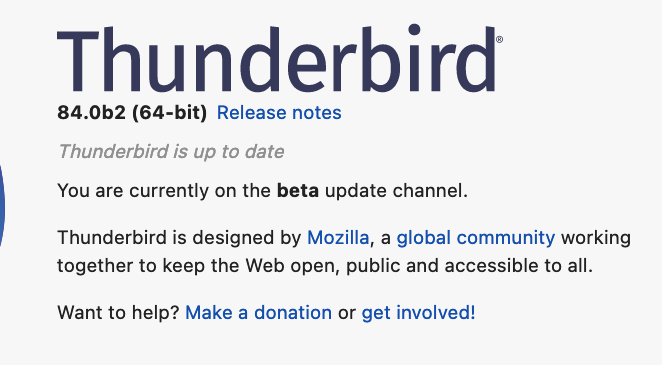
We have something for you to try if you are able, to get your feedback. https://firefox-ci-tc.services.mozilla.com/api/queue/v1/task/cS4TP33hS7yHdUx2l1zlyQ/runs/0/artifacts/public/build/target.dmg which is 78.5.1 plus a patch. It will display as version 78.6.0 although some places might refer to it as "Thunderbird Daily" because it is a test build. Because you currently running beta, you will need to start Thunderbird from Mac terminal using --allow-downgrade
I am install Thunderbird Daily and create a new user profile. After adding mail account and some newsgroup accounts, there is nothing show on the left panel. Its not working on my mac.
Thank you :)
Modified by huck2099
If you are using version 78, Please do Help > About to get version 78.6.1, and tell us the results. Thanks.