


Thunderbird is missing *Preferences* from Edit menu
Hello Mozilla Thunderbird Team, TB 68.10.0 (32-bit) email client is missing Preferences from the Edit menu... I'm slowly going mental trying to find it.... If anyone could guide me please I'd be most grateful. Thank you and stay well everybody!
Chosen solution
TB does open some links in its internal browser, such as when you search for add-ons from Tools/Add-ons, but links in messages should always open in the default browser. If they don't, there may be an incorrect preference. Open Tools/Options/Advanced/General/Config. editor, paste network.protocol-handler in the search box. All of the results should have default Status; if a pref. isn't default, i.e. in bold type, right-click, Reset.
There should be no entries for http or https in Options/Attachments, contrary to the advice here.
Read this answer in context 👍 1All Replies (11)
Hello Mozilla Thunderbird Team, Adding image of the issue. Thanks again!
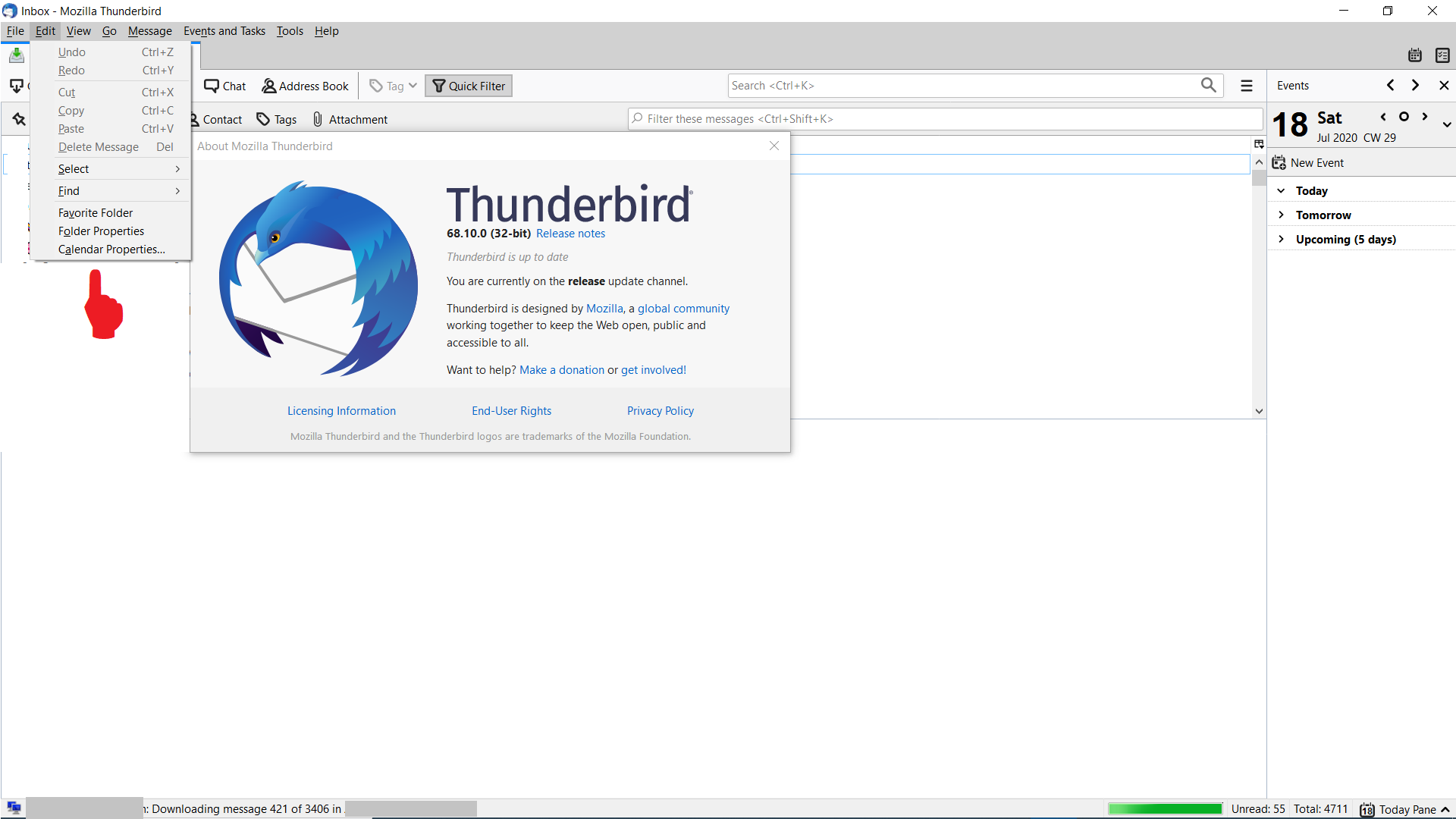
Edit/Preferences is the Linux menu. On Windows, it's Tools/Options, Preferences on OS X.
http://kb.mozillazine.org/Menu_differences_in_Windows%2C_Linux%2C_and_Mac
Hello Sfhowes, Thank you for your quick response, I really appreciate it!! Unfortunately, Tools/Options, doesn't have what I'm looking for... I've been referring to guidance from a Lifewire article, is it ok to share the link in the TB forum? Thanks again!
The forum vets posts with external links, so it might take a while. Better to just explain what it is you're looking for.
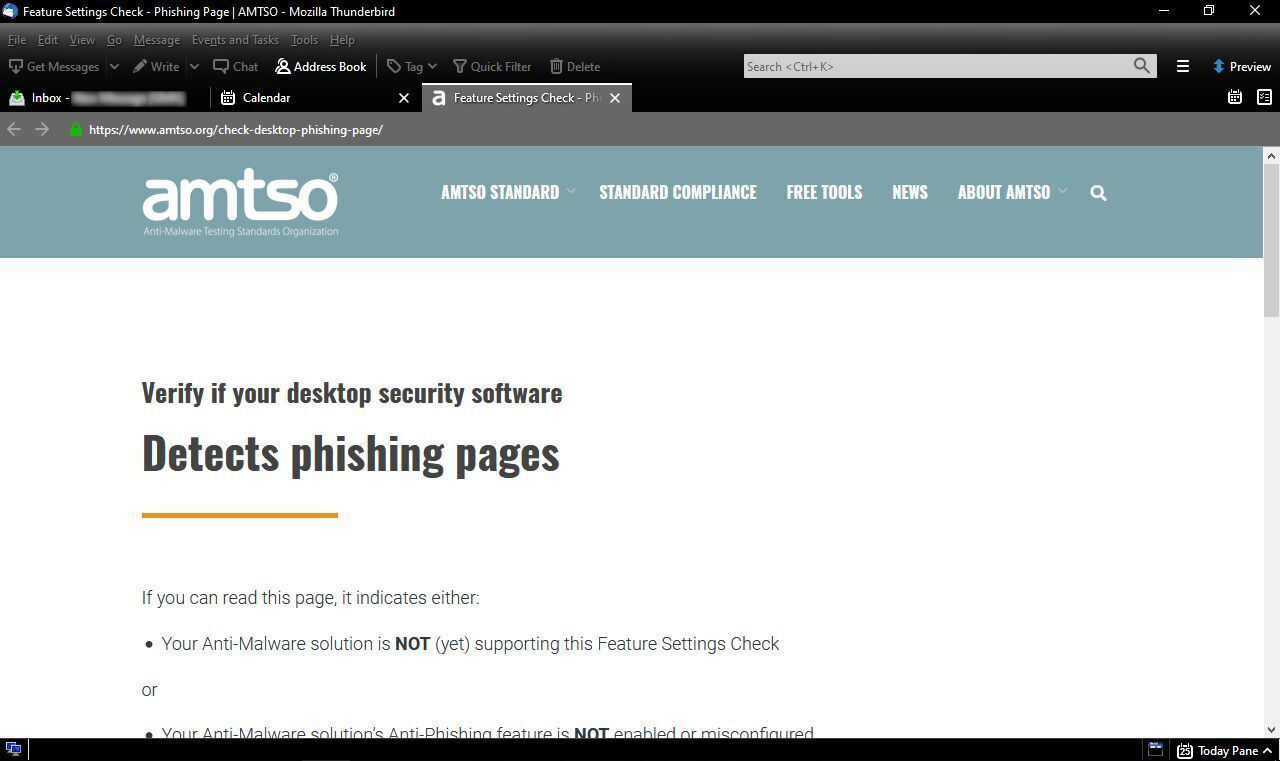
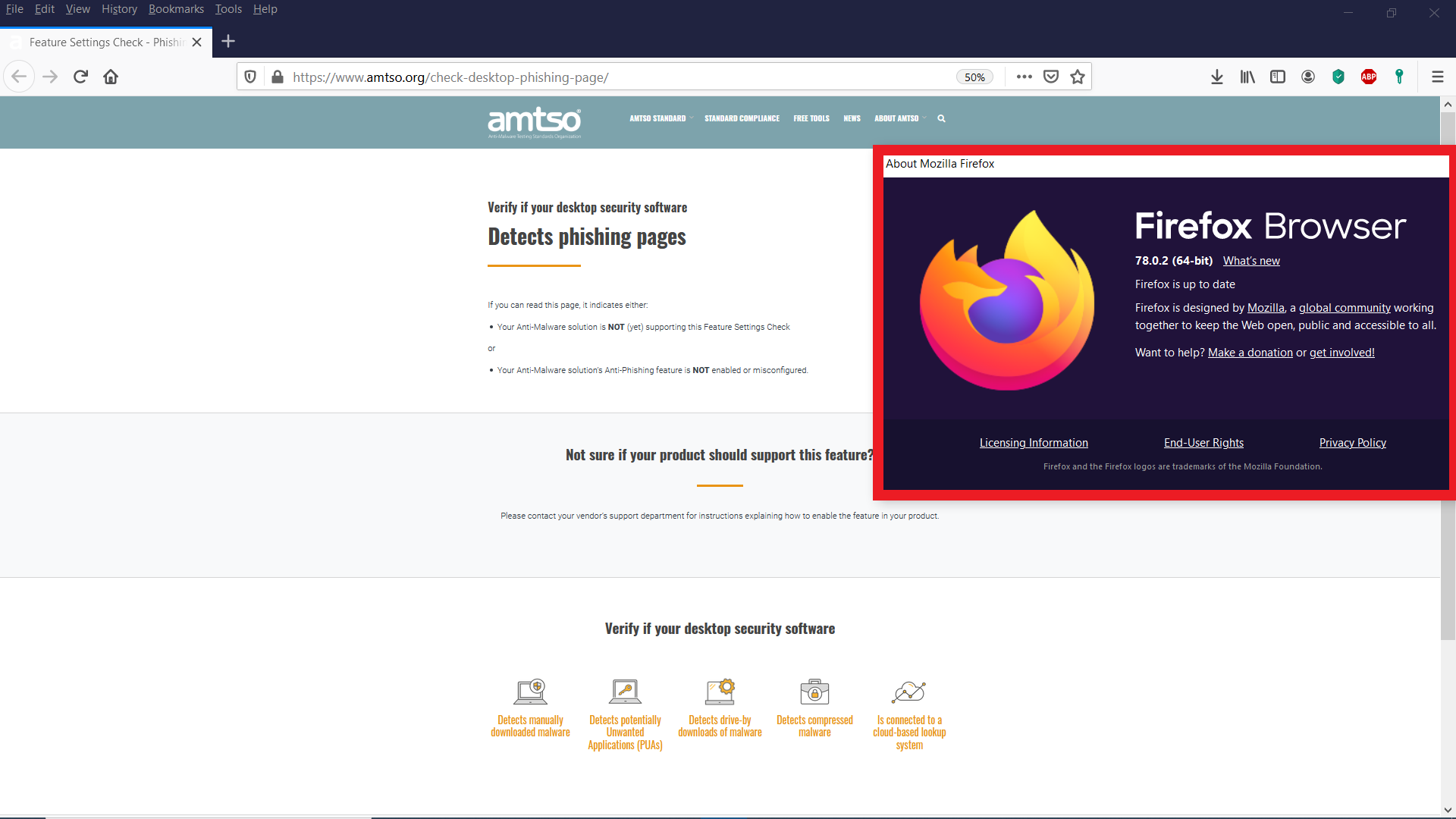
Hello Sfhowes, Thank you! Ok, it's complicated, but I'll try to explain, I'm helping someone else who continuously refers to a problem that occurs when they use (quoting them) "TB's own in-built web browser", when I test their problem, using TB email client, system default browser = Firefox, system default email = TB, all links open in Firefox browser (which I think is "normal"); however, their image does show a difference b/w their result & mine, and they insist TB has it's own browser - I've added their result -> image1 & mine -> image2, from the same test. From the article I mentioned, the Preferences option is (apparently) where I can access browser config settings.... If this is not clear please ask, I'll do my best to clarify. Thank you!
Sorry, Sfhowes, I just marked :solved the problem", I actually meant to give a thumbs up for the last reply, atm, issue is not solved... Apologies.
Chosen Solution
TB does open some links in its internal browser, such as when you search for add-ons from Tools/Add-ons, but links in messages should always open in the default browser. If they don't, there may be an incorrect preference. Open Tools/Options/Advanced/General/Config. editor, paste network.protocol-handler in the search box. All of the results should have default Status; if a pref. isn't default, i.e. in bold type, right-click, Reset.
There should be no entries for http or https in Options/Attachments, contrary to the advice here.
Hello Sfhowes, Thank you!! Gratitude +++++ network.protocol-handler* - all default..
Hello Sfhowes, The bloke with the "issue" has just disclosed he's using an addon = browseintab.... Problem solved. Thank you for your help and guidance, (for me) steep TB learning curve after 29 days of trying to get a straight answer, probably my fault, when I asked, "are there any addons?" & was told "no", I should have said, "are you sure???" I certainly won't forget the information you've shared today & the extras I discovered along the way. Thanks a bunch!! Stay well! Cheers.
Before you do anything with a Thunderbird user, direct them to the troubleshooting information on the help menu. If you don't have time for them to read to you what is on the Extensions heading, get them to click the "send via email" button at the top so you will know probably more than they do. No relying on their faulty intepretation of settings and you will know what anti virus, firewall addons or account settings they use. Provided especially for support folks.
Hello Matt, Thank you for the tip! Unfortunately, in this case, the specific TB user was "difficult", appeared to take delight in repeatedly telling us what wasn't working, beyond that he was "reluctant" to provide any relevant system, application information etc. He steadfastly maintains browseintab extension is a Thunderbird browser... Since his "disclosure", he's gone quiet... C'est la vie! Thanks again and stay well!