


Enter doesn't work in the URL bar
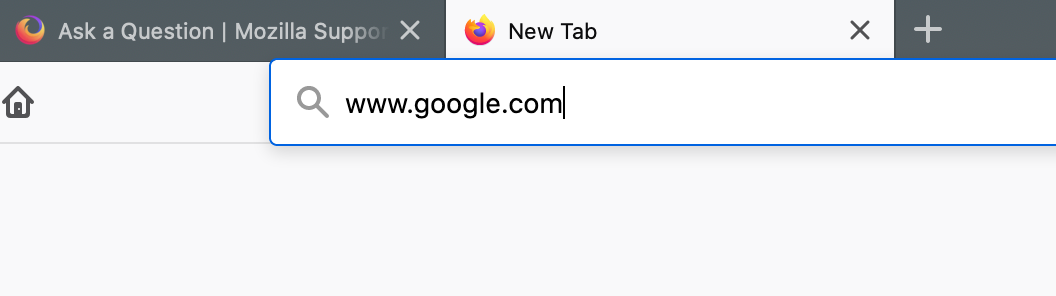
Hi everyone, I'm having issues with my url/navigation bar and I can't find out how to fix it. I already reinstalled firefox but it didn't change the issue: When I type in a website (or a search) in the url bar, nothing happens when I press enter, I have to manually click on the arrow to get the browser to react. (It works just fine in other browsers). I tried to de- and re-activate all the Address Bar Suggestions in preferences but this also didn't change anything.
Hope there's a solution out there..
All good Simon
Hi everyone,
I'm having issues with my url/navigation bar and I can't find out how to fix it. I already reinstalled firefox but it didn't change the issue:
When I type in a website (or a search) in the url bar, nothing happens when I press enter, I have to manually click on the arrow to get the browser to react. (It works just fine in other browsers).
I tried to de- and re-activate all the Address Bar Suggestions in preferences but this also didn't change anything.
Hope there's a solution out there..
All good
Simon
Chosen solution
hello
oxholm8......
follow the steps:
- Click the ≡ menu button top right and select Help.
- Click restart with ad-ons disable.
IMPORTANT: RESTART YOUR COMPUTER
tell me its helps.
thank you!
Read this answer in context 👍 0All Replies (1)
Chosen Solution
hello
oxholm8......
follow the steps:
- Click the ≡ menu button top right and select Help.
- Click restart with ad-ons disable.
IMPORTANT: RESTART YOUR COMPUTER
tell me its helps.
thank you!