

This thread was archived.
Please ask a new question if you need help.

Solved
Archived
How can I stop Firefox deleting my cookies on closing it down.
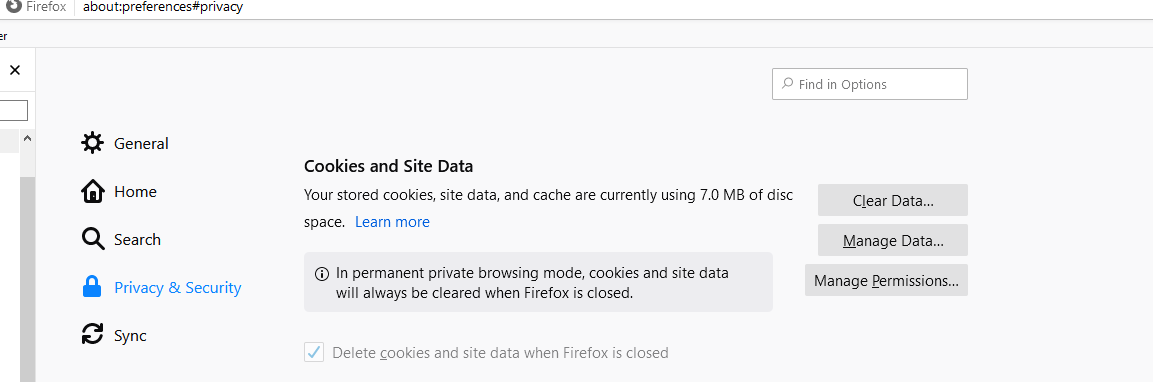
With reference to the enclosed attachment, the 'delete cookies and site data when Firefox is closed' check mark is 'greyed' out and I cannot change it.
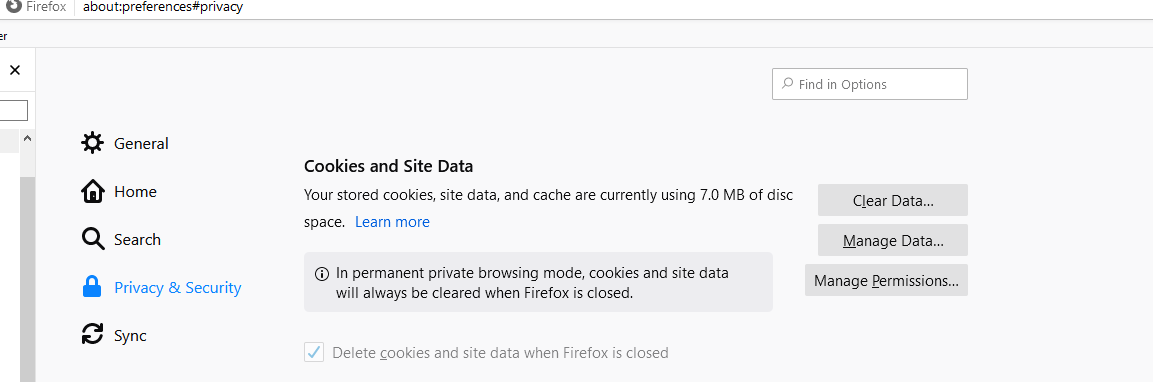
With reference to the enclosed attachment, the 'delete cookies and site data when Firefox is closed' check mark is 'greyed' out and I cannot change it.
All Replies (1)

Chosen Solution
Hi IanM, You are in Permanent Private Browsing mode.
Go to: Menu -> Options-> Privacy & Security scroll down to History deselect *Always use private browsing mode