


New mail colour in macOS (Mojave)
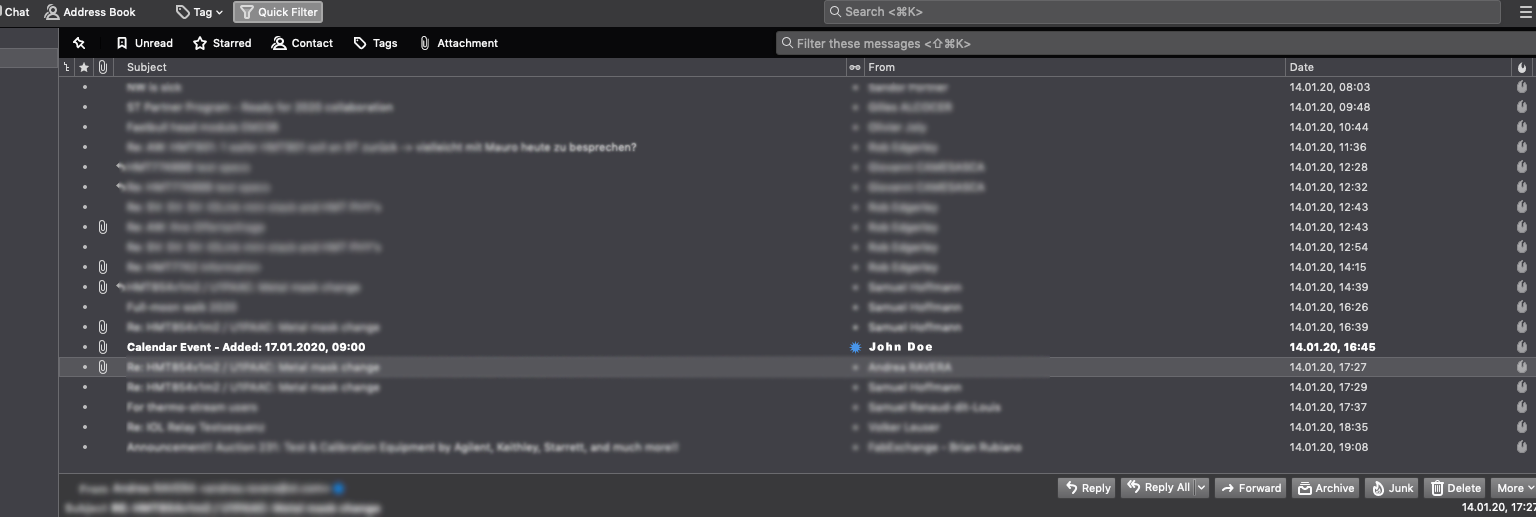
Simple request: how to change the font colour of new mails in inbox (see image) from white bold to <colour> bold. Found a solution for Linux, but can't find one for macOS.
Thunderbird: 68.4.1 (64-bit)
- Cheers!
Simple request: how to change the font colour of new mails in inbox (see image) from white bold to <colour> bold. Found a solution for Linux, but can't find one for macOS.
Thunderbird: 68.4.1 (64-bit)
- Cheers!
All Replies (3)
if it involves a userchrome file it is not os specific.
Modified by Matt
Interesting. I tried creating one and didn't seem to work. I'll try again...
Try this css:
@namespace url("http://www.mozilla.org/keymaster/gatekeeper/there.is.only.xul");

#threadTree treechildren::-moz-tree-cell-text(unread) {
-moz-appearance: none !important;
color: #CC0000 !important;
}
Most issues with css not working are due to not placing the userChrome.css file in the chrome folder, which must be a subfolder of the profile folder. Help/Troubleshooting, click Show in Finder to open the profile folder, close TB before making any changes.