


How to stop tabs from hiding behind the taskbar
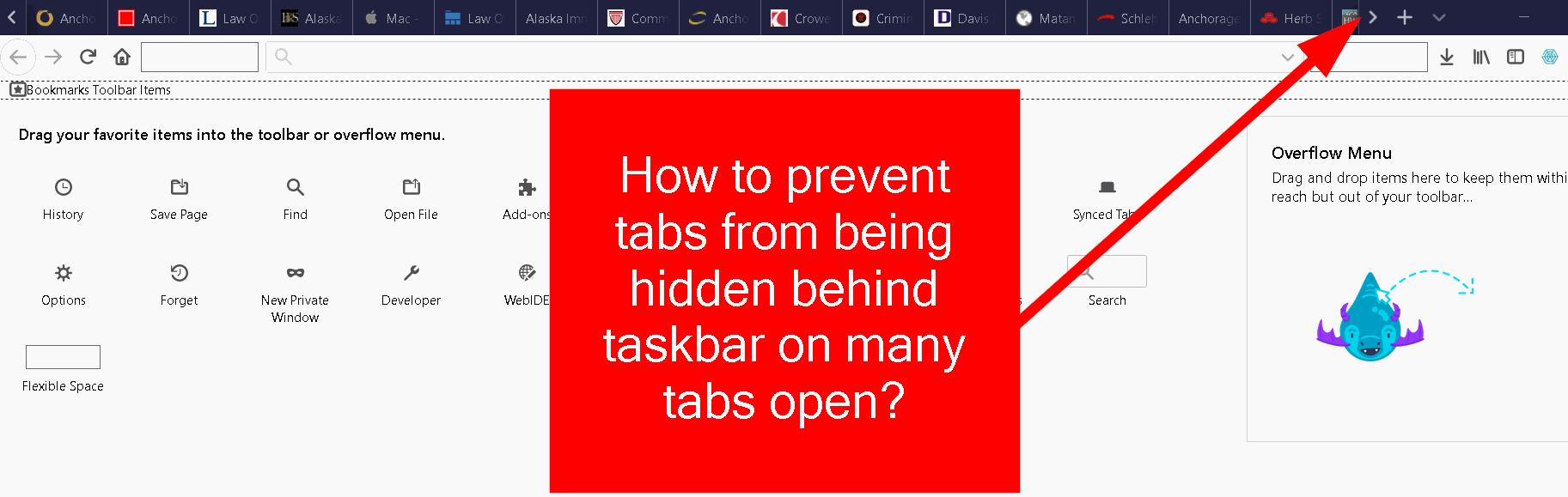
When I have too many tabs open, they hide behind the taskbar, and I have to hit the arrow key so they display as a carrousel....
I want the tabs to be static, like older versions.
How can i fix this? Looked in about:config, but couldn't find any options for that...
All Replies (4)

That is how it works for default firefox setup. The only way that would change is with "userChrome.css" edits if there is such a edit.
You can set a lower minimum for tabs by modifying this pref on the about:config page.
- browser.tabs.tabMinWidth
cor-el said
You can set a lower minimum for tabs by modifying this pref on the about:config page.
- browser.tabs.tabMinWidth
That doesn't work...;(
If you have one row for the tabs then you will always run into the situation that you get scroll arrows. Note that you can double-click either scroll button to scroll one window width. A triple-click move to the first or last tab.
See also: