Is there a way to EMBED trueType fonts (e.g.: Chinese) within a Thunderbird outgoing eMail message?

eMail Recipient's systems (destination systems) will not normally have specially downloaded and installed TTF fonts (existing on the source system) - If the fonts are embedded within the email, they should then appear without modifications to the destination systems. A lot of publishing programs have this feature built in, but I am not finding this attribute anywhere within Thunderbird, or in search results on Mozilla's site. THANKS VERY MUCH FOR YOUR HELP!
All Replies (3)
unicode fonts contain chinese characters. All email Thunderbird sends is in unicode format unless you specifically take action to change it. It is the default.
As an example, I regularly receive spam emails in both crylic and chinese character sets. I have no non english specific fonts installed. Unicode looks after it for us.
This forum uses the same Unicode text and the email it sends should contain the translation google offer for
This text is translated to Chinese traditional by Google translate 本文由谷歌翻譯翻譯成中文繁體
This text is translated to Russian by Google translate Google перевести на русский язык
This text is translated to Macedonian by Google translate Овој текст е преведен на Македонски преку превод на Гугл
I make no claims as to the accuracy of the translation. Just did it to demonstrate the ability to include odd character sets in a single document with a single font.
"
Hello Matt - thanks for the quick response
Unfortunately, for some reason my Windows 10 system will not display which font you used to display Chinese Traditional - In this reply, I've selected ONLY the Chinese Traditional characters, then under the Format/Font pull down menu, it only 'bullets' those characters as "Variable Width" - When I try to create a message, I select the characters I want translated into the Chinese Traditional, but they are substituted with another English font instead.
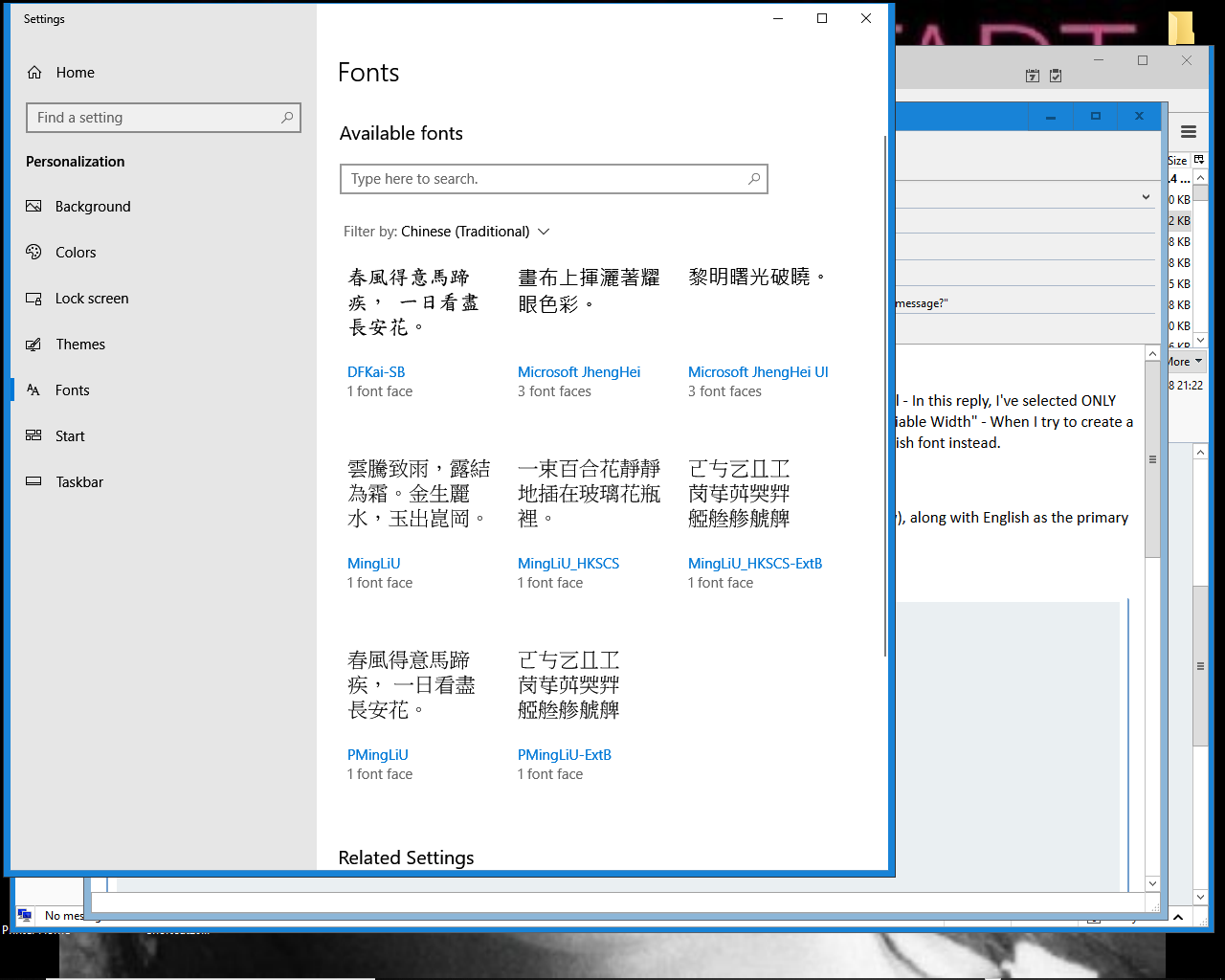
e.g.: here is what happens when I select DFKAI-SB - this is what is displayed DFKAI-SB I have enabled the Chinese Language as the secondary language (within the "FONT preview and related settings" window), along with English as the primary
It sounds like you are saying there is no embedding of fonts allowed in Thunderbird?
I've also downloaded a Windows 10 compatible Chinese Simplified font, installed it, and that also substitutes an English font instead of the Chinese.
Scotty