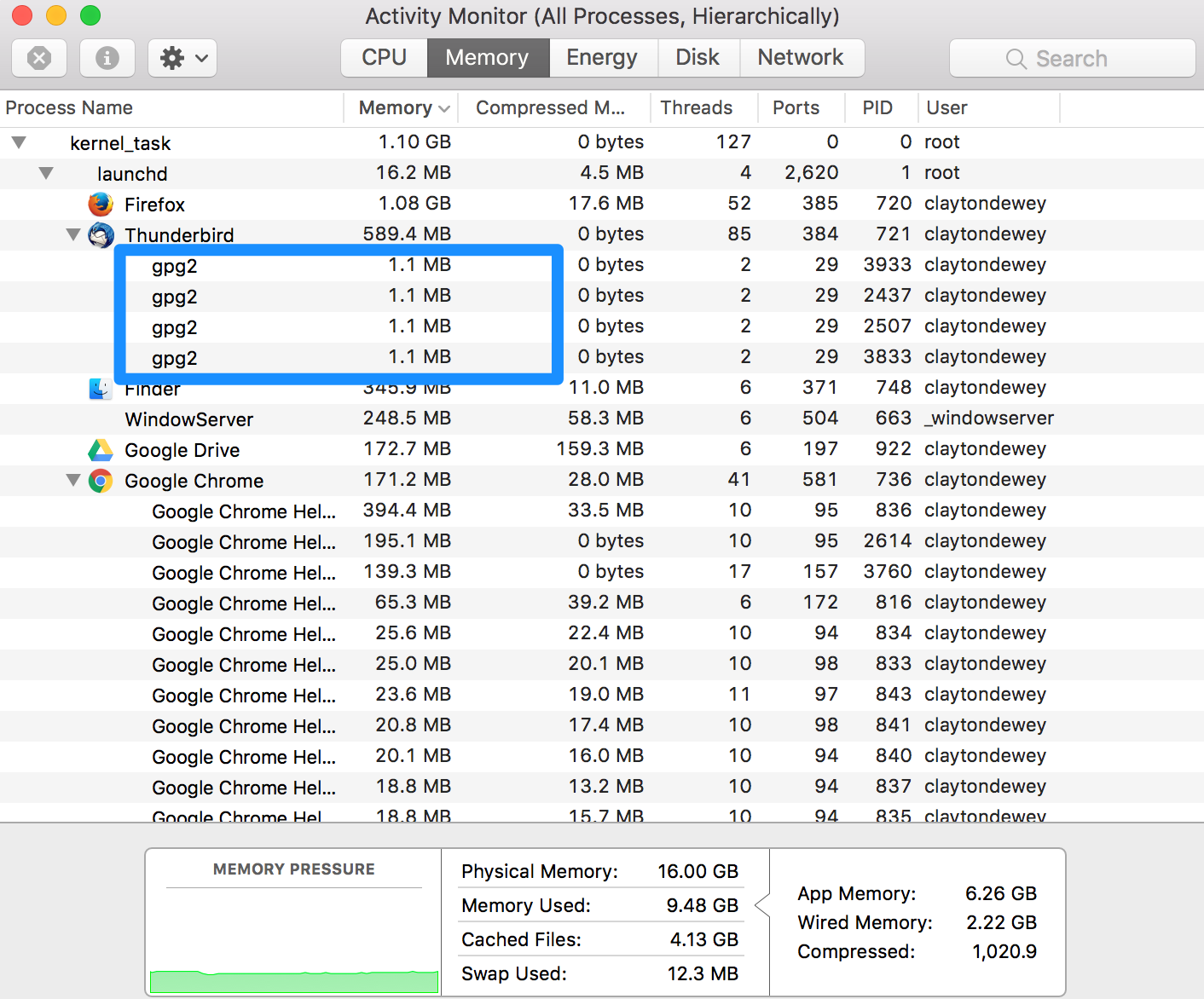
I can't send a message in Thunderbird unless I save the message as a draft and then send it. How can I resolve this?

When I try to send a message, it hangs at "Creating mail message."
If I close this message and save it as a draft, then send, it sends without issue. This is however an annoying workaround to have to use every time.
Operating System: OSX 10.12.4 Thunderbird: 52.1.0 ISP: Centurylink Firewall: none Anti-virus software: none
Chosen solution
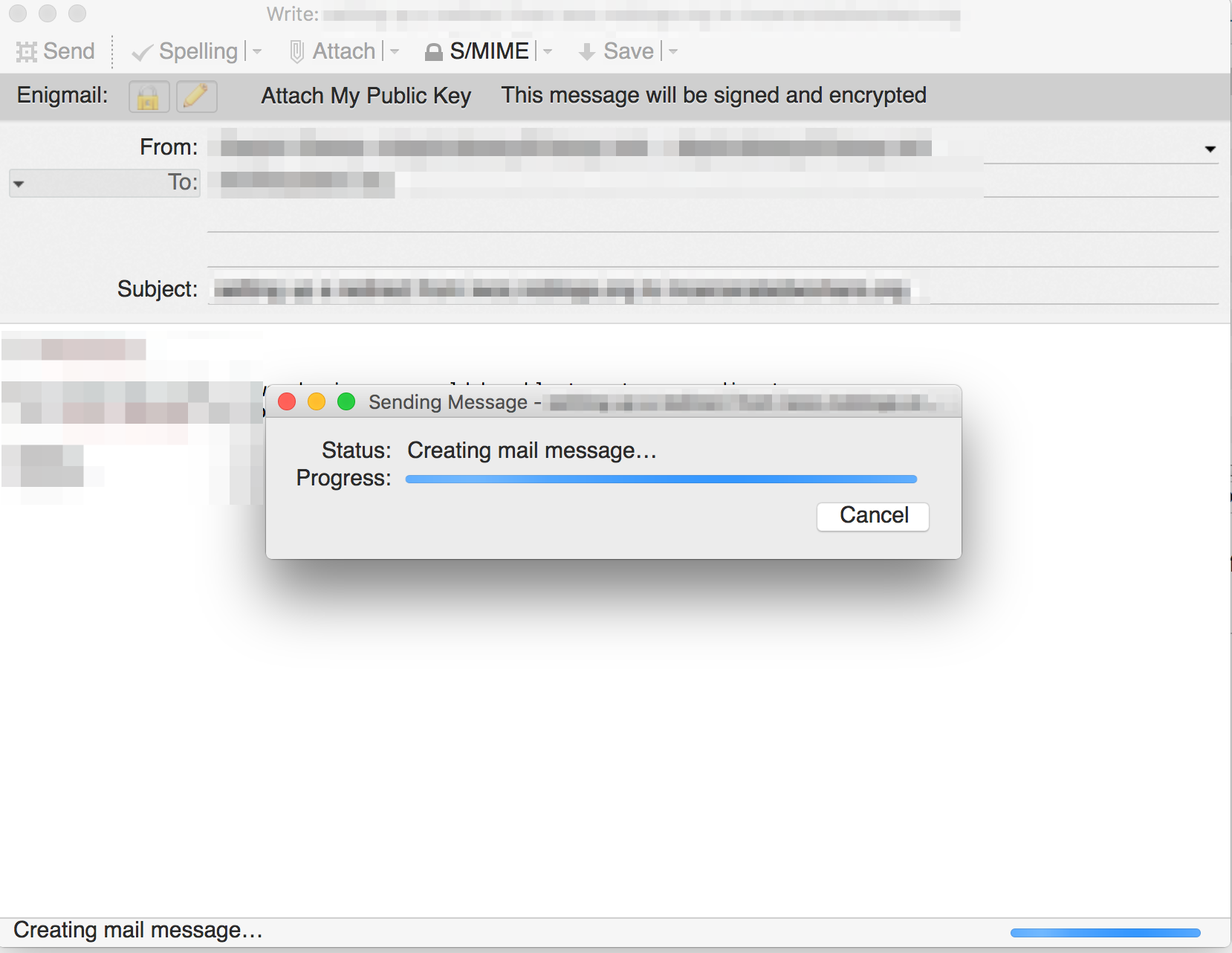
This was exactly the issue. There were four GPG processes running when I opened up Activity Monitor (see screenshot). After quitting those processes I can now send encrypted messages without issue.
Thanks!
For reference for anyone else who sees this I am using GPG Keychain 1.3.2
Read this answer in context 👍 0All Replies (2)

You appear trying to send an encrypted message. I'm seeing a similar behavior with Thunderbird 52.1.0 on Windows 7. A visible effect there is that multiple gpg2.exe processes show up in Windows task manager. I don't know what's the equivalent to task manager in MacOS. Check for any orphan gpg2 processes. When Thunderbird is in that limbo state, I have to shut it down, and kill the orphan gpg2 processes. Thunderbird eventually crashes when shutting down. Do you see any crashes (shutdown hang)?
What gpg version are you using?
Chosen Solution
This was exactly the issue. There were four GPG processes running when I opened up Activity Monitor (see screenshot). After quitting those processes I can now send encrypted messages without issue.
Thanks!
For reference for anyone else who sees this I am using GPG Keychain 1.3.2