


How do I load images in email newsletter automatically?
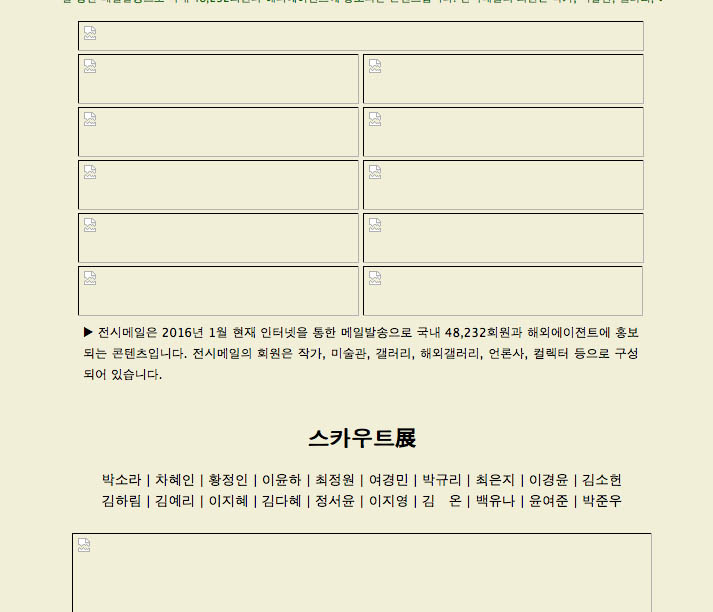
In the last or recent TBird updates, this attached image appears. I've received this art newsletter for several years, and the images always loaded automatically. Now I'm getting these blocks. Couldn't find anything to address or resolve this in Preferences, etc.
In the last or recent TBird updates, this attached image appears. I've received this art newsletter for several years, and the images always loaded automatically. Now I'm getting these blocks. Couldn't find anything to address or resolve this in Preferences, etc.
All Replies (3)

Chosen Solution
christ1 said
https://support.mozilla.org/en-US/kb/remote-content-in-messages
I wouldn't find "preferences" button just for that email account; so had to modify globally, allowing most of them. Would have been easier and less time consuming to identify just that sender.
odaraia said
christ1 saidhttps://support.mozilla.org/en-US/kb/remote-content-in-messagesI wouldn't find "preferences" button just for that email account; so had to modify globally, allowing most of them. Would have been easier and less time consuming to identify just that sender.
Thanks, I wouldn't have found the global one without this post, though.