


Thunderbird slow, unusable. CAUSE: Windows/Microsoft Defender

Thunderbird is running slow, slow to download or open email messages.
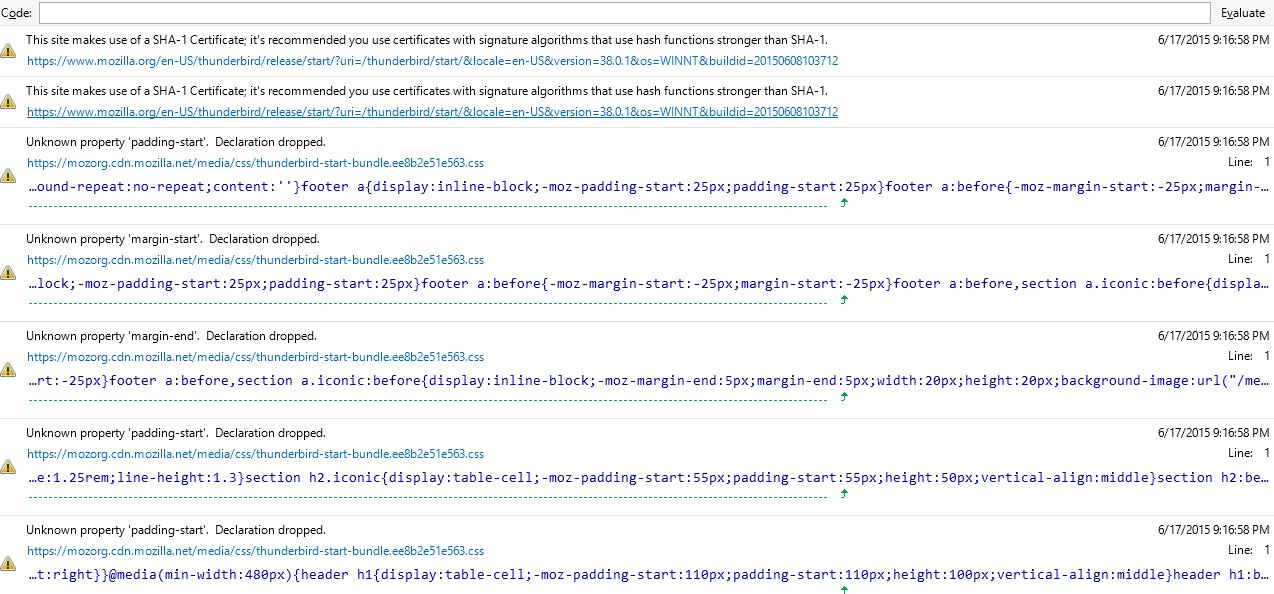
Modified by Wayne Mery
Chosen Solution
I was able to solve the problem by excluding my Thunderbird profile in my anti virus program. I used the following web page to find my profile folder http://kb.mozillazine.org/Profile_folder_-_Thunderbird#Windows_Vista.2C_7.2C_and_8.1
All Replies (3)
what anti virus are you using?
I am using MS Defender. I installed Sea Monkey and have the same slowness as Thunderbird. The TB error is "Timestamp: 6/20/2015 7:18:22 PM Error: NS_ERROR_ILLEGAL_VALUE: Component returned failure code: 0x80070057 (NS_ERROR_ILLEGAL_VALUE) [nsIMsgSendLater.hasUnsentMessages] Source File: chrome://messenger/content/mail-offline.js Line: 77" Not sure if this sheds any light on the problem or not. Thanks for your reply
Modified by homersaysdoh
Chosen Solution
I was able to solve the problem by excluding my Thunderbird profile in my anti virus program. I used the following web page to find my profile folder http://kb.mozillazine.org/Profile_folder_-_Thunderbird#Windows_Vista.2C_7.2C_and_8.1