


How do I apply my Inbox column view to my other inboxes but not other folders?
How do I apply my Inbox column view to my other inboxes but not other folders?
All Replies (7)

R. click a column > Apply columns to > Folder > Account > Inbox > Inbox.
Thanks. Have a lot of email accounts, so was hoping for a way that didn't involve doing that manually for each.
But still a help, thanks.
Maybe the add-on "DefaultColumns" www.ggbs.de/extensions/#dc can be a solution for your needs?
Modified by Mapenzi
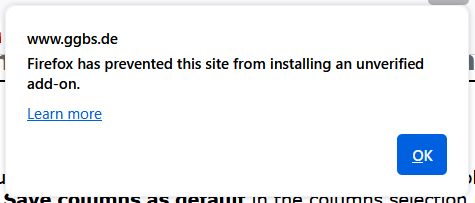
No longer verified, unfortunately.
Andrew said
No longer verified, unfortunately.
I installed it on TB v144.0.1 using the 'Download latest version' link at https://www.ggbs.de/extensions/DefaultColumns.html. However, it doesn't appear to do what you want.
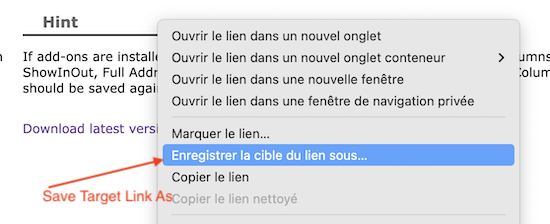
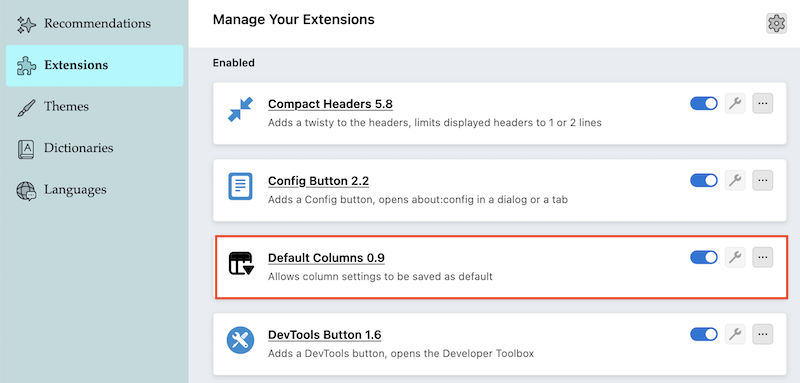
You shan't install this add-on in Firefox but in Thunderbird. R-click on the download link > save target link as .... produces a DefaultColumns.xpi install files you cab drag in the Add-ons Manager tab.
Mapenzi said
You shan't install this add-on in Firefox but in Thunderbird. R-click on the download link > save target link as .... produces a DefaultColumns.xpi install files you cab drag in the Add-ons Manager tab.
Not available in latest TB.