

This thread was archived.
Please ask a new question if you need help.

Archived
IMAP plus POP accounts.

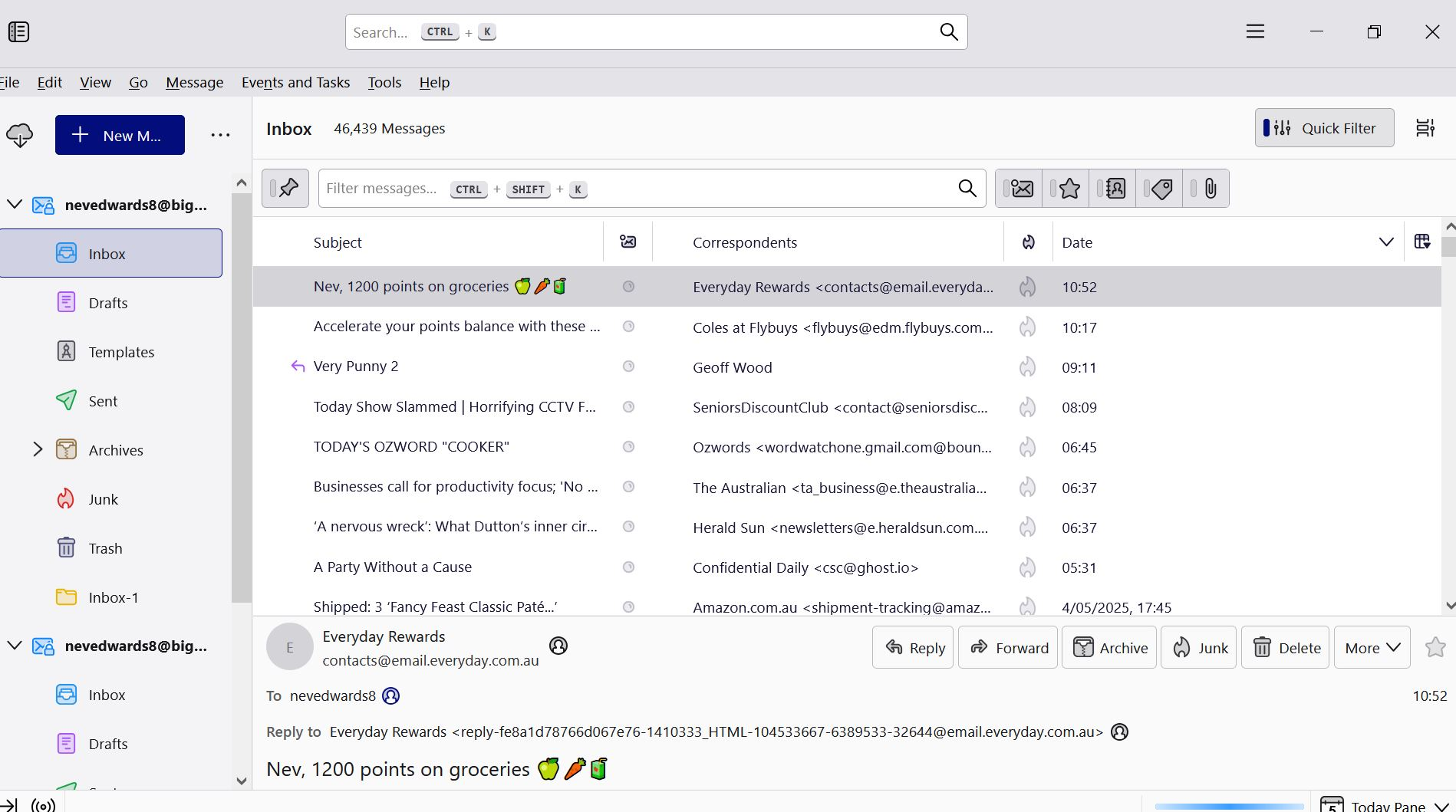
I find that I have both IMAP and POP email accounts on my laptop. This has been the situation for some months and it's time I asked someone about it! From what I read, the IMAP account is the one I should keep. If that's so, how do I safely delete the POP account? I'm 83 and not a computer expert, so please be kind! :) Nev Edwards.
I find that I have both IMAP and POP email accounts on my laptop. This has been the situation for some months and it's time I asked someone about it!
From what I read, the IMAP account is the one I should keep.
If that's so, how do I safely delete the POP account?
I'm 83 and not a computer expert, so please be kind! :)
Nev Edwards.
All Replies (1)
Okay, with IMAP, all messages remain on the server. With POP, they're downloaded to PC. Assuming the two accounts are for the same email address, here are the steps:
- - First check to see what release you are using. You can do that at help>about . If the version is 136 or 137 or 138 then do this:
- - click account settings, highlight the POP account, on right side is a DELETE button. Click that. You may also be prompted on removing associated data. Give the OK there as well.
- - If the version is lower than 136, then do this:
- - click account settings, highlight the POP account
- - now, scroll down slightly on left side to 'Account Actions' and click there to select the option to 'remove account.' You may also be prompted there to remove associated data. Give the OK.
That does it. Remember, with IMAP, if you delete a message, it's gone.