


To active Account

From the beginning of February, when I switch on my computer and thunderbird, no mail appears in any account and local boxes
All Replies (4)
What Thunderbird window do you see? The same window as after a new installation, with the prompt to "Set Up Your Existing Email Address"? (see image)
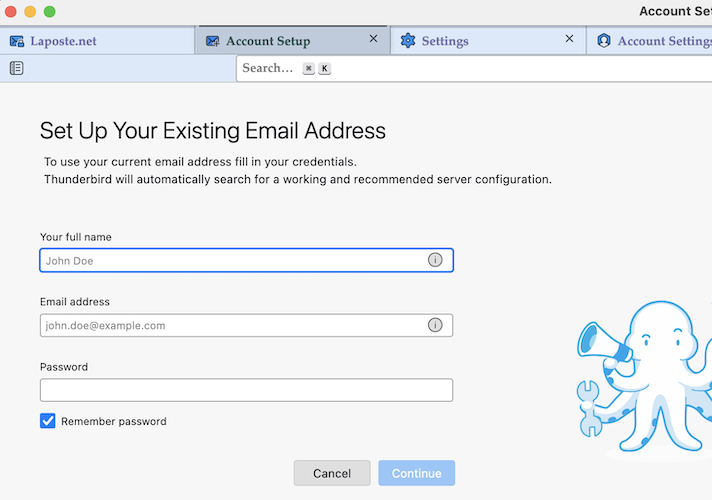
Still I Can't sending and receiving any mail
Please show a screen shot of your Thunderbird main window on start up.

Start Thunderbird in Troubleshoot Mode. The following article explains how to do that and why it can be useful to help identify the cause of a problem:
https://support.mozilla.org/kb/troubleshoot-mode-thunderbird
What's your operating system? If Windows, start in Safe Mode with Networking mode:
https://support.microsoft.com/help/12376/windows-10-start-your-pc-in-safe-mode
Does any of that cause the problem to go away?