Can't send or receive messages on new Thunderbird 115.4.1

I'm on a Mac Air 13.6 and use Godaddy/Microsoft 365. Two days ago, Thunderbird updated to 115.4.1, and I can no longer send/receive email.
My email still works on Godaddy's online 365/Outlook interface, as well as my iphone.
The firewall on my Mac is turned off.
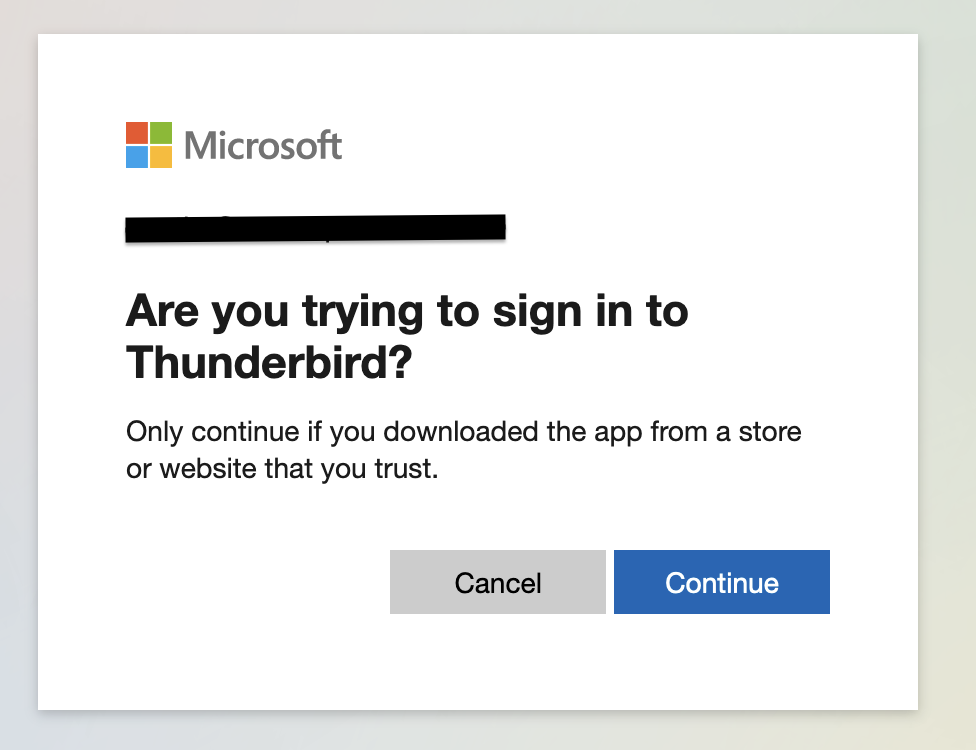
Multiple times, a Microsoft screen comes up that says "Are you trying to sign in to Thunderbird?" When I click "continue," the screen vanished and nothing comes up and there's nowhere to enter a password.
Here's my current configuration:
IMAP Mail Server Server name: outlook.office365.com Port 993 Connection security: SSL/TTS Authentication method: OAuth2
SMTP Server Description: Office 365 (Microsoft) Server name: smtp.office365.com Port: 587 Connection security: STARTTLS Authentication method: OAuth2
Please help!