


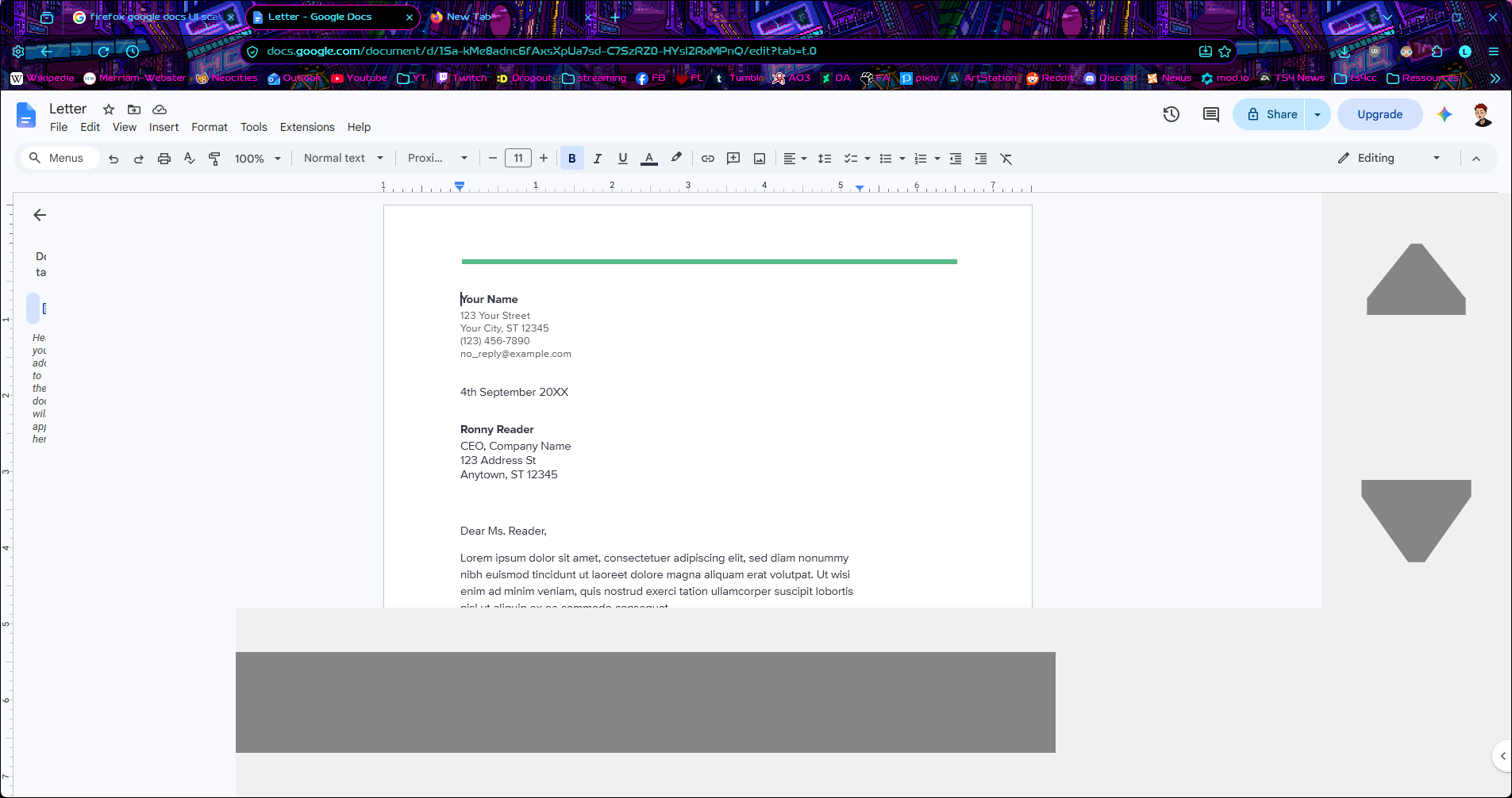
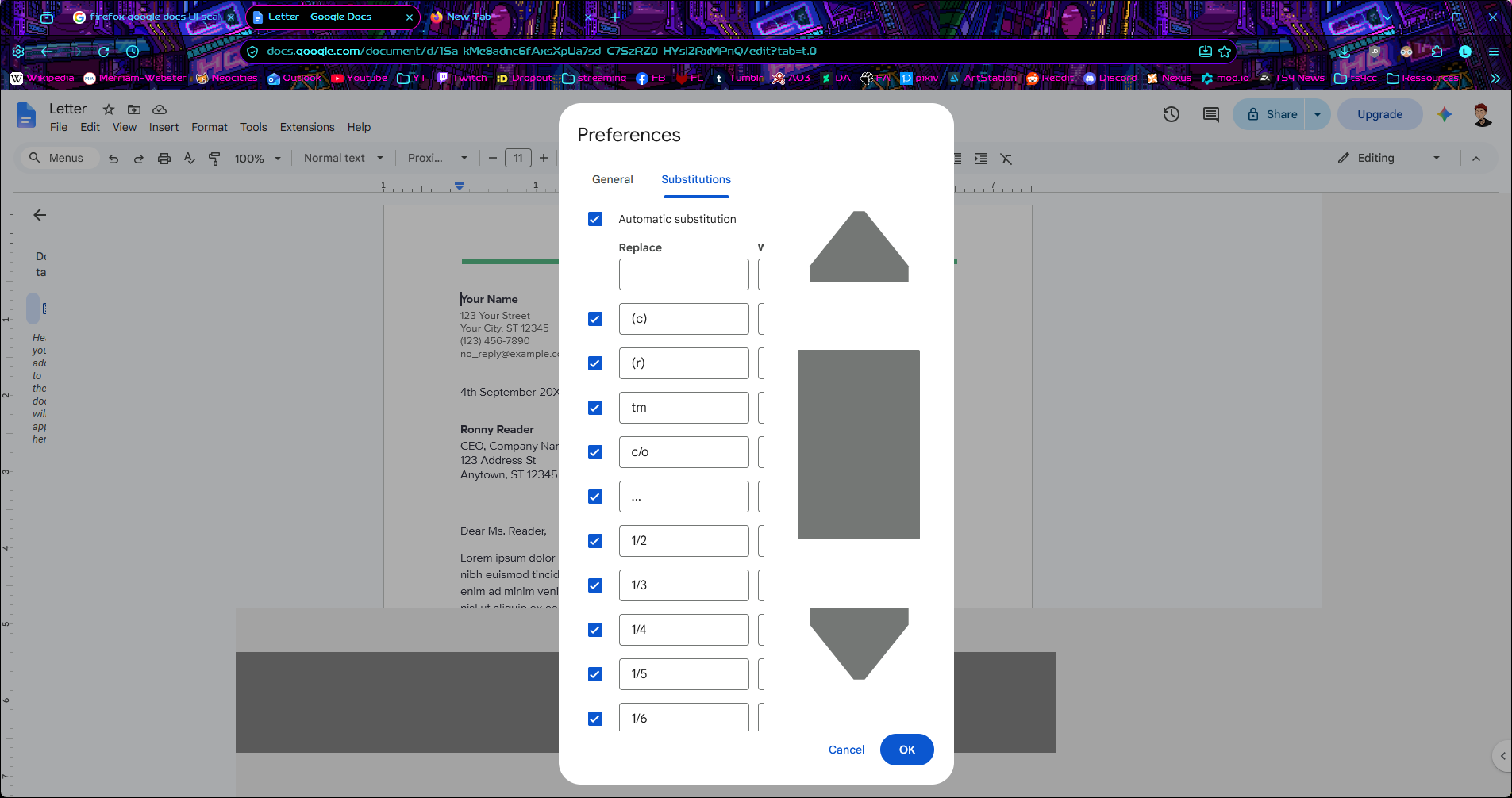
UI elements are WAY zoomed in

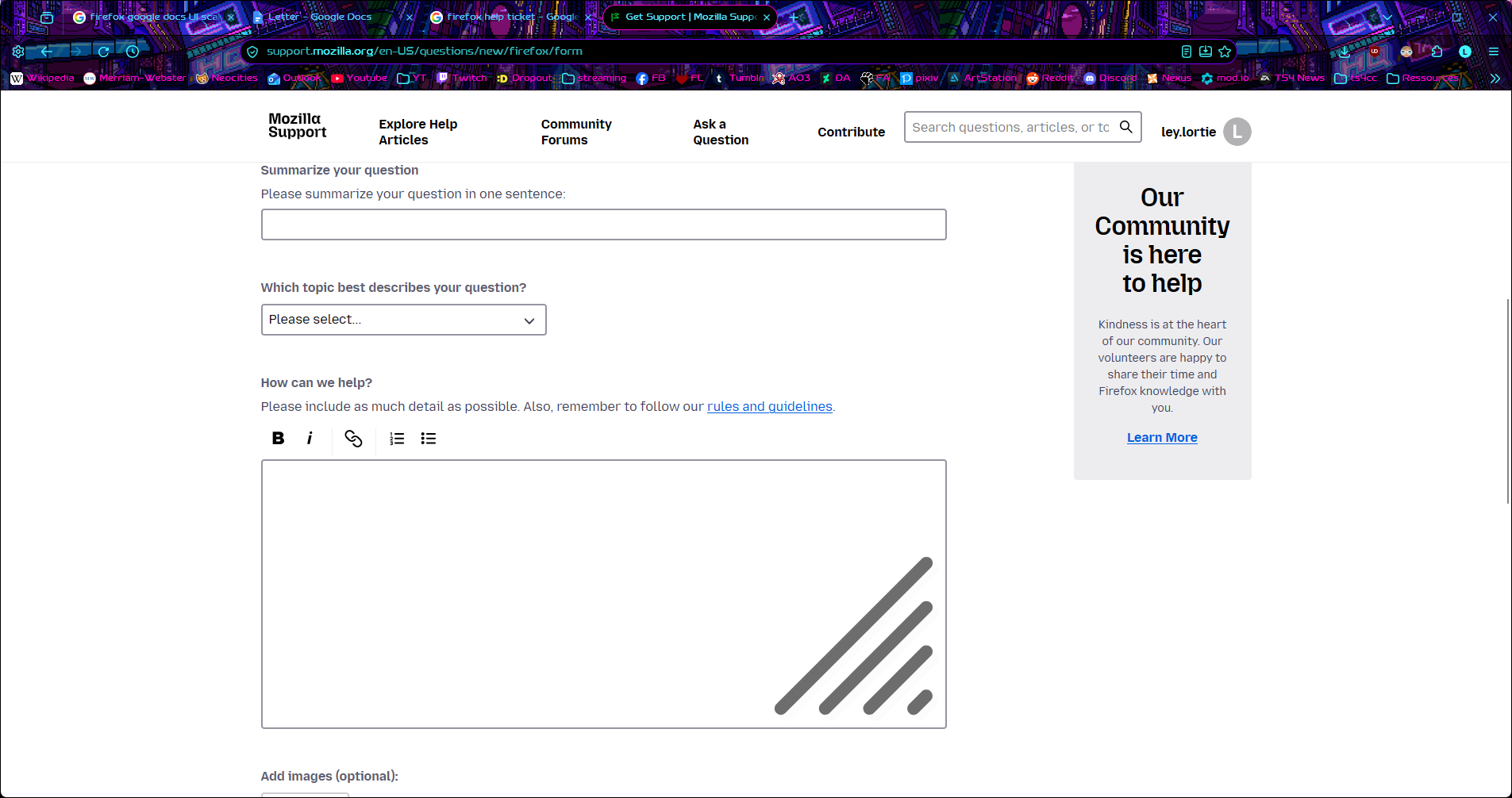
I've tried troubleshoot mode and the problem remains, I have no idea what I did and I've spent a good hour of research and found nothing to help with my problem, I'm at the end of my witts. The problem is most visible with google docs, but it goes beyond, like these huge lines in the corner of boxes like the one I'm typing in now (see screenshots).
Chosen Solution
I found it! I looked again through about:config which I'd done and given up on before and found that "widget.non-native-theme.win.scrollbar.use-system-size" was set to true and setting it to false solved the issue. Something must be weird in my system I suppose.
Modified by ley.lortie
എല്ലാ മറുപടികളും (3)
Can you try creating a new testing profile, to see if that still exhibits even using factory defaults in the browser, so it might be coming from the system?
The problem persists even with a fresh new profile, but it is unique to Firefox, if I look on another browser, like edge, everything looks normal.
Chosen Solution
I found it! I looked again through about:config which I'd done and given up on before and found that "widget.non-native-theme.win.scrollbar.use-system-size" was set to true and setting it to false solved the issue. Something must be weird in my system I suppose.
Modified by ley.lortie