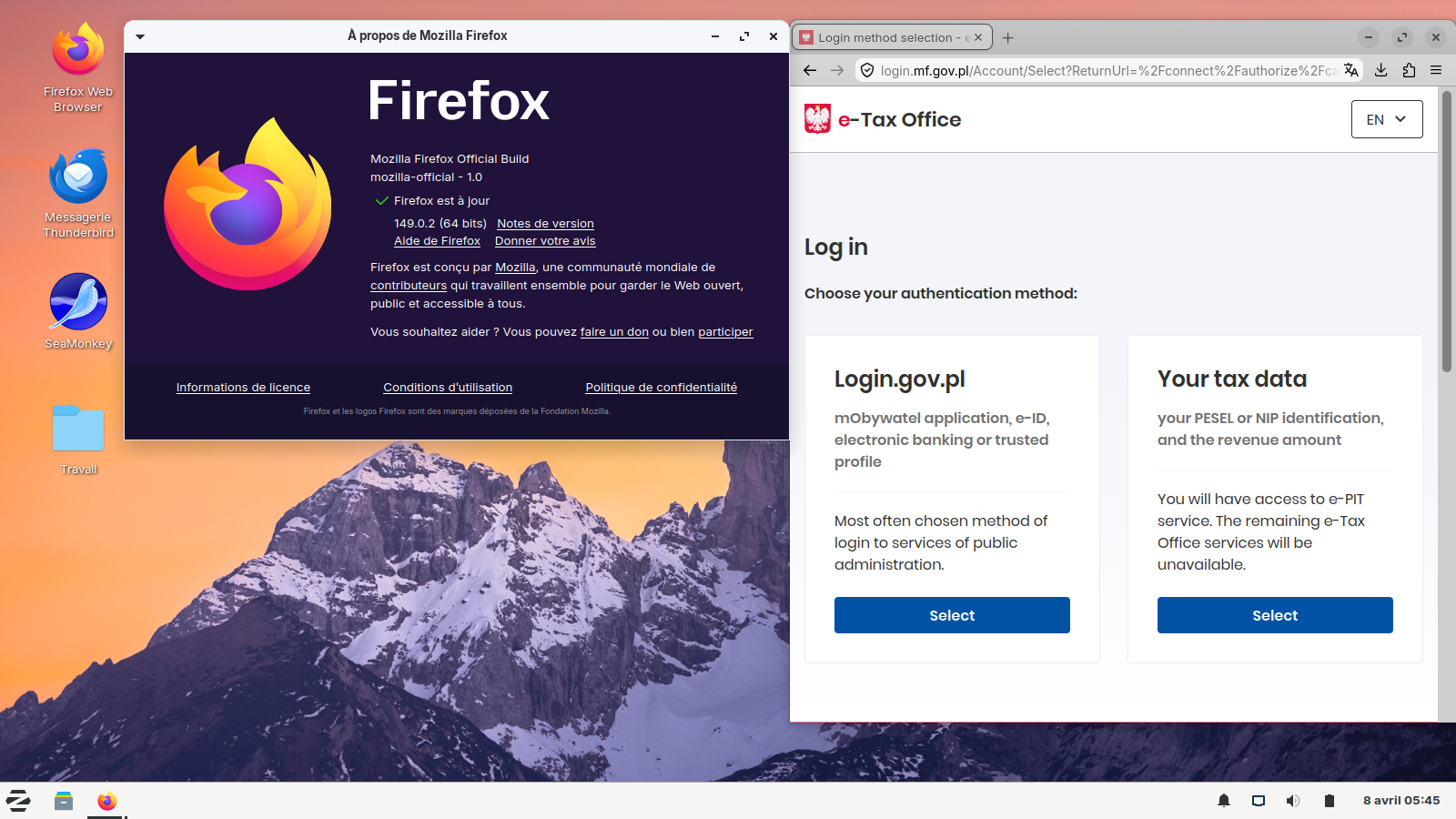
Firefox 115.34.0esr (64-bit)

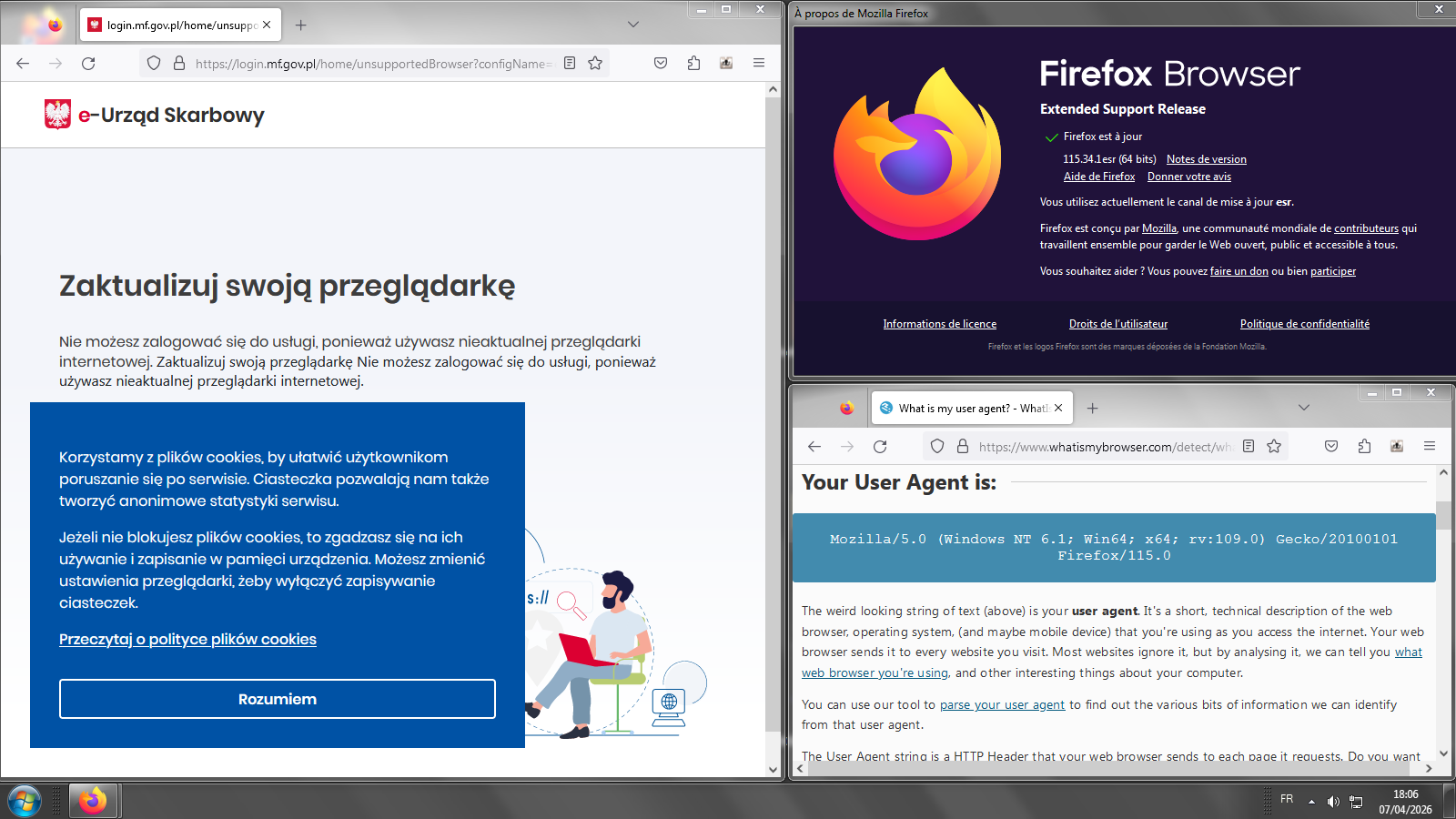
Hi Team I would like ask about some website issue .The website do not allow me log in because see my Browser as outdated. Can it be fixed somehow? I use Firefox 115.34.0esr .
My windows 8 do not allow update new Browser and I would like use Firefox 115.34
Olek
Chosen Solution
Hello
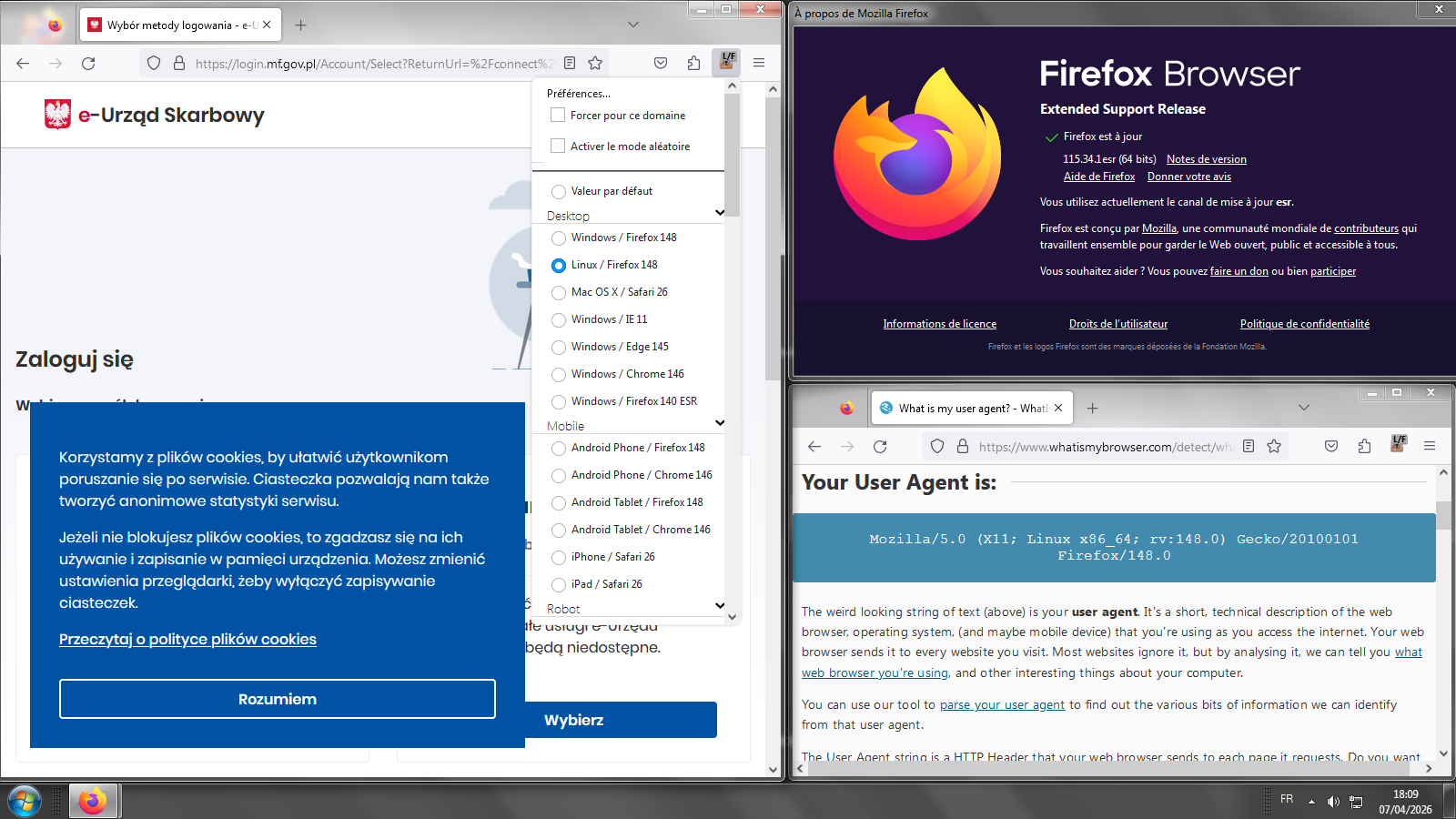
If you wish to try User Agent Switcher https://addons.mozilla.org/firefox/addon/uaswitcher
Below, a test.
All Replies (5)
Hi Olek,
Thank you for contacting us. The issue you're experiencing is because the website you're trying to use requires newer browser versions, and Firefox 115.34.0 ESR on Windows 8 is now considered obsolete by modern security and compatibility standards. Here are some options you can consider:
- Update your operating system – Upgrading to Windows 10 or 11 would allow you to use newer versions of Firefox or other compatible browsers.
- Use a newer portable browser – Some up-to-date portable browsers can run on Windows 8 without a full installation, such as recent versions of Firefox Portable or Chromium Portable.
- Access from another device – If possible, use a PC or laptop with an updated operating system to complete the tasks on the site.
Unfortunately, it is not possible to make the site compatible with Firefox 115.34 ESR without updating the browser or the operating system, because outdated versions do not support the technologies required by the site.
If you’d like, I can provide a direct link to an updated portable version of Firefox that might work on Windows 8.
Ok, I would be grateful for the link to Firefox Portable .
I just wait for windows 12 .Then I will buy new computer .My Old do not works well .
Modified by olek
Chosen Solution
Hello
If you wish to try User Agent Switcher https://addons.mozilla.org/firefox/addon/uaswitcher
Below, a test.
olek said
Ok, I would be grateful for the link to Firefox Portable .
Portableapps Firefox 149.0 release and 140.9.0esr requires Windows 10, 11 to run also as it says on the pages "System Requirements: Windows 10, 11 & WINE (64-bit Only)".
Another way to run the current Firefox versions is to dual boot with a current Linux distro. This may be more technical however you can then use the Firefox Linux tarballs from Mozilla to get internal updates (like on macOS and Windows) even when the Linux distro version is EOL in software package updates.
The older Firefox 115 ESR channel including the Fx 115.34.0esr is based on the old Firefox 115 Release but with security/stability fixes since and no new features.
Modified by James