Audio is not playing on the browser. What must I do to get it working?

I cannot get audio to play on the browser. I've gone into settings and the default says that audio should be on for all websites. However, Youtube, facebook, instagram, etc., won't play audio. Audio plays on other browsers (Chrome, Edge). what must I do to get audio working?
I cannot get audio to play on the browser. I've gone into settings and the default says that audio should be on for all websites. However, Youtube, facebook, instagram, etc., won't play audio. Audio plays on other browsers (Chrome, Edge). what must I do to get audio working?
All Replies (1)
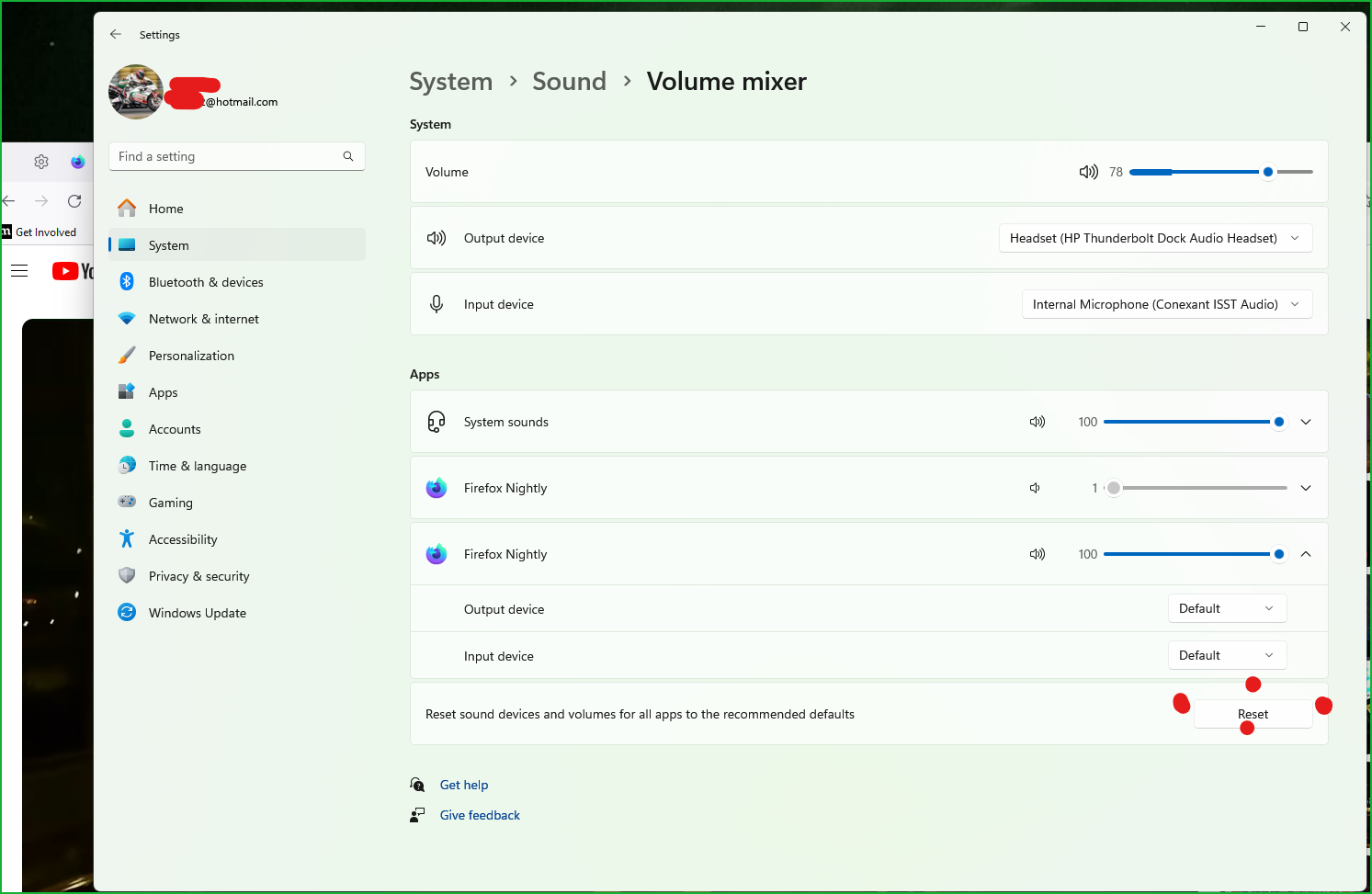
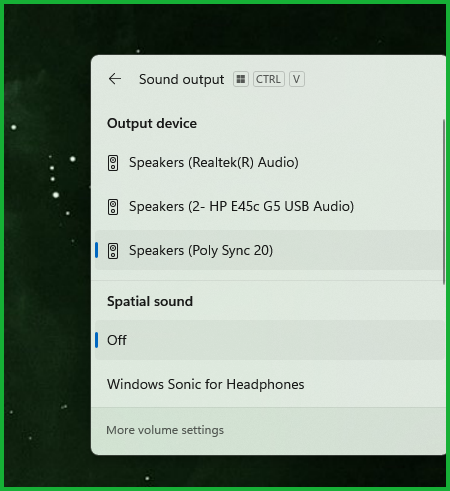
Verify the output. see screenshots You can also try the reset option at the bottom of the mixer.