


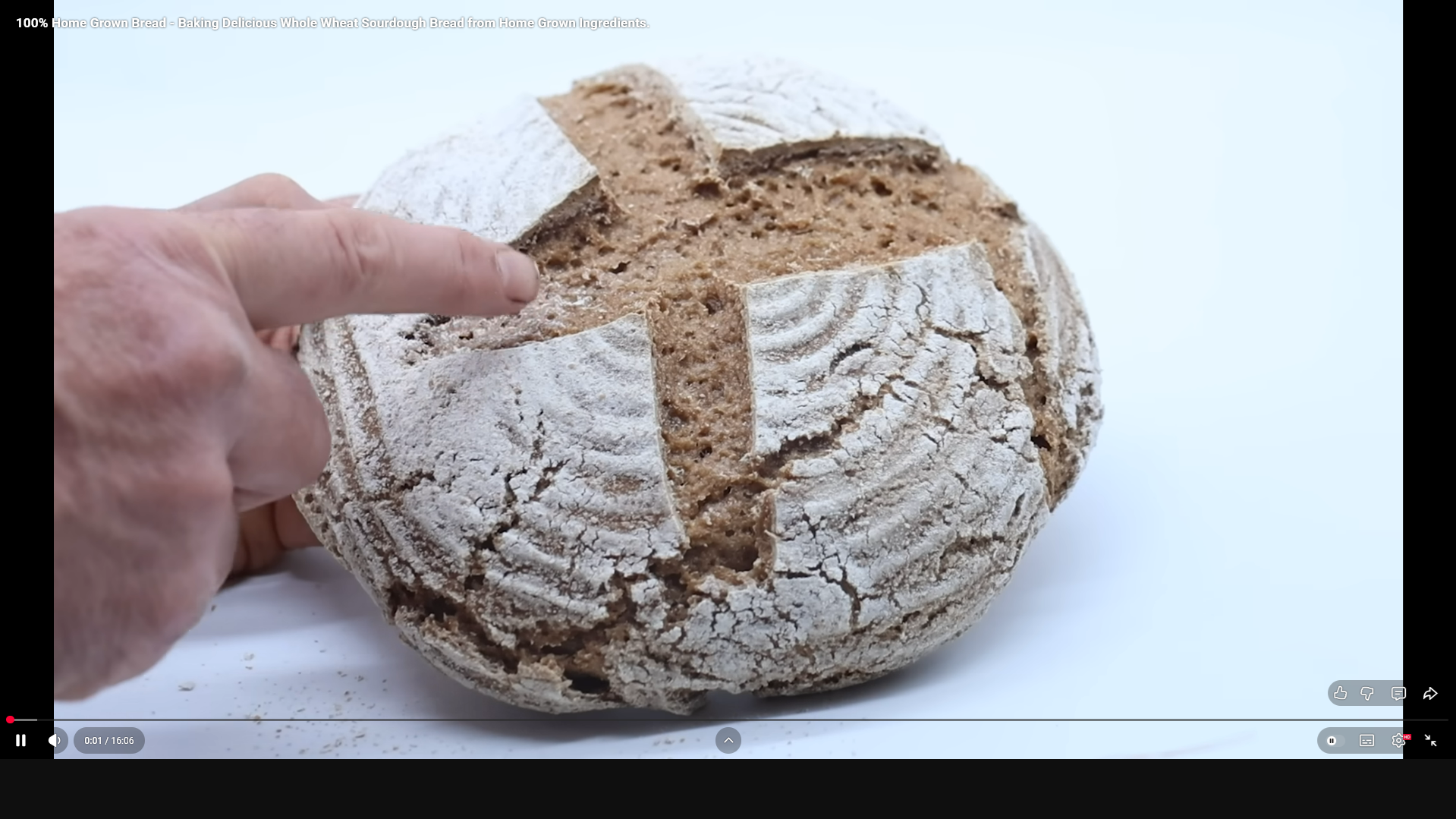
Youtube fullscreen is misaligned

I've tried messing with hardware acceleration, resetting the zoom to 100, it seems when i get the zoom as low as possible it tries to fall back into place, i can't find any fix on this, i like this browser but i cant watch anything like this
I've tried messing with hardware acceleration, resetting the zoom to 100, it seems when i get the zoom as low as possible it tries to fall back into place, i can't find any fix on this, i like this browser but i cant watch anything like this
All Replies (2)
Hello,
It is most likely that the length to with ratio of your monitor or screen is different than what the video was recorded in. In order for Fullscreen to fully fit, the ratio must match, otherwise there will be black bars on either side. Another thing is that they purposely added black bars to the side of the video to make it match the ratio of many monitors or screens, but makes it look like the fullscreen doesn't fit.
Hope it helps!
Modified by dessertdish