


Websites with Javascript "MailTo" links don't open mail client on iOS/iPadOS

Hello.
I've found myself to rely on Firefox for some specific workflows that require sending emails that are generated automatically by a website, and I use it across multiple devices, such as Windows, macOS.
Unfortunately, when it comes to iOS, using the aforementioned website, when tapping the relevant "mailto" button, nothing happens.
Some months ago the specific website that I use, was failing to do this action on any webkit browser, but this was later patched by the developer and the flow now works correctly within Safari. This was caused by stricter enforcement of "user-initiated" actions.
Unfortunately it seems that Firefox isn't either capable of invoking the mail client, or get the data from the website properly.
All Replies (10)
Hi dallo28,
We have a setting for this on Firefox for iOS. You may want to go to Settings -> Browsing (under the general section), Mail App. From there, you can choose a default mailing app you want to use.
Can you try and let us know if that helps?
That doesn’t really help. The issue is related to how the browser handles the button, given it’s JavaScript. On Safari it opens another page with a copied email template that invokes a popup menu. On Firefox there is no reaction on tap.
Hi dallo28,
Firefox will display the following button when you tap on a mailto link and you'll be redirected to the mail app of your choice if you click on the open button.
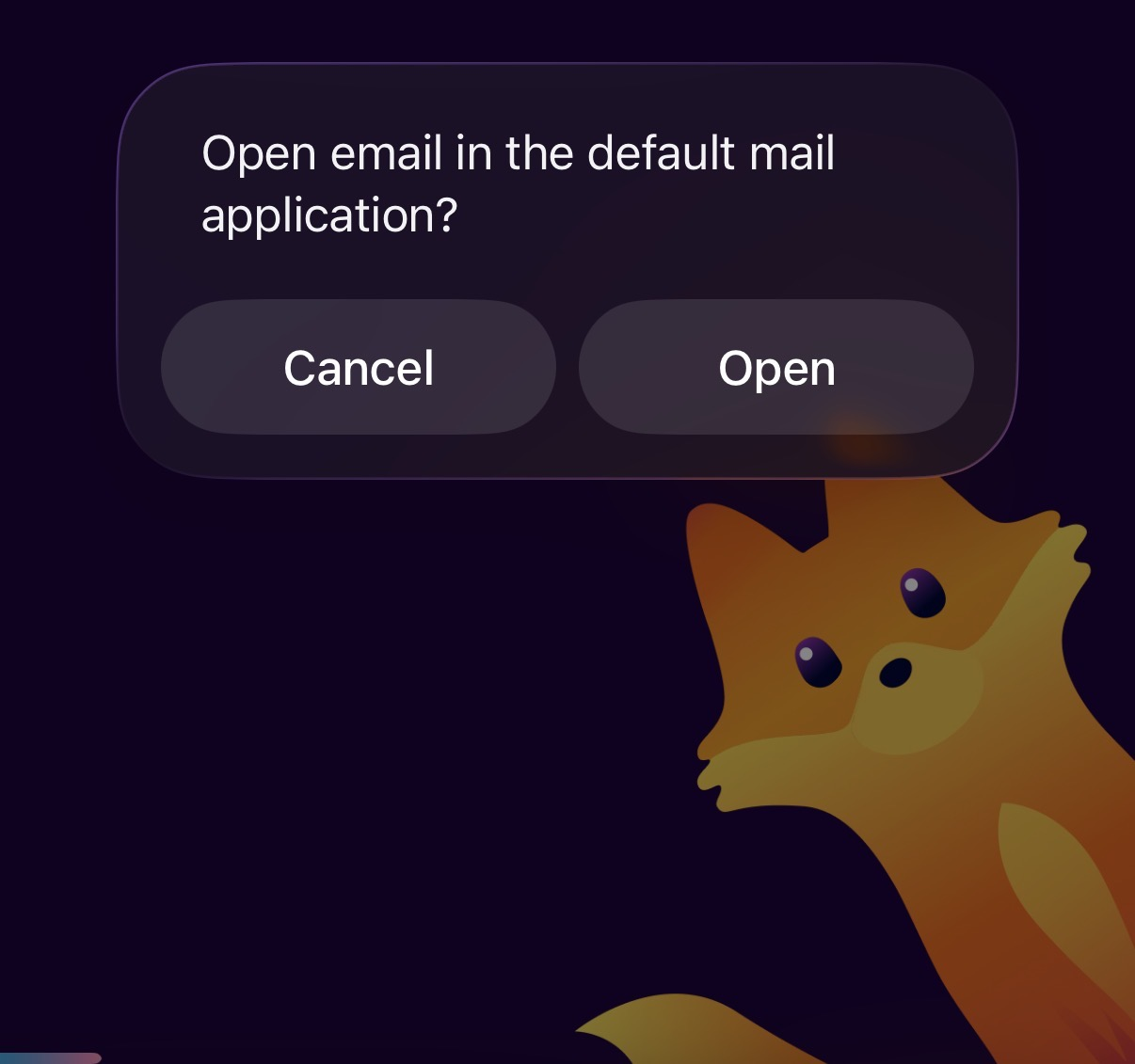
What I’m saying is that this popup doesn’t appear at all. I can eventually try to make a video recording to show what happens Safari vs Firefox to better clarify.
Can you try to look up first on your Firefox setting to see if you've set up the default Mail App?
The email client is setup and none of them works. As I mentioned, this is more a JavaScript issue other than mail to directly.
Firefox doesn’t let you tap on the website button that should invoke mailto, while Safari handles it properly.
In that case, would you be comfortable to file a bug report through GitHub? Don't worry if you don't. We can also file a report on your behalf.
No problem at all I will set it up later. Shall I add any specific reference or just a description of the issue?
Thanksss!
The bug report template will have several prompts that you can answer. It'll be extra helpful for the developers if you can also include your app version and iOS version.
Can you please remind me if there is a way to see the browser console via web debug using a Mac, specifically for Firefox? I think it will be quite beneficial and faster to get the actual console data. But I’m not aware of a method for doing that other than with Safari.