


Open
Import Chrome Bookmarks on Chromebook

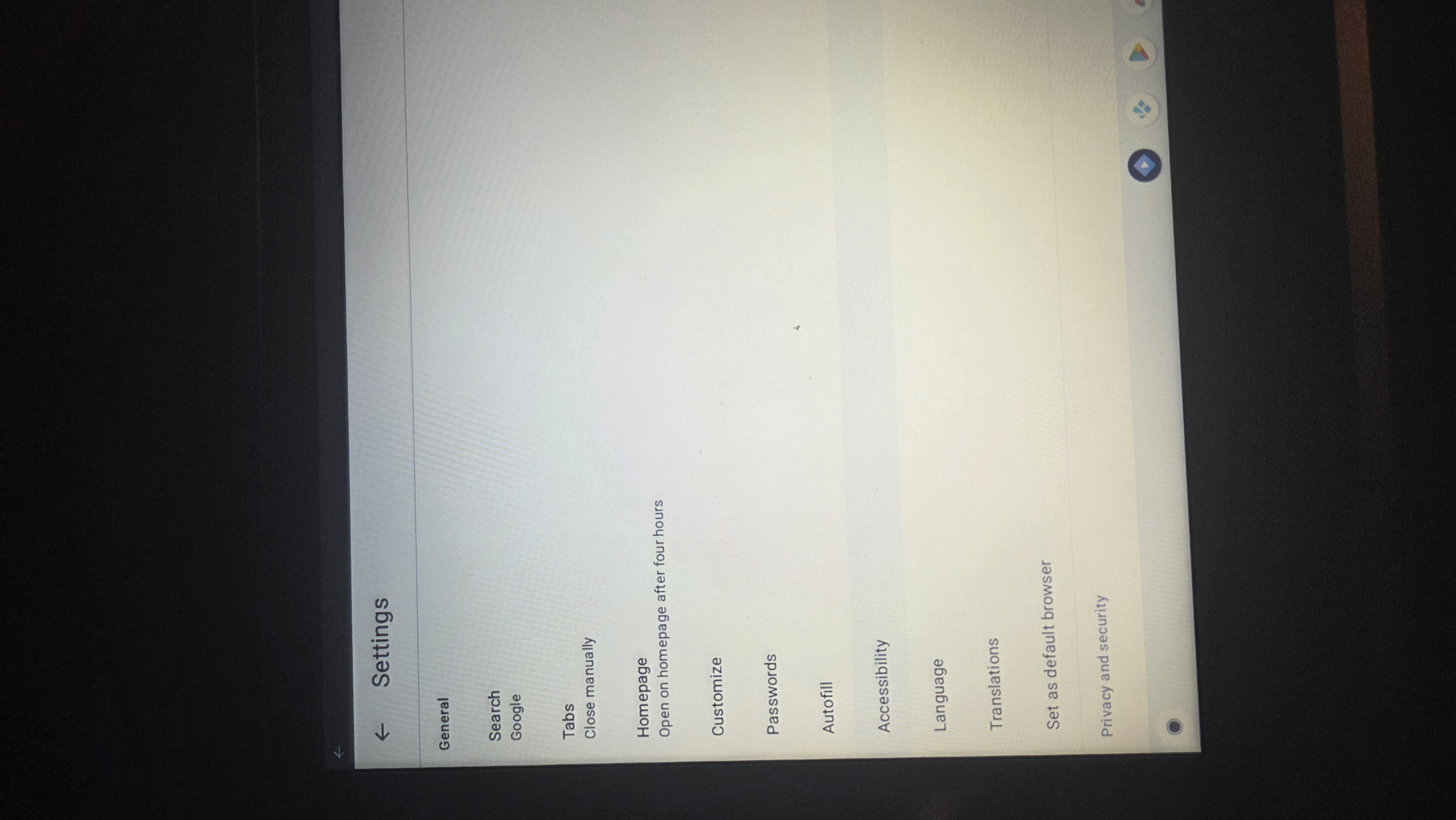
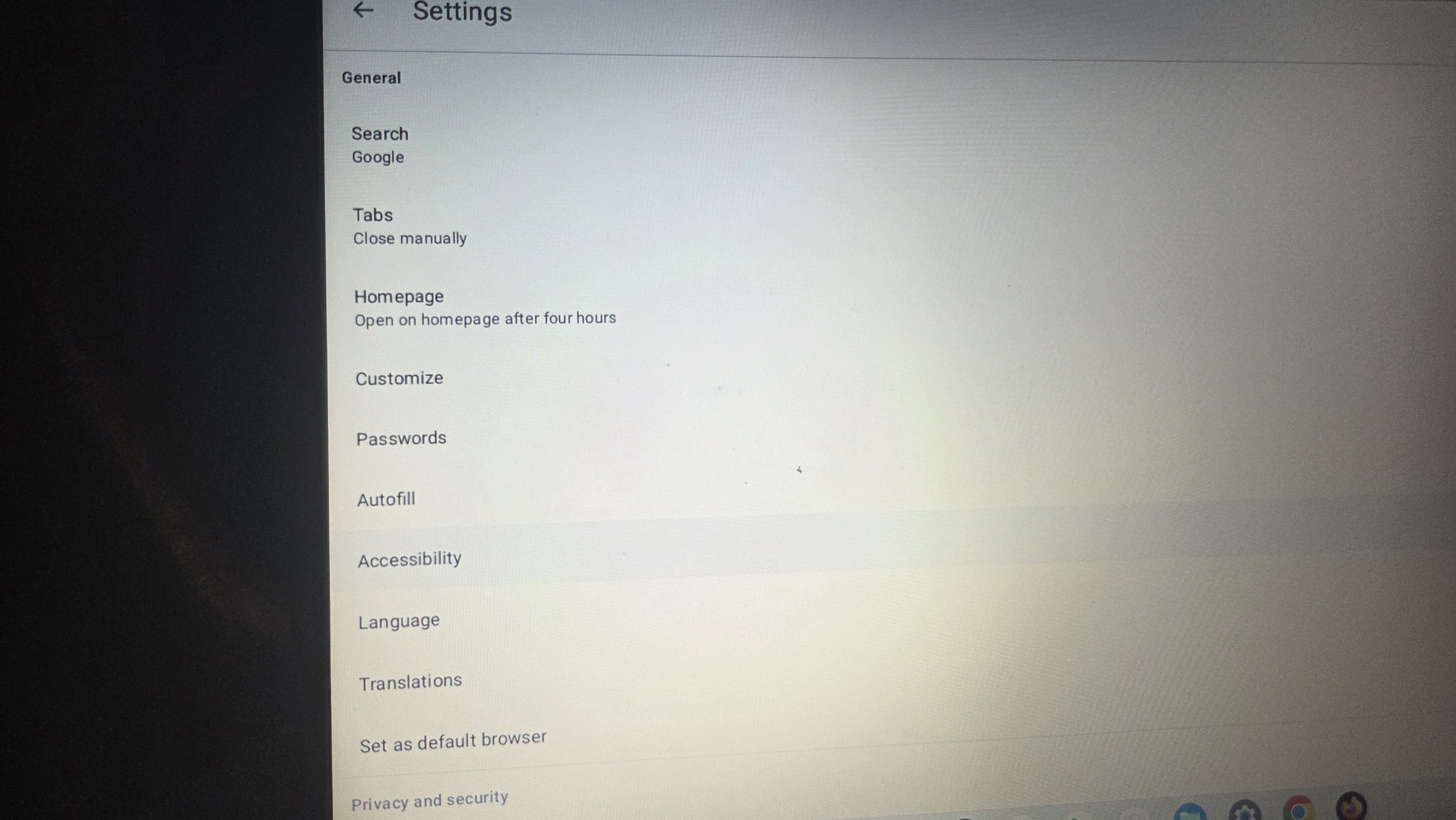
When I open the settings in Firefox on my chromebook, I don't have a option to import data at all. It's just missing. I keep looking up how to do it, and it keeps telling me to go to settings, under general find the import data, and select chrome. But there is no import button at all.
When I open the settings in Firefox on my chromebook, I don't have a option to import data at all. It's just missing. I keep looking up how to do it, and it keeps telling me to go to settings, under general find the import data, and select chrome. But there is no import button at all.
All Replies (2)
Correctly oriented picture
Hi,
I'm afraid you can't import data directly into Firefox for mobile devices. Please see Import bookmarks to Firefox for Android.