Email headings and body display in the reading panes on one monitor but not the other.

I have a Fedora laptop which has run Thunderbird on KDE Plasma for years.
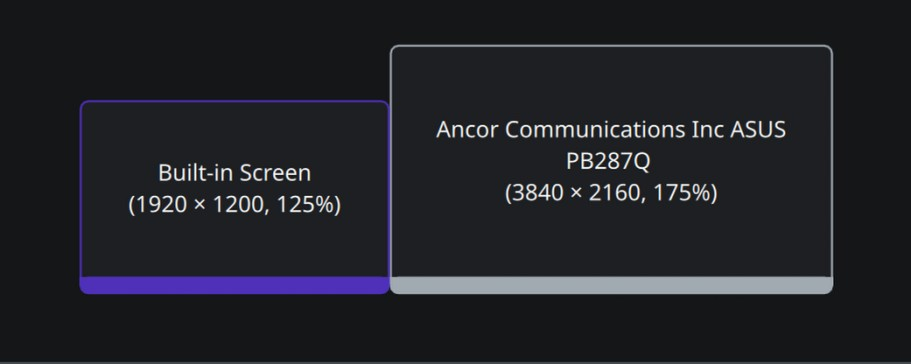
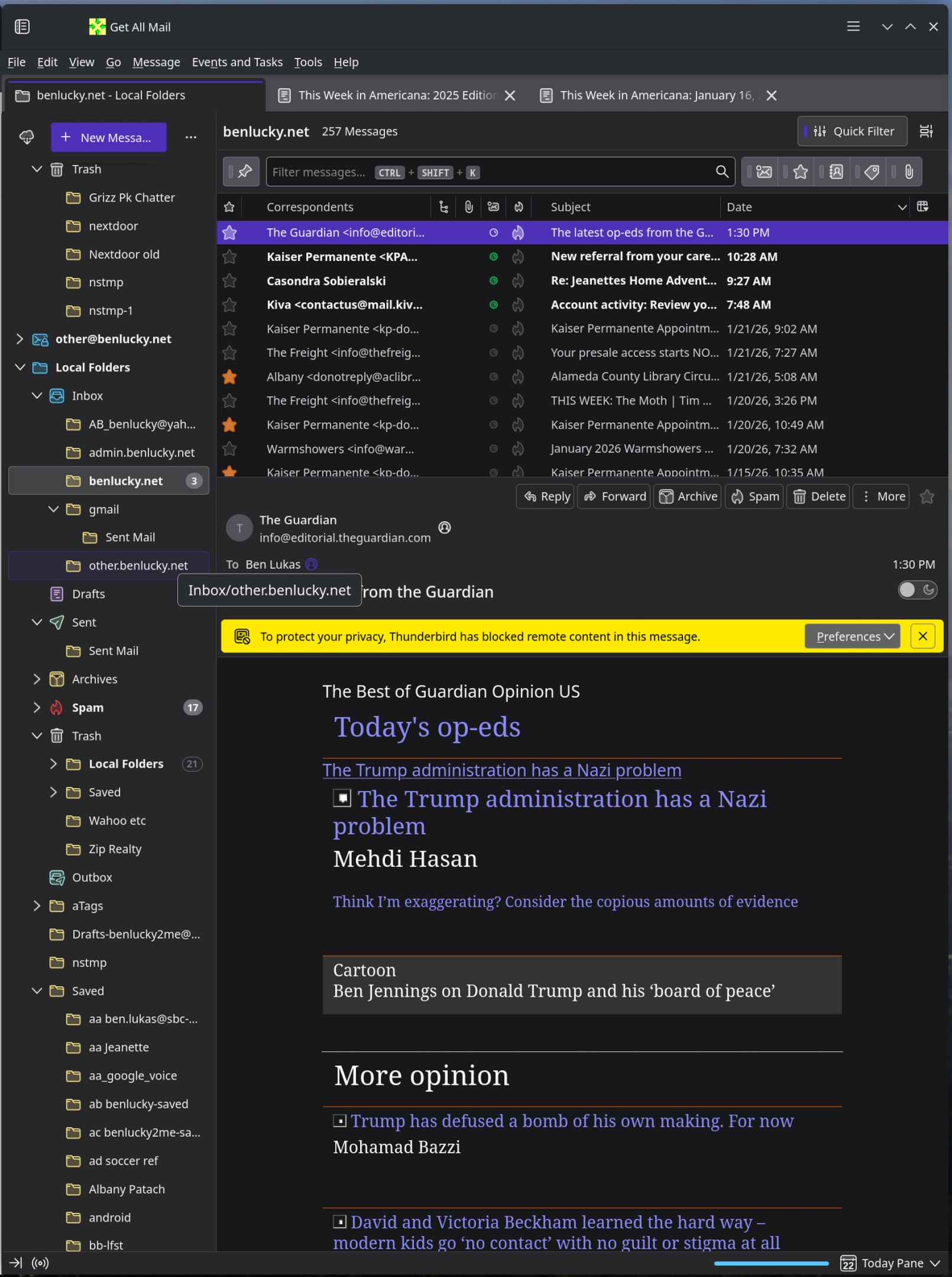
I typically put the Thunderbird window on my big monitor where everything works as expected.
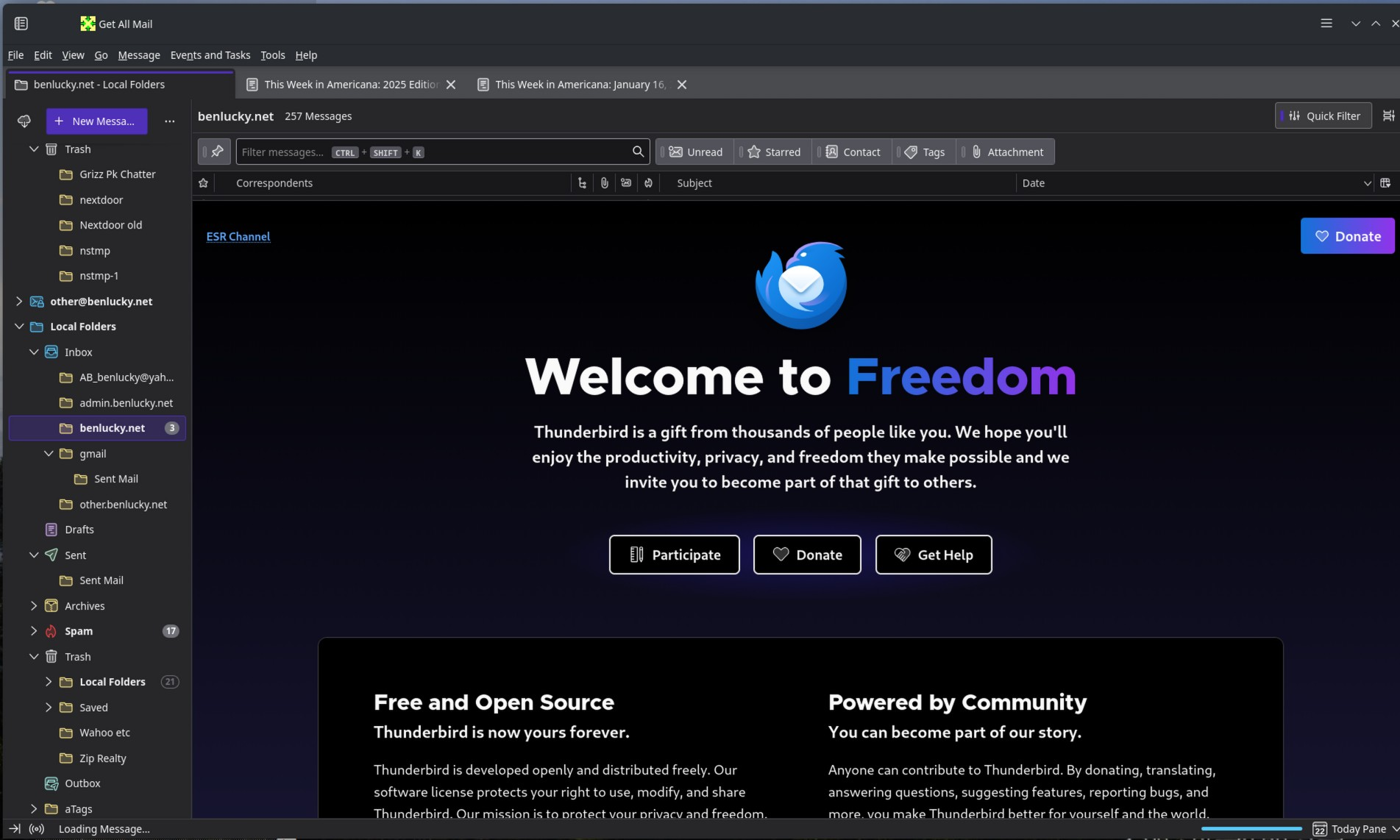
When I move the window to the laptop screen (or unplug the laptop and use it without the big screen), I can navigate the folder list in the left-hand pane, but the list of emails and body panes on the right do not display, only the Welcome screen.
When I put Thunderbird in Help > Troublehoot Mode, all works as expected.
The only special add on I use is the Get All Mail button.
I have a Fedora laptop which has run Thunderbird on KDE Plasma for years.
I typically put the Thunderbird window on my big monitor where everything works as expected.
When I move the window to the laptop screen (or unplug the laptop and use it without the big screen), I can navigate the folder list in the left-hand pane, but the list of emails and body panes on the right do not display, only the Welcome screen.
When I put Thunderbird in Help > Troublehoot Mode, all works as expected.
The only special add on I use is the Get All Mail button.