


Windows 10 reached EOS (end of support) on October 14, 2025. If you are on Windows 10, see this article.

Search Support

Avoid support scams. We will never ask you to call or text a phone number or share personal information. Please report suspicious activity using the “Report Abuse” option.

Learn More

FIREFOX NOT OPENING ON MAC COMPUTER

  • 1 reply
  • 0 have this problem
  • 37 views
  • Last reply by jonzn4SUSE

Hello I had Mozilla Firefox as my default browser on my Mac laptop

I got a message this morning that Firefox could not open

I tried several times but no luck

I read through some of the online HELP sites and deleted the Firefox app and reloaded it

I also cleared the browsing history on SAFARI and CHROME although I couldn't see why that would work

Still not able to get FIREFOX to open
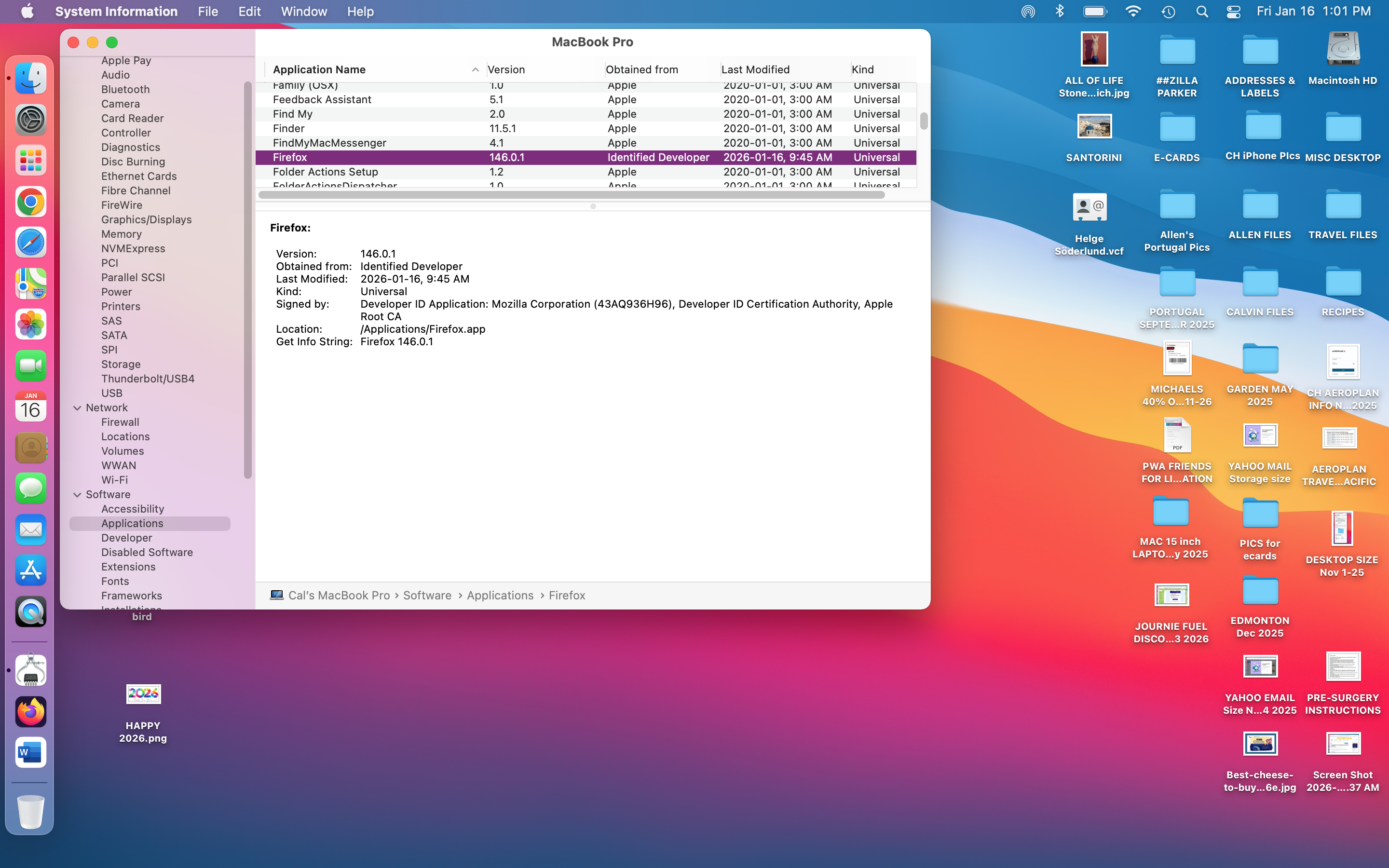
Hello I had Mozilla Firefox as my default browser on my Mac laptop I got a message this morning that Firefox could not open I tried several times but no luck I read through some of the online HELP sites and deleted the Firefox app and reloaded it I also cleared the browsing history on SAFARI and CHROME although I couldn't see why that would work Still not able to get FIREFOX to open
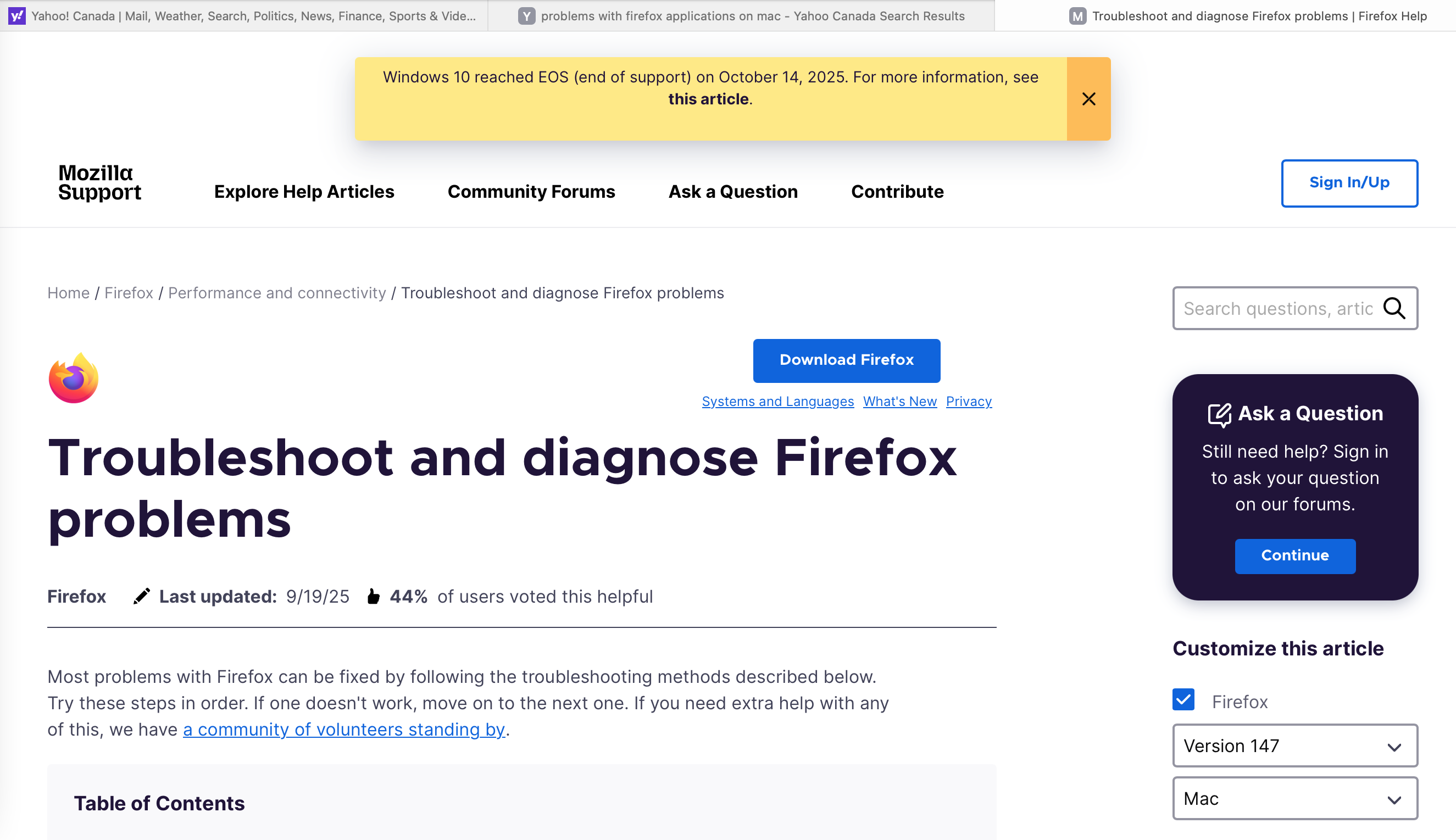
Attached screenshots

All Replies (1)

Interesting... What mac os? Time to get your geek on!  ;-))

Not well versed in the process on mac, but you should be able to trace the process and see what happening. https://duckduckgo.com/?q=how+to+trace+app+process+on+mac&t=kde&ia=web

You can also try downloading a different version of Firefox (Beta, Dev, or Nightly) download, unzip, and run firefox-bin from the folder and see if you have the same issue. https://www.mozilla.org/en-US/firefox/channel/desktop/

Ask a question

You must log in to your account to reply to posts. Please start a new question, if you do not have an account yet.