Computer won’t sync with new Mozilla uodate

Why is syncing not working with new update?! Very frustrating!!!!
All Replies (1)

rer73 said
Why is syncing not working with new update?! Very frustrating!!!!
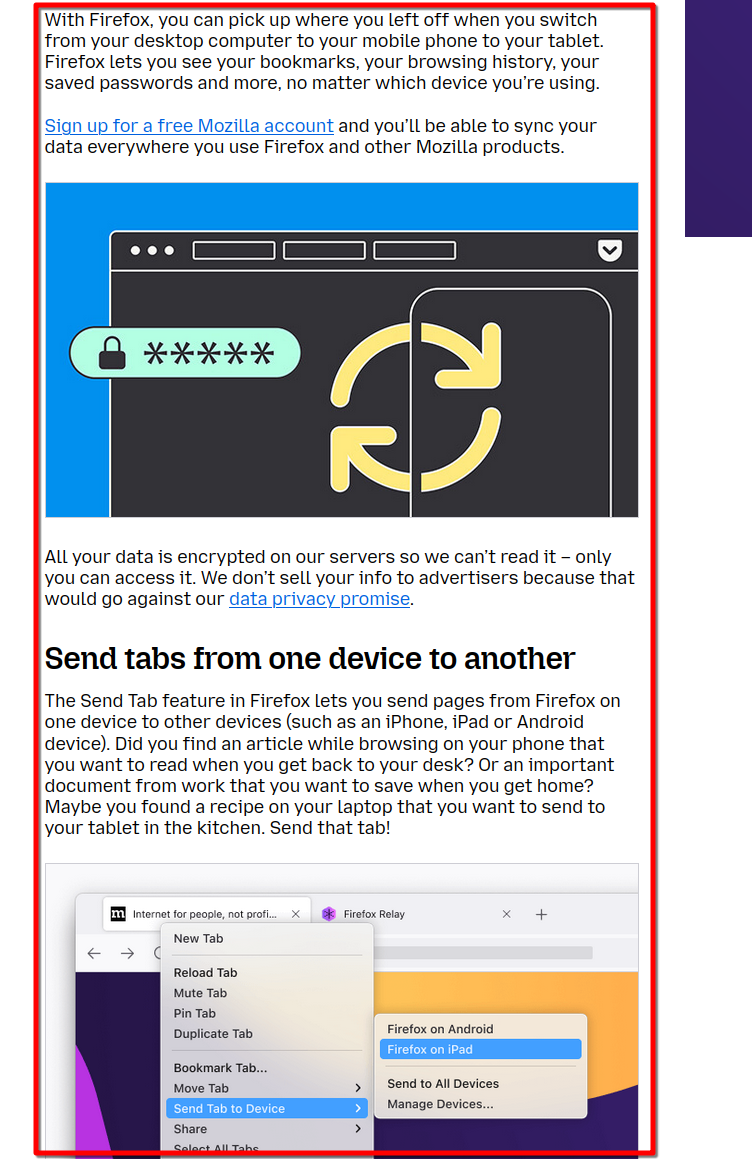
Are you running more than one computer or version of Firefox? What are you seeing that gives you the impression that Sync is not working? I run all versions of Firefox on several devices with no issues. see old screenshot
FYI... Firefox Sync IS NOT A DATA BACKUP SERVICE https://support.mozilla.org/en-US/kb/how-do-i-set-sync-my-computer https://support.mozilla.org/en-US/kb/how-do-i-choose-what-information-sync-firefox Sync Firefox data https://support.mozilla.org/en-US/kb/sync https://www.mozilla.org/en-US/firefox/features/sync/ https://hacks.mozilla.org/2018/11/firefox-sync-privacy/ Sync is not a backup tool but it is a good sync/transfer/move tool https://support.mozilla.org/en-US/forums/contributors/707681