Opening PDFs in system application

Hi All,
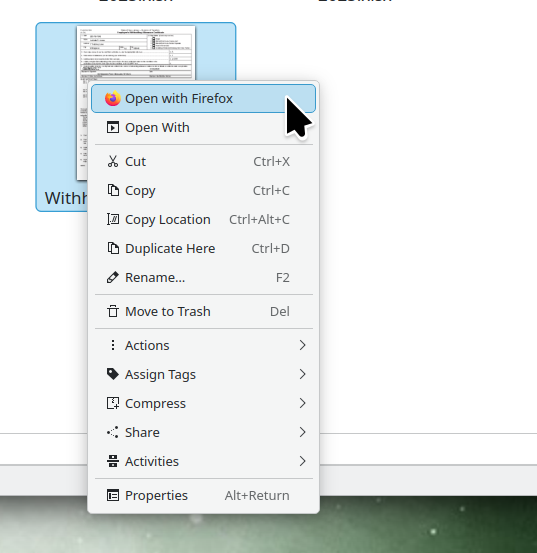
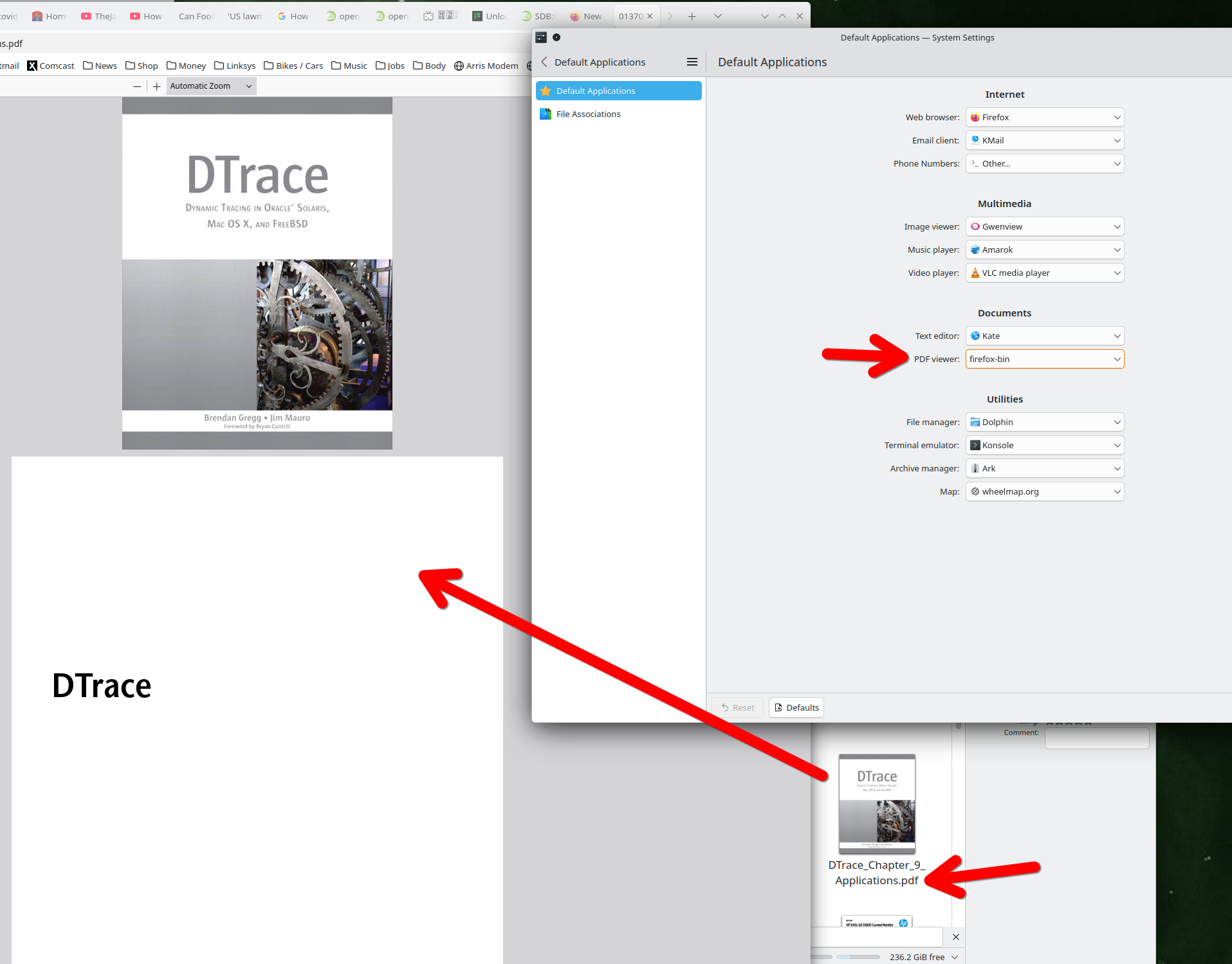
I've set Firefox to open PDFs in the default system application (I'm on Linux, KDE, Firefox 146). With previous versions it worked fine. Now, it won't open the file; instead it shows a popup that I have to click to open the file.
Is there a setting I can tweak to get the old behavior back?
Thanks
GI
All Replies (2)
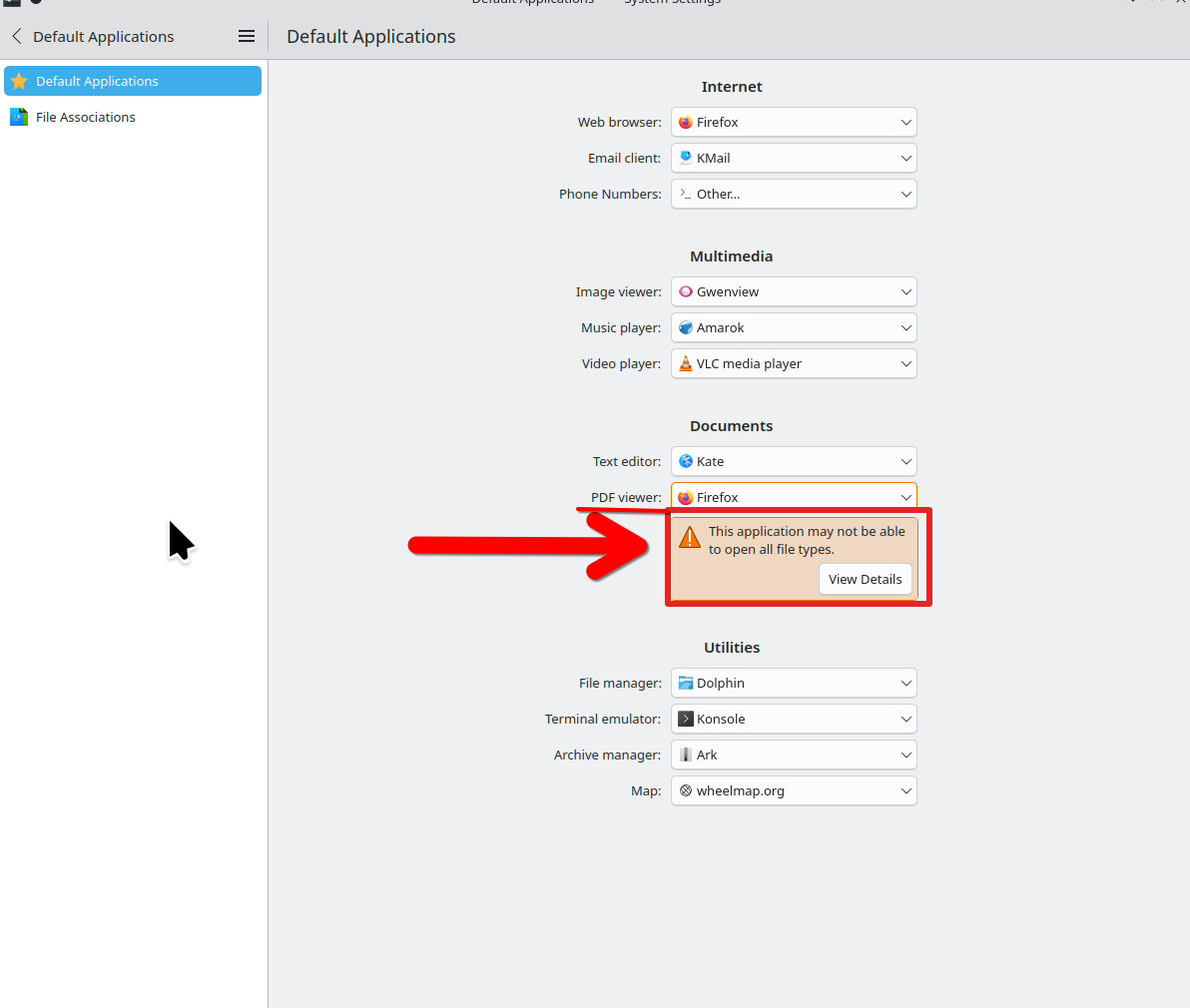
Interesting... Show where you set Firefox as default and since I'm also on KDE try to replicate. I get the attached warning when setting Firefox as default. The warning does make sense.
Operating System: openSUSE Tumbleweed 20251217 KDE Plasma Version: 6.5.4 KDE Frameworks Version: 6.21.0 Qt Version: 6.10.1 Kernel Version: 6.18.1-1-default (64-bit) Graphics Platform: X11 Processors: 16 × AMD Ryzen 7 5825U with Radeon Graphics Memory: 64 GiB of RAM (62.1 GiB usable) Graphics Processor: AMD Radeon Graphics Manufacturer: HP Product Name: HP ProBook 455 15.6 inch G9 Notebook PC System Version: SBKPFV3

It works for me. The pdf opens up in a new tab using my distro and mozilla version of firefox. see screenshots