


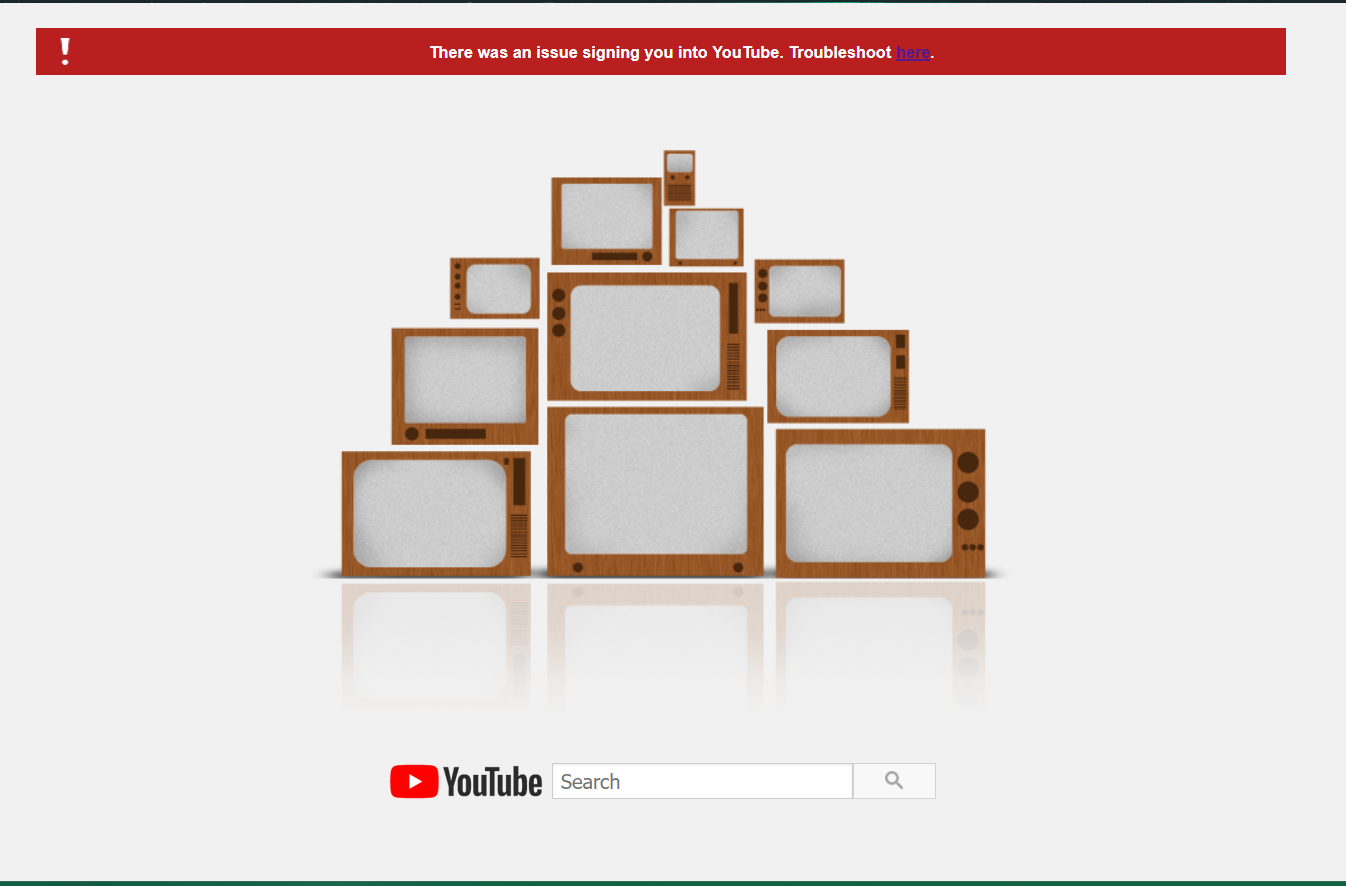
After clearing my cookies and browser history, Youtube will not sign me in "there was an issue signing in to youtube"

In my Firefox browser, when i try to sign in to Youtube, a window says "there was an issue signing in to Youtube" pops up. None of the troubleshooting articles are helpful for my situation. My Firefox browser is up to the latest update - version 146 on windows 11. Youtube works, but i am prevented from signing in to my account.
I have used Youtube in Firefox before by signing in to my google account, the only thing that has changed was that I went into settings and cleared my browsing history, cache, and cookies. Once those were cleared, Youtube won't sign me in and only shows that error window.
In my Firefox browser settings, I have set Youtube to accept cookies and have disabled adblock for Youtube.
My Youtube account is still accessible using Chrome, but not in Firefox. Youtube WILL sign me in if i use Firefox private browsing. I'd rather not use chrome since Firefox is my primary browser and I'd rather not jump through the extra steps of google sign-in using private browsing.
I do have a Google account with my school institution, but that has never been an issue (expect it won't open google maps for some reason, not the issue here though). My Youtube has always been signed in with my personal Gmail, not my school Gmail. I'm not sure if that's interfering with anything.
To reinstate the main issue: I cleared my browsing data and cookies, now Youtube in Firefox won't sign me in.
All Replies (6)
It's a little strange that a private window works when a regular window doesn't. You already addressed the most common reason for such a difference, which is that private windows start with a fresh cookie jar and web content cache. Another possible issue that different blockers could be running in the private window depending on whether they are allowed to run in private windows. If you check your blockers, can you see any difference in their permissions? The following article describes where to look: Extensions in Private Browsing.
Thanks for your response. I have just now attempted three ways of handling my extensions after viewing that article: Turn them all off, Set extensions to not allow in private and non-private, And set extensions to allow private and non-private. Each time, refreshing my browser and attempting log in in both private and non-private, with no differences occurring, the problem persists. In case it's any help, I only have two extensions: adblock and ublock origin. The extensions are set on default automatic updates.
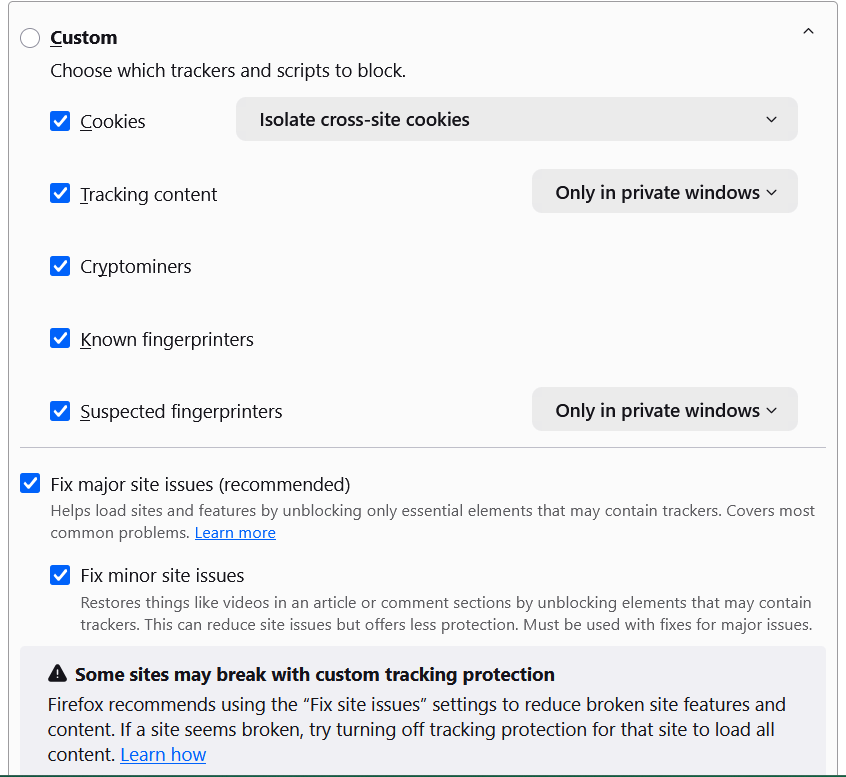
Are you using Standard, Strict, or Custom as your Tracking Protection level? It should work with either Standard or Strict, but some custom settings might prevents the cross-site sign-in between the Google and YouTube sites. Enhanced Tracking Protection in Firefox for desktop
I use Standard tracking protection. Not tech savvy enough to understand any custom or strict levels. If it's of any help, here's a screenshot of the default custom options, I haven't made any changes on this, is there anything here that would prevent Youtube from opening a sign-in page?
Just to see if this changed anything: I clicked on the shield while in Youtube and there were no trackers detected, I turned off Enhanced Tracking Protection and tried again, but that didn't do anything for my log-in issue.
After all this troubleshooting done in this thread, would this qualify for submitting a broken site?
I don't have any other ideas at the moment, so yes, I think it makes sense to report it as a broken site.
By the way, does it make any difference if you sign into Gmail first, then try to sign in on YouTube?
Well now there seems to be another issue. I am able to be signed in to my Gmail account, but clicking the sign-in button on Google's homepage simply refreshes the page and does not navigate me to a sign-in page. I will submit a broken site report for Youtube. For now, I can keep using Youtube without being signed in, and use chrome if i need access to my account. Firefox just makes Youtube much more enjoyable.
Thanks for walking me through this issue anyway I do appreciate the input.