


bookmark visibility

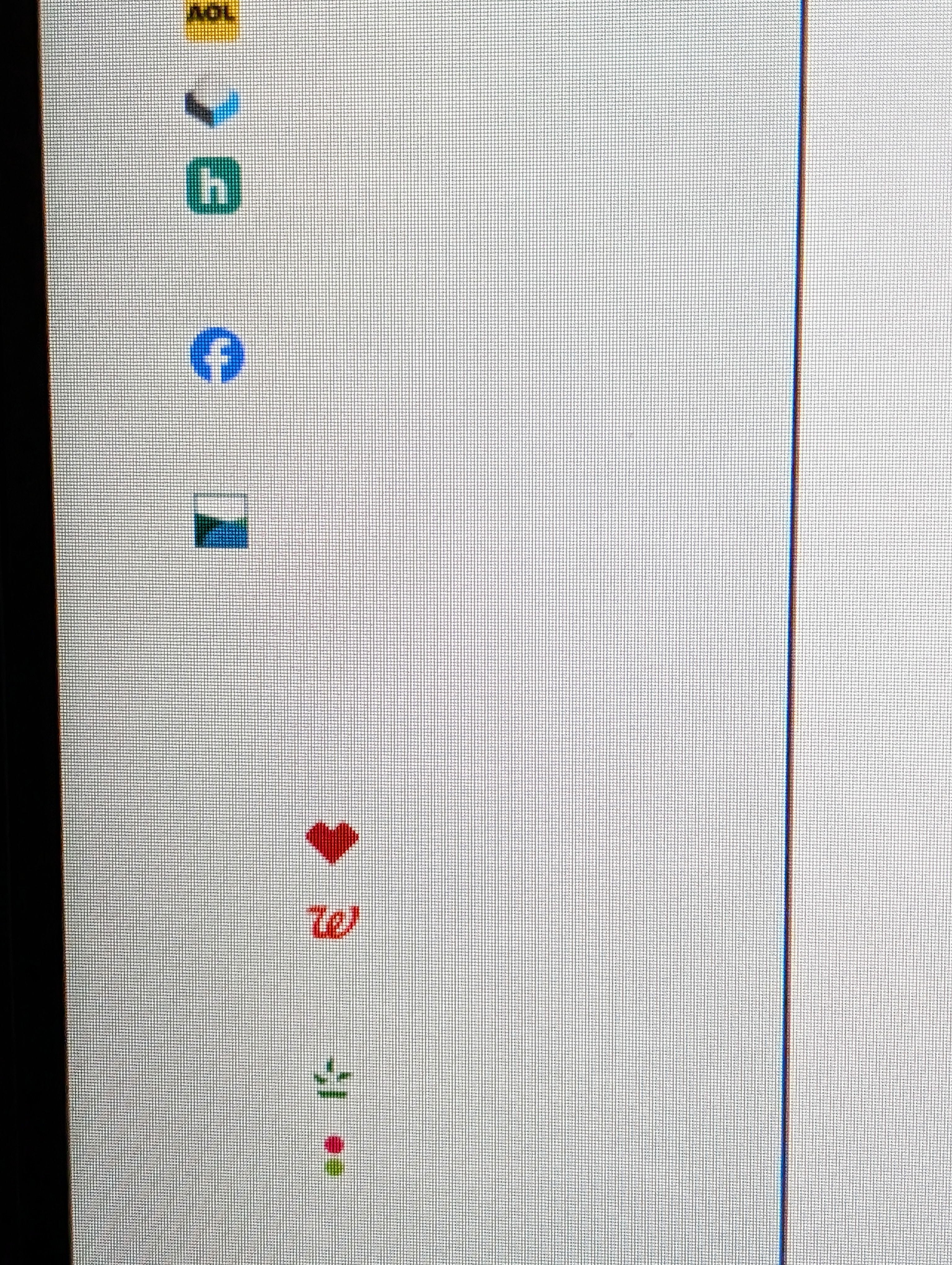
Bookmark sidebar is visible, but bookmarks are not visible. bookmark icon show but the bookmark name is not.
This occurred after the latest update.
This has now occurred on another computer. Now I have 2 with this problem
Modified by denmcgraw
Chosen solution
I wonder whether there is white text there on a white background, which of course is not readable. Could you try changing your theme to either the built-in "Light" or "Dark" theme instead of the default System/Default theme (or any add-on theme). See: Use themes to change the look of Firefox. Does that make any difference?
Read this answer in context 👍 1All Replies (3)
Chosen Solution
I wonder whether there is white text there on a white background, which of course is not readable. Could you try changing your theme to either the built-in "Light" or "Dark" theme instead of the default System/Default theme (or any add-on theme). See: Use themes to change the look of Firefox. Does that make any difference?
Thank you for your assistance The bookmarks were white on white and you could only read them by hovering over them. I changed the theme I have been using for years And the new theme now has white on green which works for me. I check other themes and some have the same white on white problem.
Thank for your guidance. Dennis
Hi Dennis, thank you for reporting back. I think Firefox 146 interprets some theme colors differently. I don't know whether it is a temporary change (bug) or whether theme authors need to update their themes. You could test when Firefox 147 comes out to see whether the older theme works again or still has the same issue.