Browser

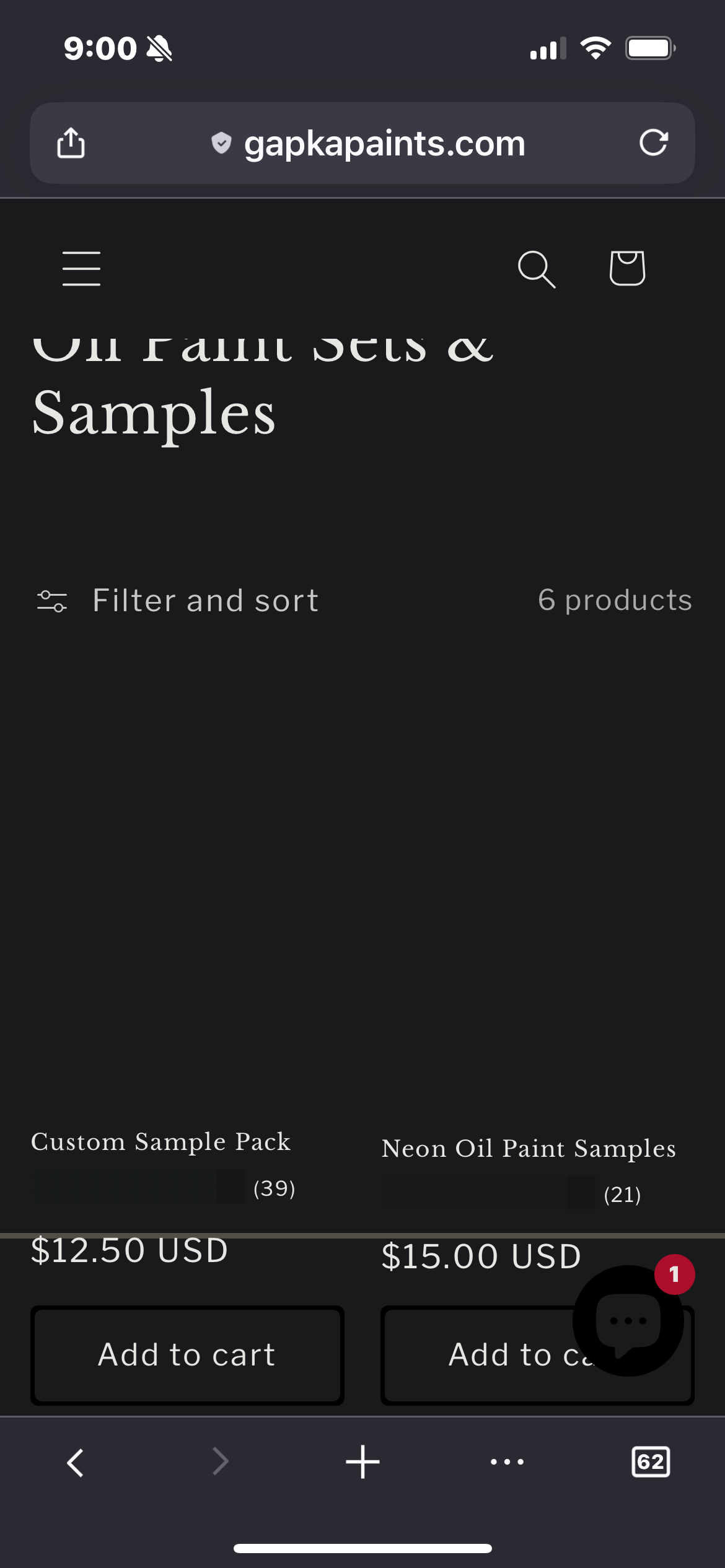
i’ve been using this browser for a couple years now and all of a sudden the picture stuff showing up in the browsers while I’m shopping on certain websites so I’m not seeing pictures on any of the websites that I go into
Chosen solution
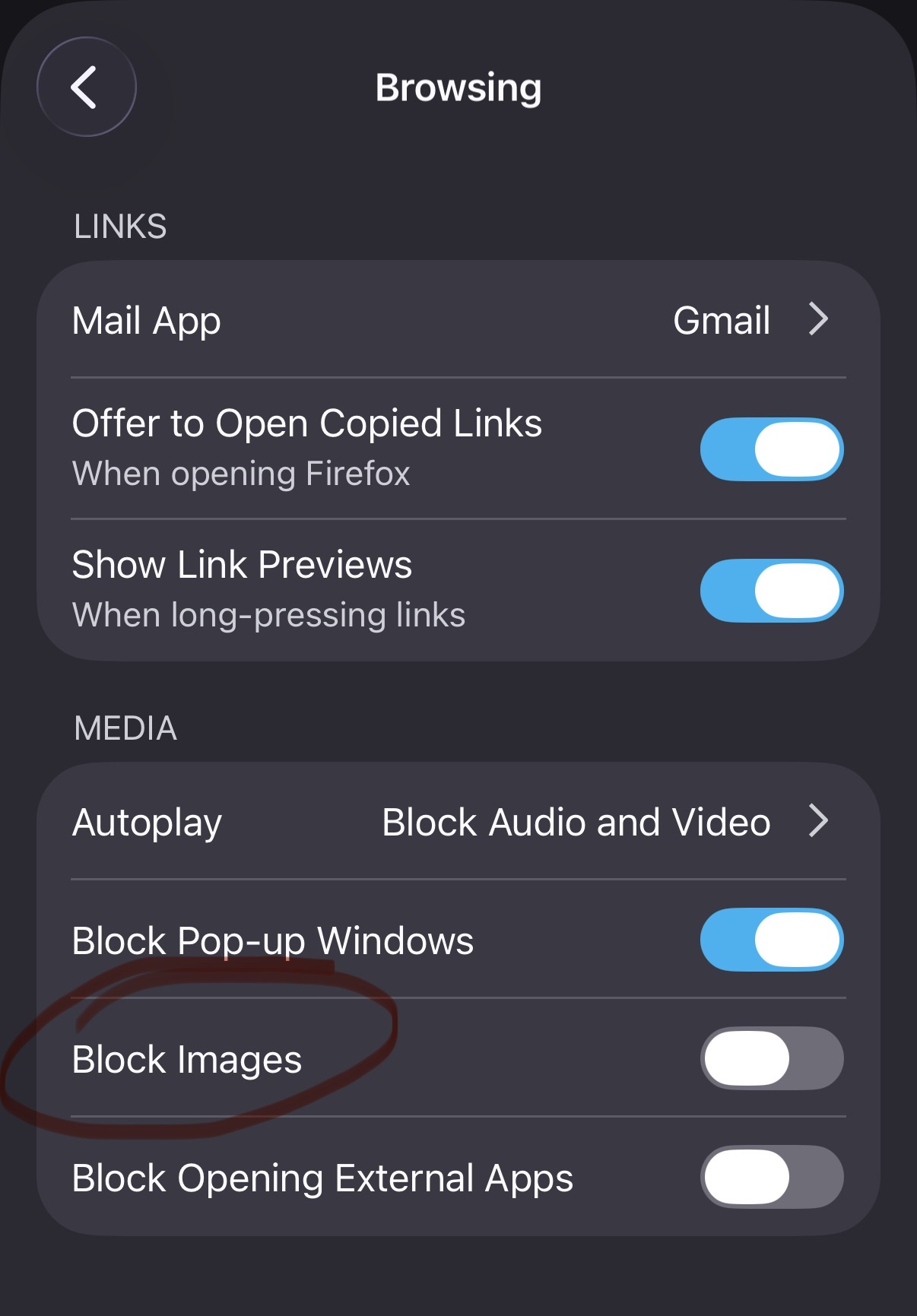
Aha. I wonder if you may turned on images blocker by accident. You may want to check your settings -> Browsing (under General) -> Block Images
Read this answer in context 👍 0All Replies (3)
Hi Makayla,
What do you mean the picture stuff? Can you share a screenshot of the issue?
basically, all the websites I go on do the exact same thing they’re not still loading I reload the screen. It continues to do that the pictures do not show up.
Chosen Solution
Aha. I wonder if you may turned on images blocker by accident. You may want to check your settings -> Browsing (under General) -> Block Images