


CANT SEE DOWNLOAD

WHY I CANT SEE THE DOWNLOAD ITEM
WHY I CANT SEE THE DOWNLOAD ITEM
All Replies (1)
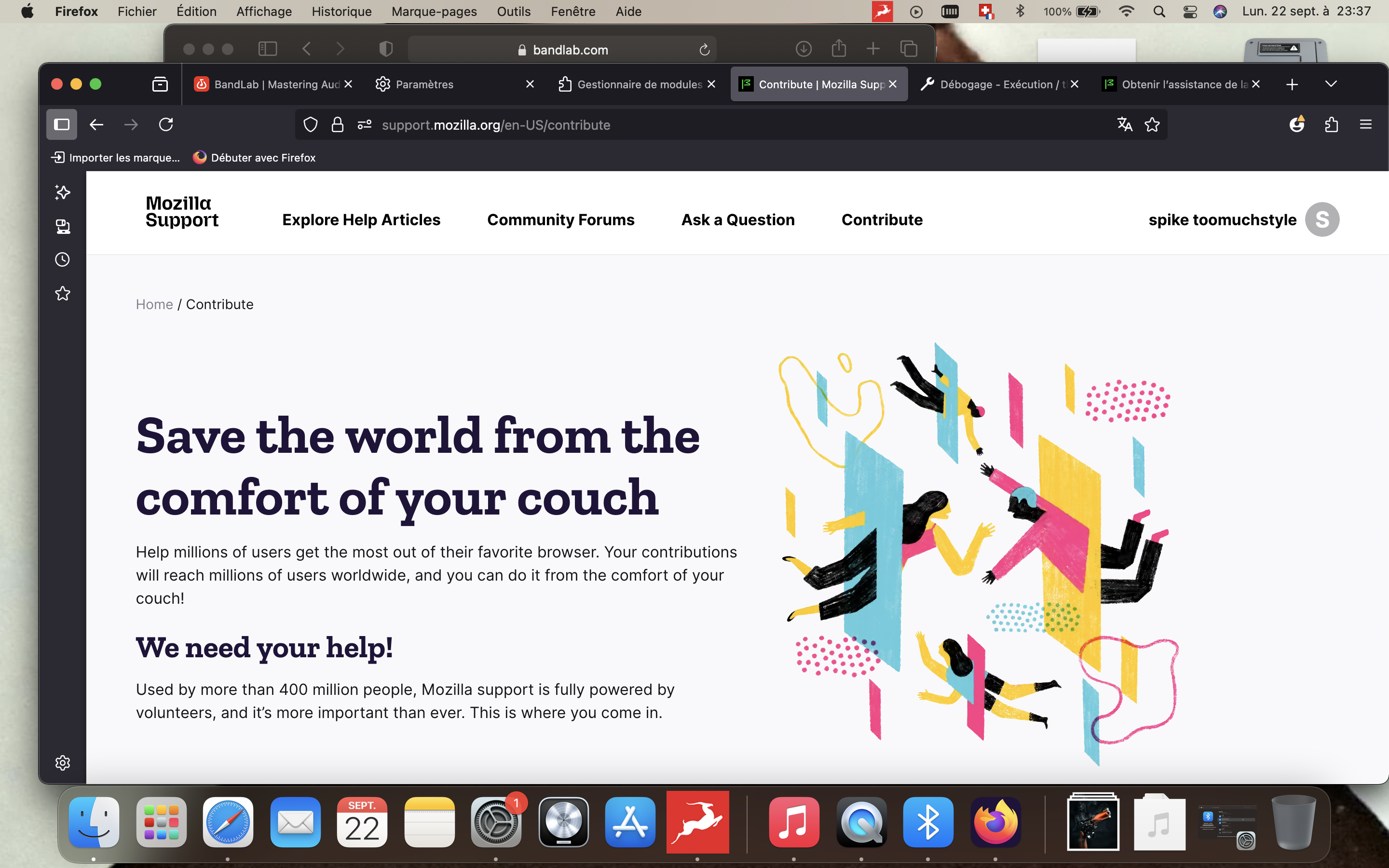
Based on your attached screenshot, on the same line as the address bar and on its far right, the hamburger menu will display a line called Downloads. My Firefox 142 shows the keyboard shortcut of Control+shift+Y Both the menu and the shortcut key show the download folder's contents.
Now, about adding the down-arrow and bottom square bracket icon to your screen, use the hamburger menu and find More tools, then select Customize toolbar.
If the download icon is not on the screen, you will find it here and can select it and place it on your toolbar.
I hope that helps to get you started.
I forgot how to add customization, myself!