sync bookmarks from old windows 10 desktop to new windows 11 desktop

I think I did everything on the old computer, and created a recovery key. on the new computer I signed in but, the only email confirmation I received was for the old computer. Signing in from the new windows 11 computer led to being signed with windows 10 as shown under my account.
I think I did everything on the old computer, and created a recovery key. on the new computer I signed in but, the only email confirmation I received was for the old computer. Signing in from the new windows 11 computer led to being signed with windows 10 as shown under my account.
All Replies (1)
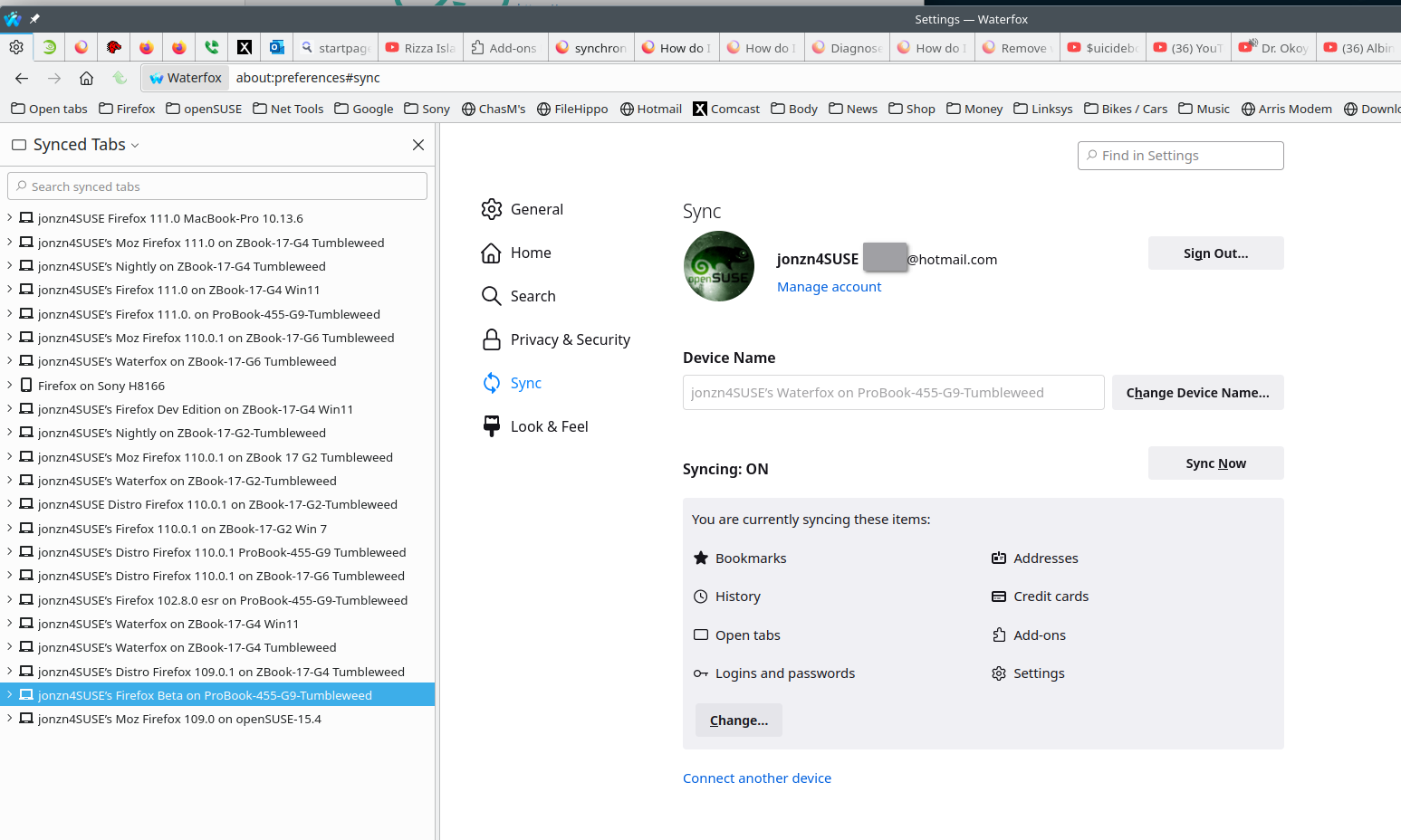
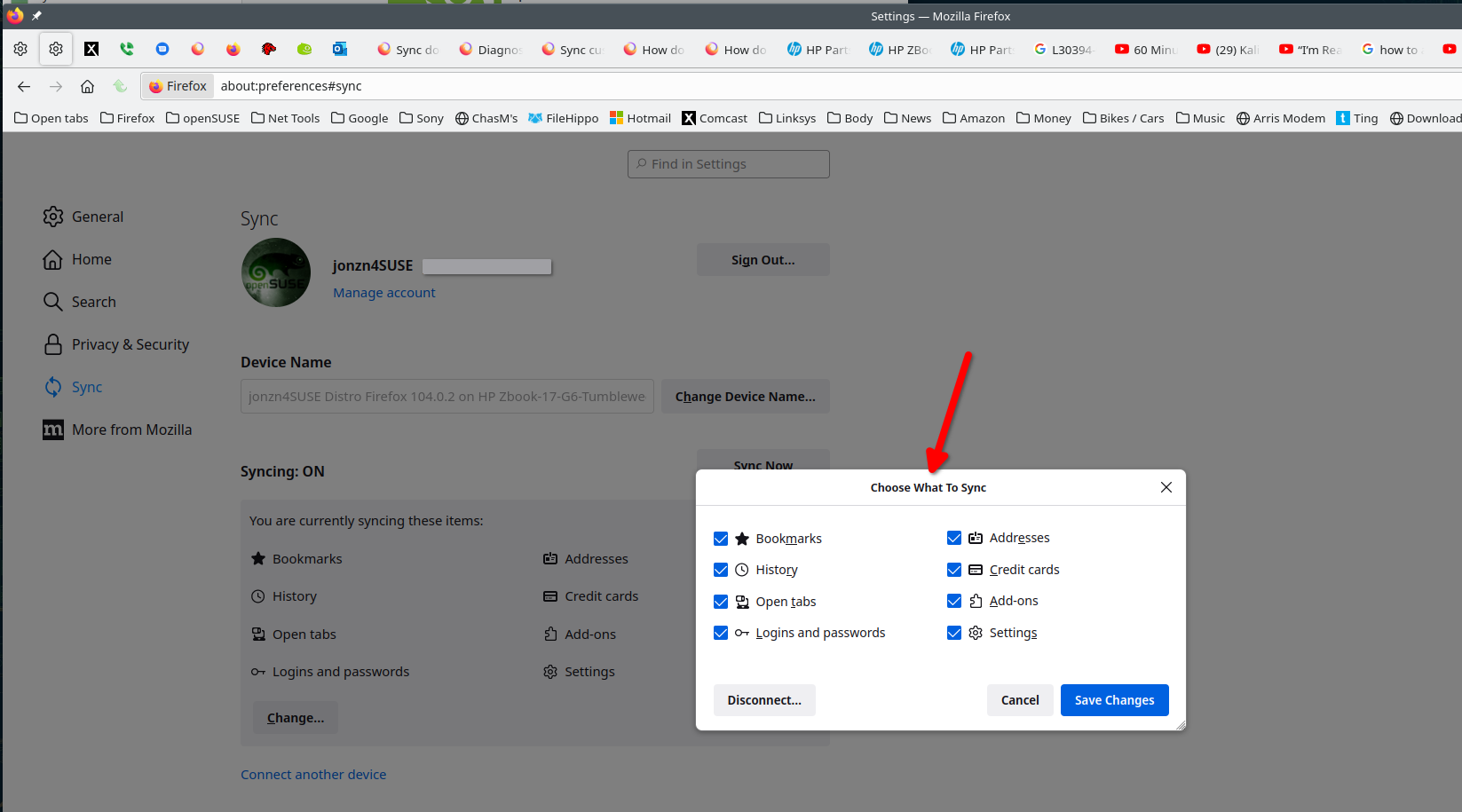
Signed into the same one account on both computers with the sync options checked and it should be as simple as that. see screenshots