


How To Manual Remove/Disable Marker Pin in Homepage
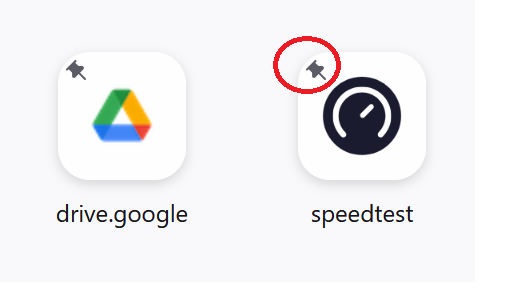
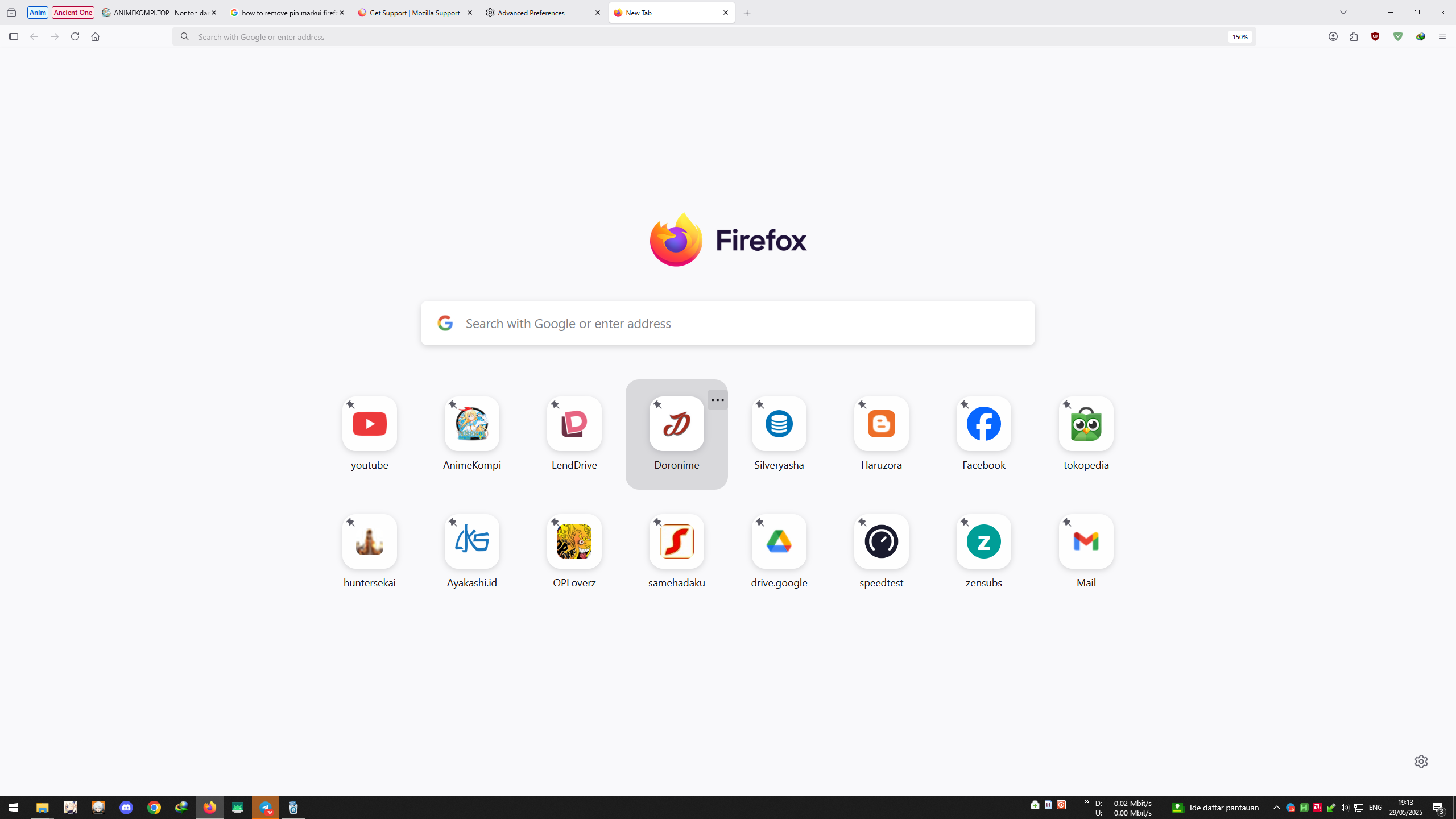
Can I Manual Remove/Disable those pin Marker on Homepage ? I know it is usable to know what page we have pinned, But i want some change to prefer good looks for this. Just personal eyelooks. Thank You
Chosen solution
Hello
You can try 1 - Go to Configuration Editor for Firefox https://support.mozilla.org/en-US/kb/about-config-editor-firefox 2 - Enter a search term browser.newtabpage.activity-stream.newtabShortcuts.refresh and set the false value
Take a look at https://connect.mozilla.org/t5/discussions/feedback-for-the-new-tab-layout-variants-in-the-home-page/m-p/97341/highlight/true#M37947
Read this answer in context 👍 3All Replies (1)
Chosen Solution
Hello
You can try 1 - Go to Configuration Editor for Firefox https://support.mozilla.org/en-US/kb/about-config-editor-firefox 2 - Enter a search term browser.newtabpage.activity-stream.newtabShortcuts.refresh and set the false value
Take a look at https://connect.mozilla.org/t5/discussions/feedback-for-the-new-tab-layout-variants-in-the-home-page/m-p/97341/highlight/true#M37947