Sync not working on Android, FF v136
I noticed today that Firefox isn't syncing.
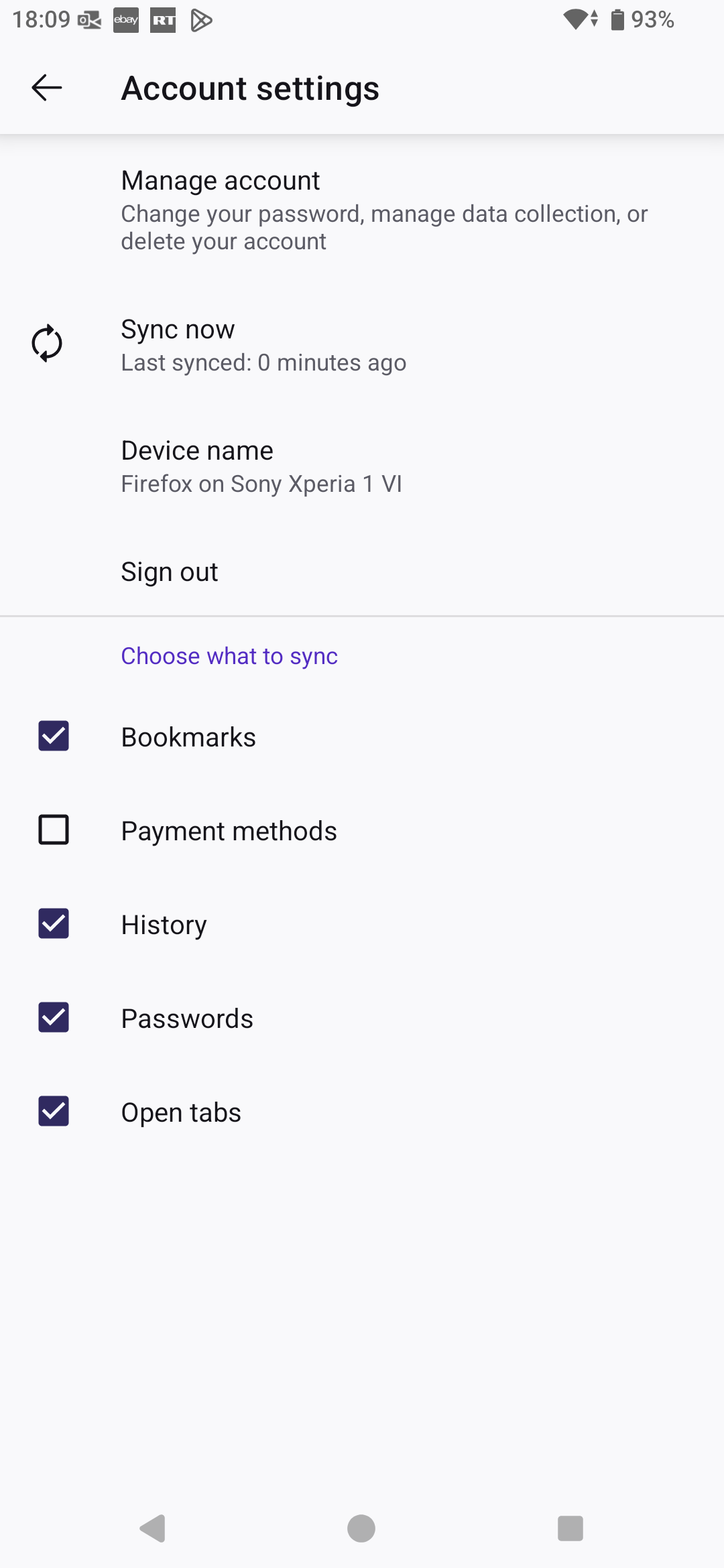
Every time I tap the "Synchronize now" region, nothing happens. Please see the image. I cannot select what to sync either.
I have signed put and in, cleared cache and restarted the phone.
Before today sync was working fine.
Version info: 136.0 (Build #2016076311), hg-2da0b1797683+ GV: 136.0-20250227124745 AS: 136.0
Please help!
I noticed today that Firefox isn't syncing.
Every time I tap the "Synchronize now" region, nothing happens. Please see the image. I cannot select what to sync either.
I have signed put and in, cleared cache and restarted the phone.
Before today sync was working fine.
Version info:
136.0 (Build #2016076311), hg-2da0b1797683+
GV: 136.0-20250227124745
AS: 136.0
Please help!

All Replies (1)
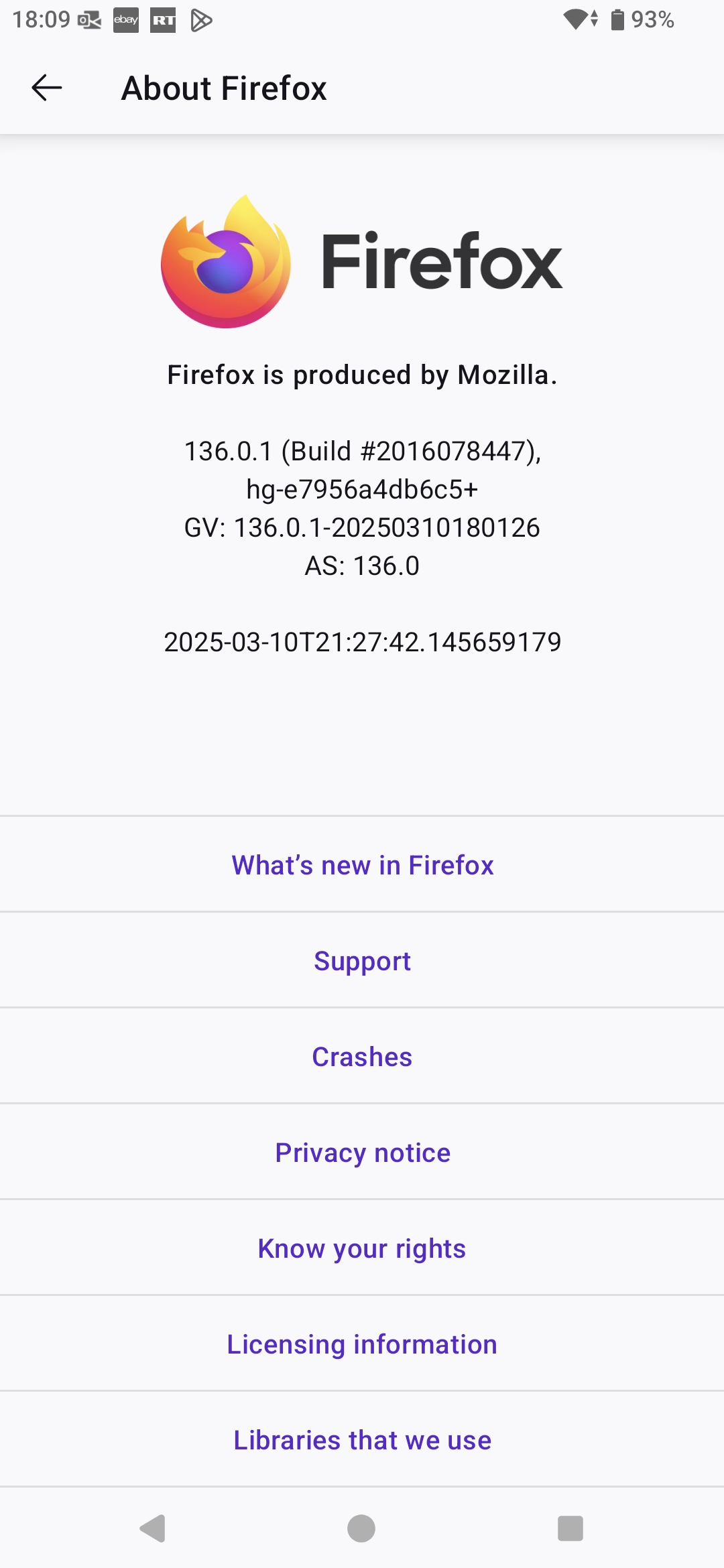
What other device are you syncing with? I'm not having any issues. see screenshots Did you try the good old uninstall / reinstall trick?