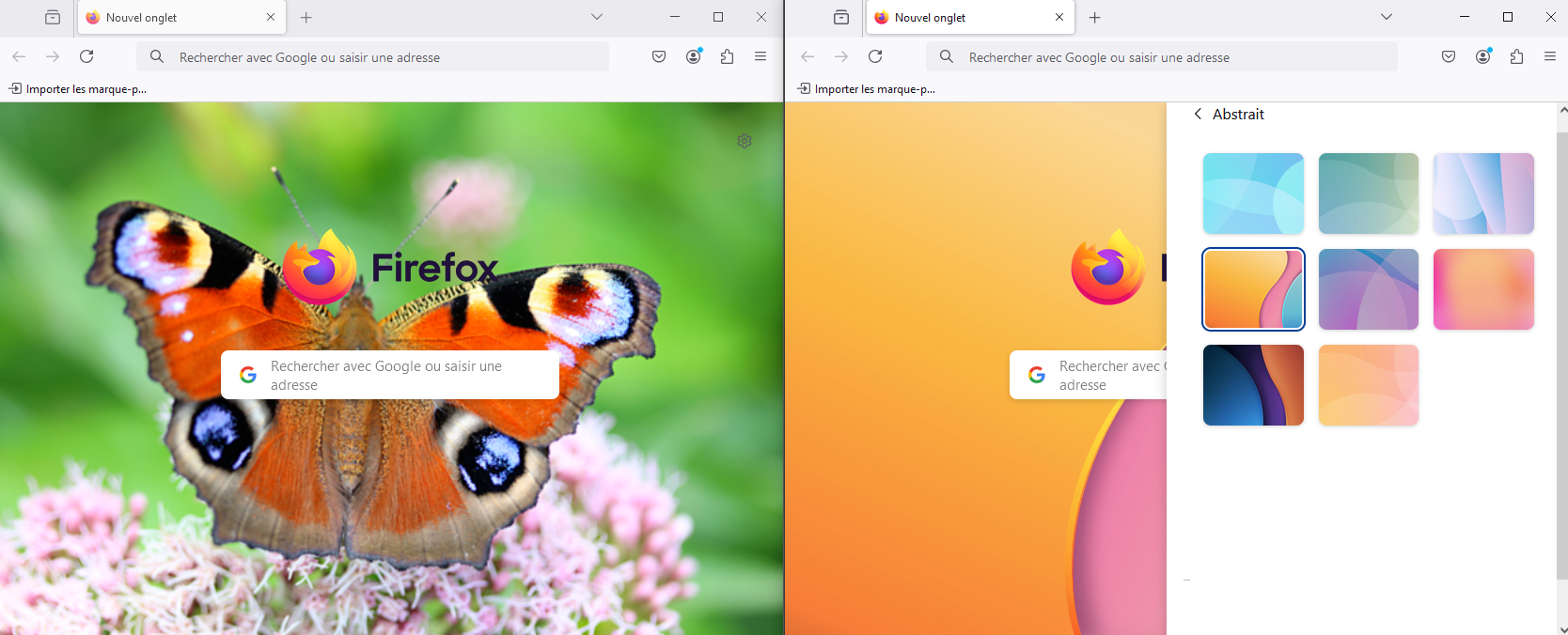
Can I use a custom picture as background on new tabs?
Is there a way for me to change the background of newly opened tabs with a custom png or jpg file? It suggests a few preloaded wallpapers but I don't see any "Browse files" button or anything that'd allow me to use a custom picture file on my PC.
I'm NOT looking for a plug-in that does that. This should be built-in, as it is in Edge and other Chromium-based web browsers.
All Replies (2)
It's not yet ready, it will be added in a future stage of this feature.
Hello
In addition and for information purposes Firefox advanced customization and configuration options https://support.mozilla.org/en-US/kb/firefox-advanced-customization-and-configuration https://superuser.com/questions/1495946/how-do-i-change-the-background-image-of-home-page-in-firefox Below: url(about:newtab) by way of illustration butterfly