


Can't log into Google account—Google says Javascript is disabled
I changed my gmail password recently so had to re-authenticate for Thunderbird.
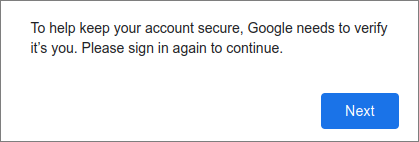
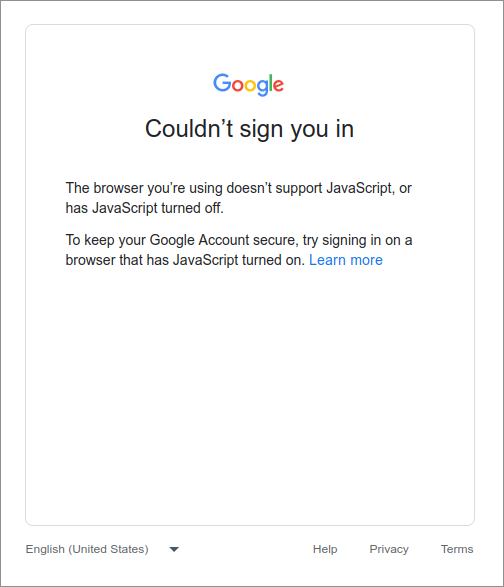
See the attached images. When I click "next" I get the error message about JavaScript being disabled.
No idea how to troubleshoot this or what might be causing this. Help would be appreciated. Thanks
Chosen solution
Update, sorry about this—I rebooted and it's fine now. Not sure what happened before but obviously I should have tried this first.
I didn't change anything Thunderbird-related between booting and rebooting so not sure why a power cycle fixed it, but at least it works.
Read this answer in context 👍 0All Replies (2)
In TB Settings/General, Config. editor, is the preference javascript.enabled set to true, the default?
Chosen Solution
Update, sorry about this—I rebooted and it's fine now. Not sure what happened before but obviously I should have tried this first.
I didn't change anything Thunderbird-related between booting and rebooting so not sure why a power cycle fixed it, but at least it works.