This thread was archived.
Please ask a new question if you need help.

Archived
Firefox can't download anything at all

Hi there. I wiped my C Drive and reinstalled windows 11 on my PC. Completely from scratch.
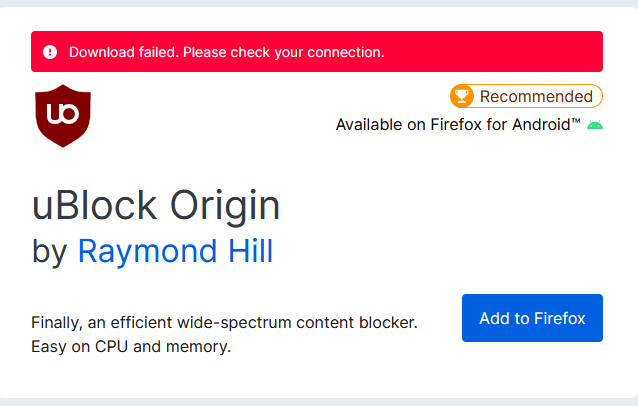
The first few thing I did is download firefox. I believe in the first boot of firefox, I can download things fine, I installed Ublock Origin add-on and a few installers for the app that I need to use. I can't recall when, but after a few reboot, I noticed that Firefox can't download anything, every download link I click on, the download fail instantly, I can't install add-ons as well.
I tried reinstall firefox, changing download folder target, nothing helped.
Can you take a look please? Thank you!
Hi there. I wiped my C Drive and reinstalled windows 11 on my PC. Completely from scratch.
The first few thing I did is download firefox. I believe in the first boot of firefox, I can download things fine, I installed Ublock Origin add-on and a few installers for the app that I need to use. I can't recall when, but after a few reboot, I noticed that Firefox can't download anything, every download link I click on, the download fail instantly, I can't install add-ons as well.
I tried reinstall firefox, changing download folder target, nothing helped.
Can you take a look please? Thank you!