

This thread was archived.
Please ask a new question if you need help.

Solved
Archived
Install custom add-on

Hello,
I am trying to install an add-on on my (android) firefox beta by following this blog https://blog.mozilla.org/addons/2022/12/15/new-extensions-available-now-on-firefox-for-android-nightly/ I have submitted my add-on,it has been approved and i downloaded the xpi file. I have created a collection (https://support.mozilla.org/en-US/kb/how-use-collections-addonsmozillaorg) How do i add the xpi file on my collection?
Thanks
Hello,
I am trying to install an add-on on my (android) firefox beta by following this blog https://blog.mozilla.org/addons/2022/12/15/new-extensions-available-now-on-firefox-for-android-nightly/
I have submitted my add-on,it has been approved and i downloaded the xpi file.
I have created a collection (https://support.mozilla.org/en-US/kb/how-use-collections-addonsmozillaorg)
How do i add the xpi file on my collection?
Thanks
Chosen Solution
Not that one. Click Edit product page", then "View product page".
All Replies (3)
There should be "Add to Collection" section on the addon's page.
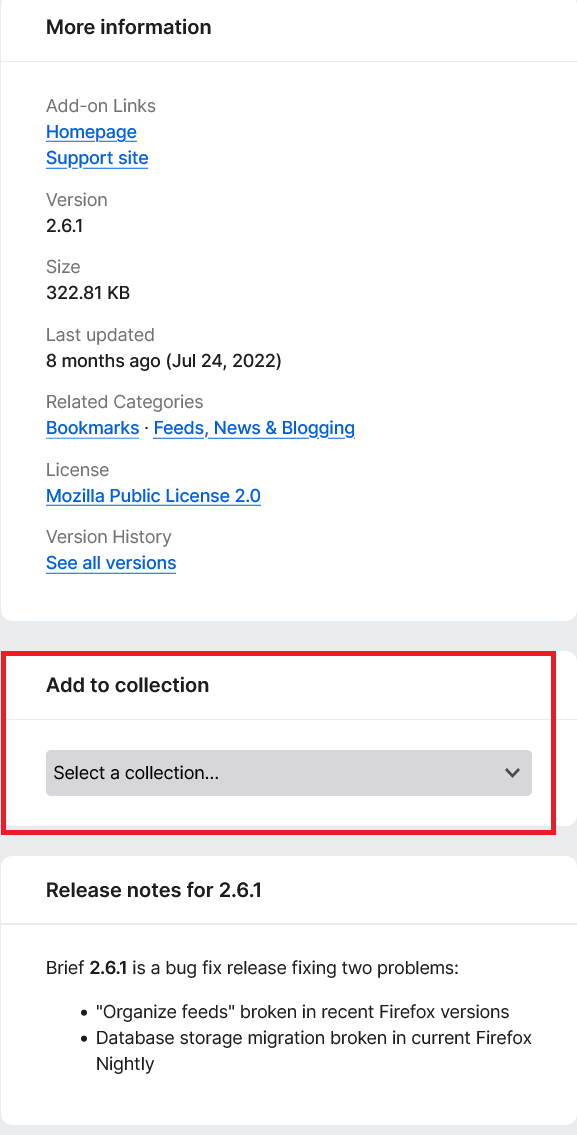
This is the addon page, where do i find this option?
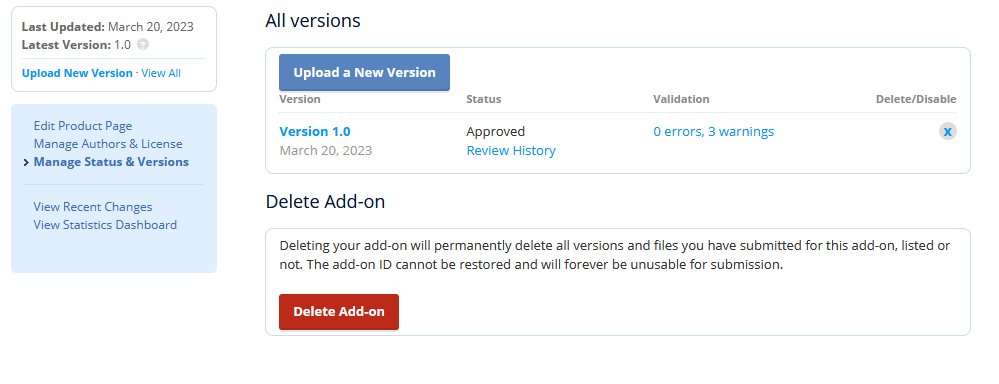
Chosen Solution
Not that one. Click Edit product page", then "View product page".