


Tabs aren't loading, i have to make a new tab an then it's fine

I'm really sorry to tell you but Firefox on Android drives me crazy.. I start a ne tab, make a google search tab on a result and the site takes ages to load.. And yes i have a good internet connection. My phone is a Xiaomi Mi 9t Pro. I'm a big fan of Firefox, but i have to switch back to Google Chrome. Downloads are also more stable there, if you have any tipps that could help me solve my problem?
Regards
Lukas
All Replies (9)
Hi
What level of enhanced tracking protection do you have set?
Do you have any add-ons installed?
Seburo said
Hi What level of enhanced tracking protection do you have set? Do you have any add-ons installed?
I have Everything on default, i didn't knew this setting, i will try custom and everything on
I have no addons on my android Firefox browser
Modified by luki508
Try turning enhanced tracking protection off.
You do not need to answer this, but in some parts of the world, internet traffic may be controlled more to sites such as Google. I do not know when you are, but could this apply to you?
i already tried it. it doesn't help, I'm from Italy, the problem persists only on my mobile device only on firefox
Please can you set out the exact steps you are doing from the Firefox for Android home screen.
https://drive.google.com/file/d/1zIpGFb0ant6jiQ9l6Vv_d_Qz0pPmtYwJ/view?usp=drivesdk
Here is a video, nothing is responding, no urls no search
Please can you try on a good WiFi connection.
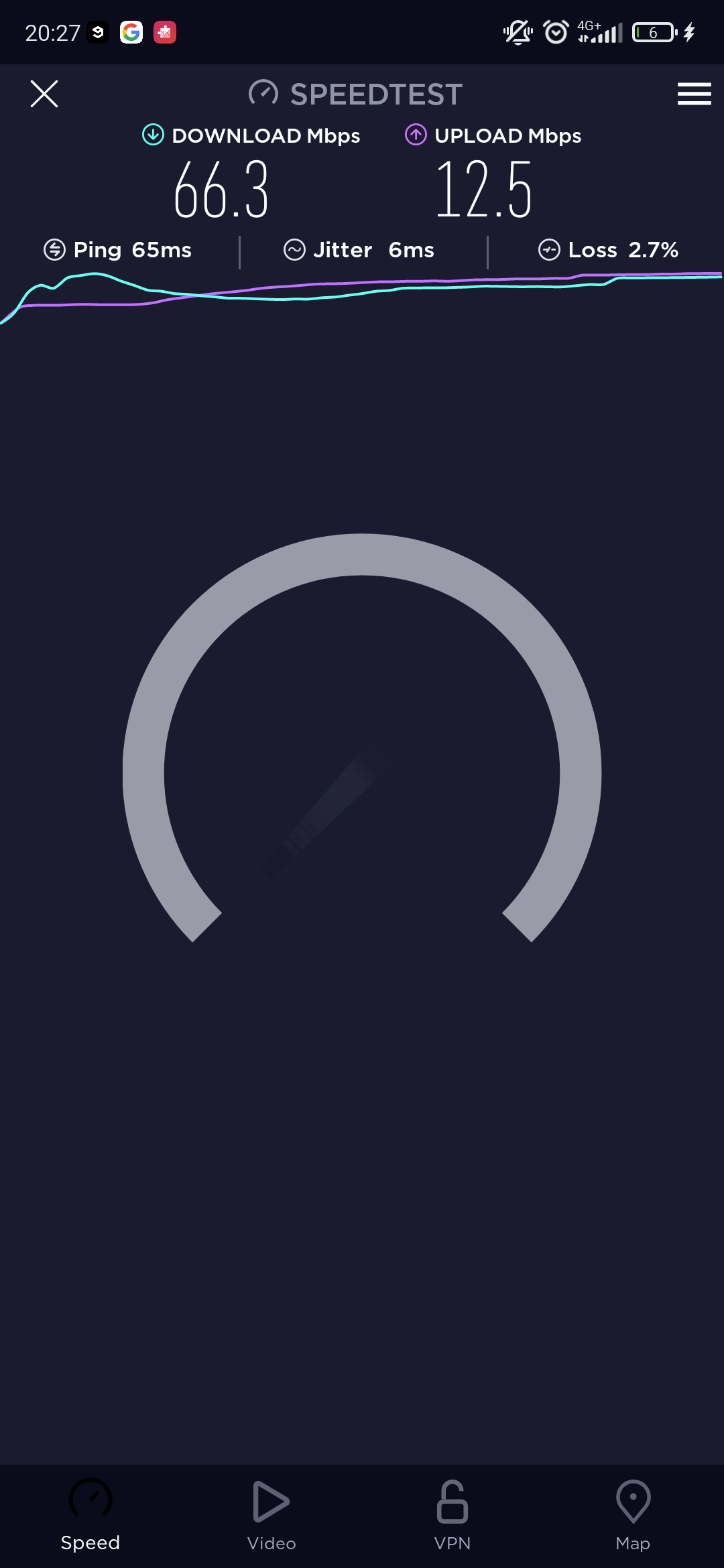
My mobile network is pretty stable, the thing is i have this problem only on firefox, i'm sorry
Which other apps do you have running when the happens?