


cannot customize homepage, android
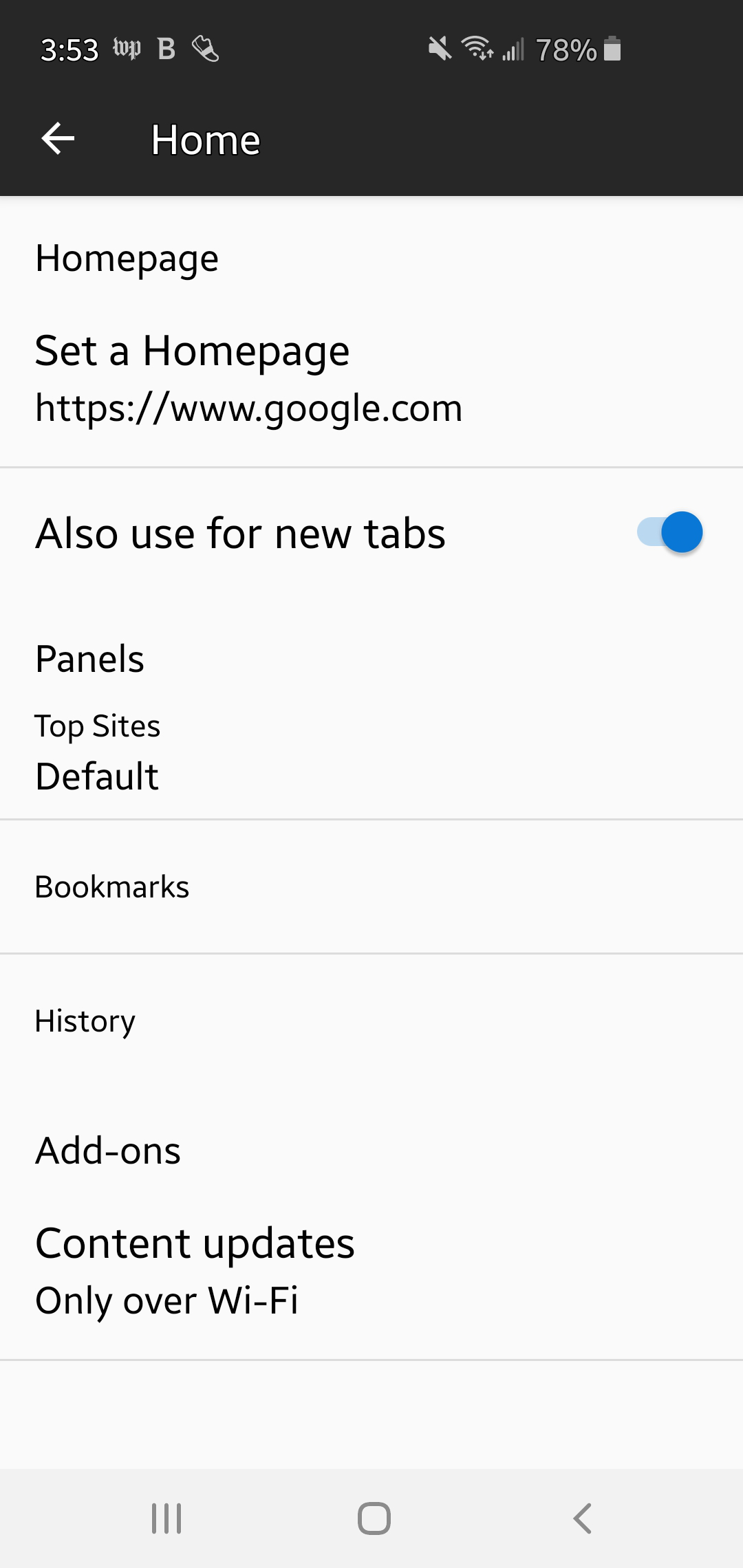
Android 10, galaxy s10e, current Firefox. I set homepage to Google. No change.
Help appreciated.
All Replies (8)
Hi Neil
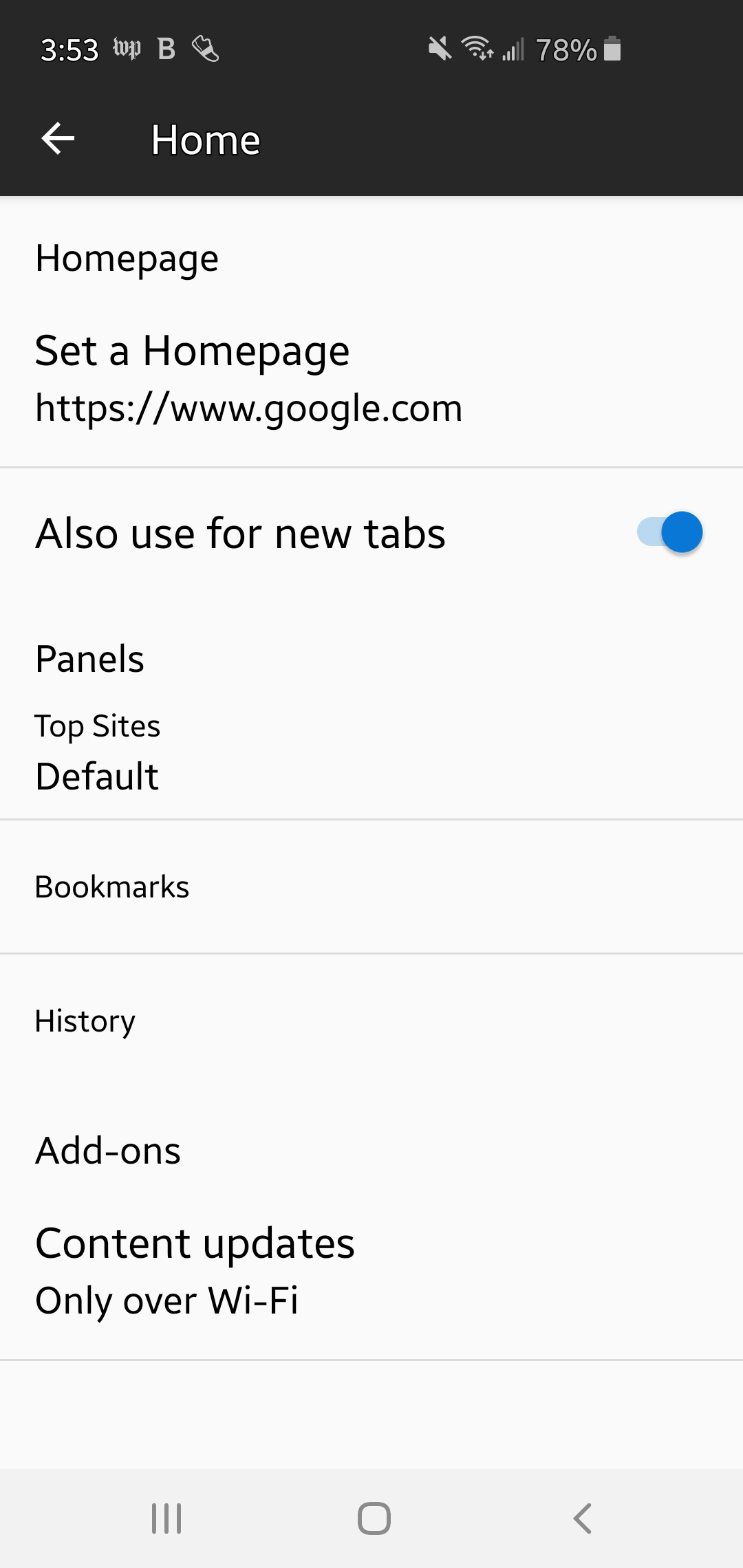
Thank you for those screenshots, really useful.
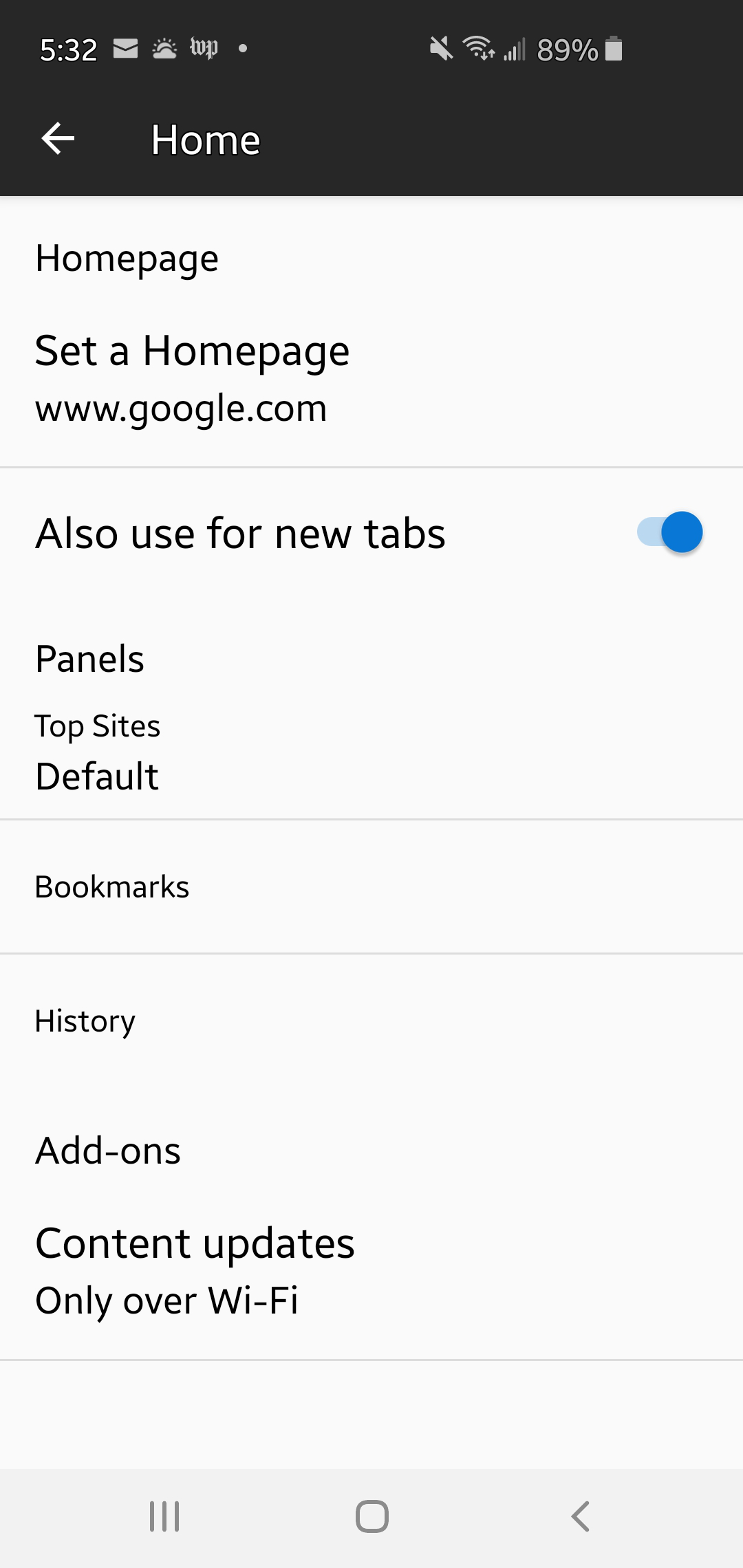
I have copied those screens, but used the address of www.google.com (without the https). I then used the right hand android button to close Firefox. When I reopened it it worked as expected, setting the home screen in Firefox for Android to Google.
Modified by Paul
Tried. No change. I went in and several times.
Have you tried this in Firefox Preview, our new Android browser?
Does the same thing happen?
i have tried everything! else and no go. will try preview.
Ok, I hope this helps. Firefox Preview is our next generation Android browser.
I'll let you know. Do other people have this problem?
I loaded preview. I don't see an option to set the homepage.
Fair point, Firefox Preview handles the home page slightly different, but you can still set Google as a default search provider to use to search from the home screen in Firefox Preview.
I honestly do not know why this is not working for you in Firefox for Android. I can set the home page, close the app in the list of open apps (important step) and restart Firefox and the home panel will be set to the page I have entered.