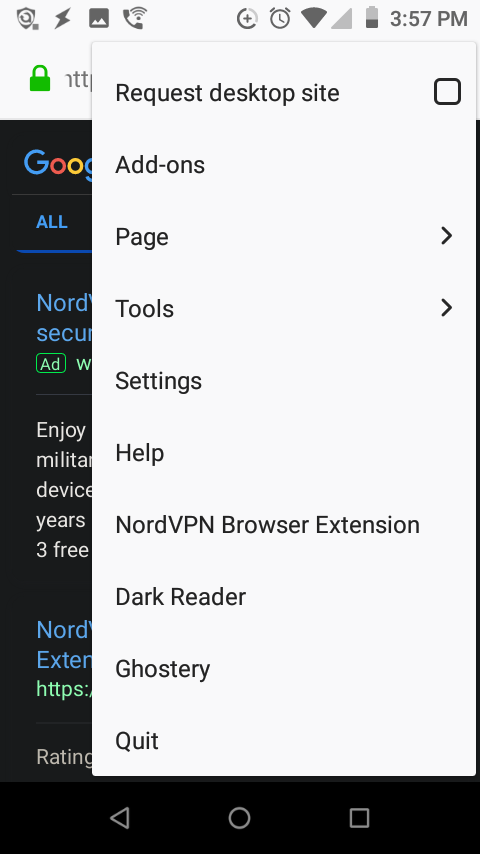
Installed addon's icons missing from location bar. android 8.1, firefox 68.2.1.
Android version 8.1. firefox version 68.2.1. I installed nordvpn, dark reader, Ghostery. None of them are showing. no ">>" showing meaning they don't have room. device: Unimax. Model: U504TL. screen: 5 inch WVGA (854*480) Display.

Chosen solution
Hi
I recommend that you select the menu icon (three lines) to these add-ons, or failing that head to the add-ons screen where you will be able to see the options for those add-ons.
Read this answer in context 👍 1All Replies (3)
Chosen Solution
Hi
I recommend that you select the menu icon (three lines) to these add-ons, or failing that head to the add-ons screen where you will be able to see the options for those add-ons.
The only options I see on the add-ons screen is uninstall or disable. I click the menu icon (the three dots). the menu options after I will add as screenshots.
Now I see it thank you!!!