


Right click on LinkedIn

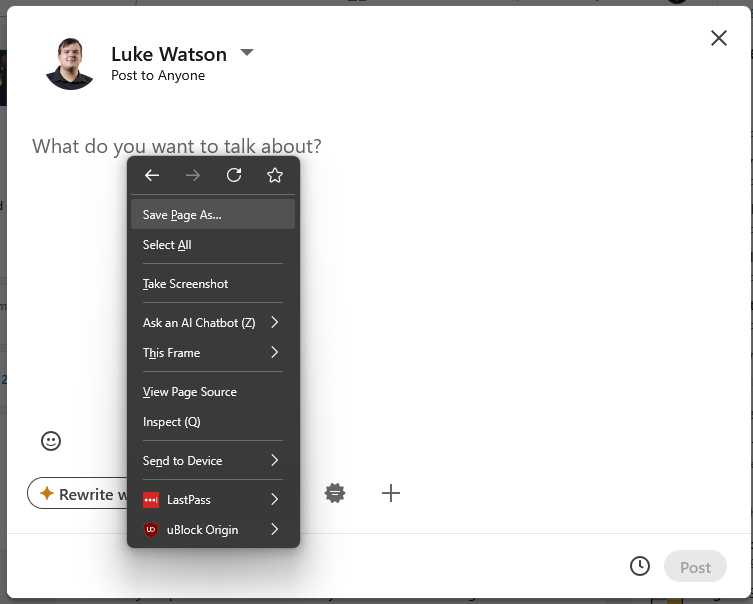
A client of ours has recently raised an issue with with us stating where right-click, Paste does not work when adding text to a new LinkedIn post
After investigating, we have been able to reproduce the same behavior on our devices.
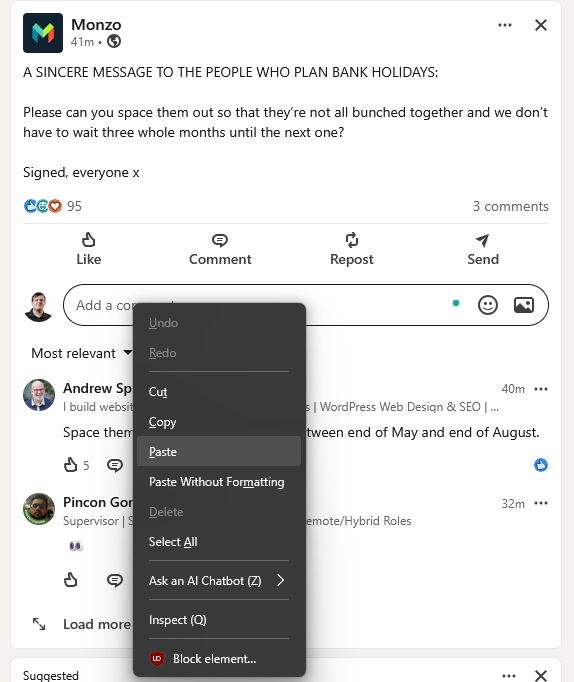
However, from our testing, we can right click to past on comments, messages and searches just fine
Troubleshooting already attempted:
Cleared Firefox cache Performed Firefox refresh Tested across multiple devices
We have confirmed this occurs on:
Clients device My work desktop My work laptop My personal desktop My Personal Macbook
This issue appears to have started after updating to Firefox version 151.0.0. I know this as i have tested this on my work laptop, appeared to work fine then stopped working after manually updating from 150.0.3 to 151.0.0.
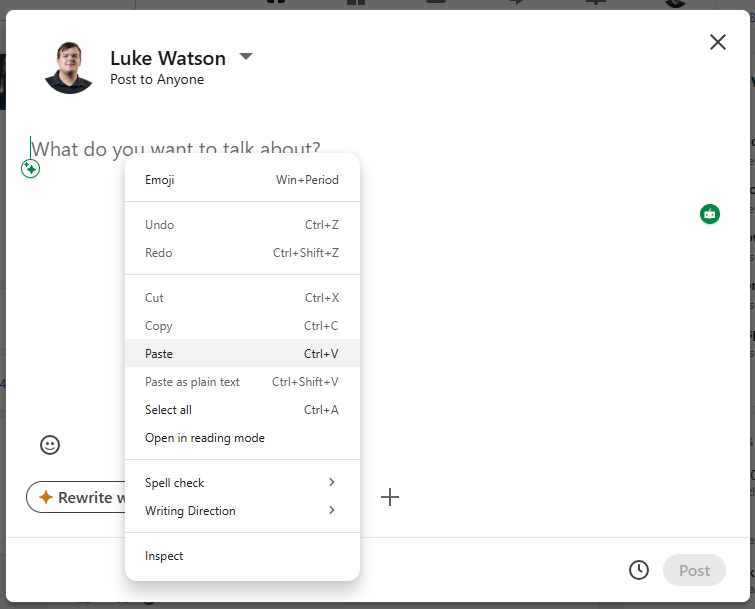
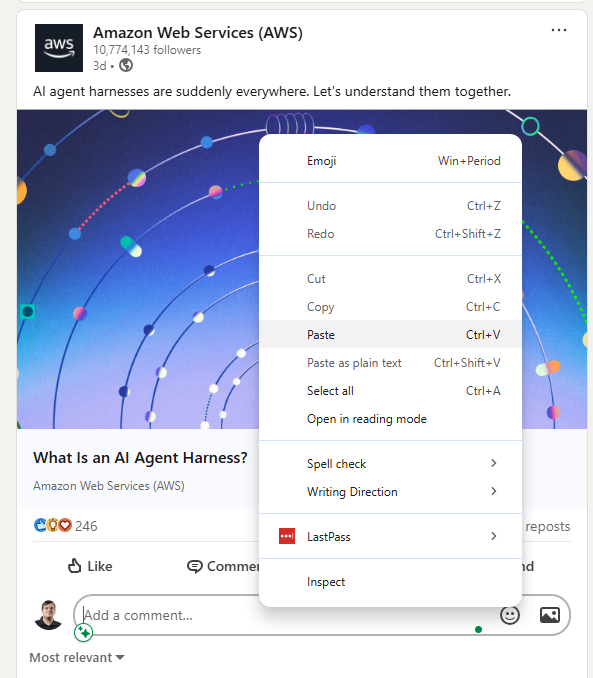
Please let us know if there are any known issues, additional troubleshooting steps, or if further diagnostic information would help I have attached screenshots of the issue.
I have also tested this in the Google Chrome web browser and appears to be working correctly as also seen in the screenshots.
Tất cả các câu trả lời (2)
Luke, thanks for the detailed report. I've added this tentatively to: bugzilla.mozilla.org/2043569
Could you check that CTRL+V still works, and if you enable menubar that you can still do Edit › Paste from there? Thanks.
Luke, would you be willing to test a regression range, and help confirm a bisect using a Nightly build? (Nightlies come with their own profile namespace to not collide with any installed release, so they can be used for similar testing without affecting your day–to–day browser setup.)
This build might have a working editing mode menu: https://ftp.mozilla.org/pub/firefox/nightly/2026/04/2026-04-15-21-21-14-mozilla-central/
This build might exhibit the current readonly behavior: https://ftp.mozilla.org/pub/firefox/nightly/2026/04/2026-04-18-08-11-04-mozilla-central/
(I'm inferring you'd be able to pick the correct platform/architecture/package for your system from the list on each of the builds' listing, but happy to advise what's best for given device. E.g. for a Mac it's simple: the "firefox-151.0a1.en-US.mac.dmg" would be a good pick.)