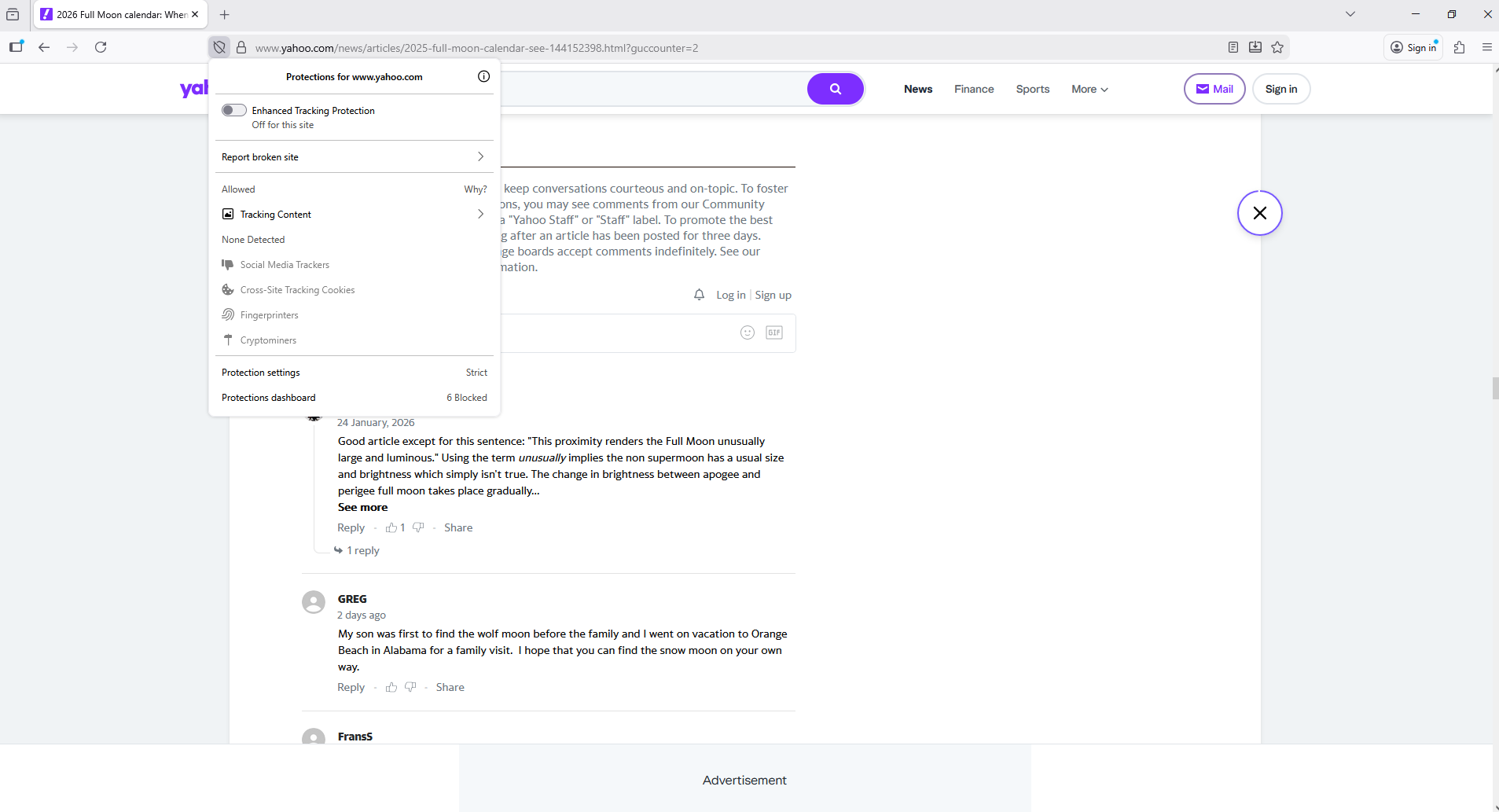
coments are not available

When I click to see comments it does not load them it just clears the area so I can't even click it again
Tất cả các câu trả lời (4)
Hi Robert, could you add more details on which website you don't see the comments section?
Yahoo news. It comes up but when I lick it it doesn't load or show anything again not hing to even click on comes back
Thank you! I am looking at yahoo news and unfortunately I can't reproduce, I am able to see the comments. This is likely caused by an addon. Let's restart your Firefox on troubleshoot mode and see if it remains.
Firefox Troubleshoot Mode (previously known as Firefox Safe Mode) is a special diagnostic mode that temporarily turns off hardware acceleration, disables add-ons (extensions and themes) and resets some settings. See the Use Troubleshoot Mode in Firefox article for details.
If Firefox is open, you can restart in Firefox Troubleshoot Mode from the Help menu:
- Click the menu button
 , click Help, select Troubleshoot Mode and click Restart in the "Restart Firefox in Troubleshoot Mode?" dialog that opens.
If Firefox is not running, you can start Firefox in Troubleshoot Mode as follows:
- On Windows: Hold the Shift key when you open the Firefox desktop or Start menu shortcut.
- On Mac: Hold the option key while starting Firefox.
- On Linux: Quit Firefox, go to your Terminal and run firefox -safe-mode
(you may need to specify the Firefox installation path e.g. /usr/lib/firefox)
When the Firefox Troubleshoot Mode window appears, select "Open".
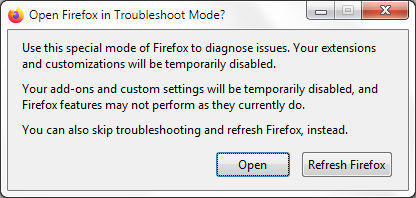
If the issue is not present in Firefox Troubleshoot Mode, your problem is probably caused by an extension, theme or hardware acceleration. Please follow the steps in the Troubleshoot extensions, themes and hardware acceleration issues to solve common Firefox problems article to find the cause.
To exit Firefox Troubleshoot Mode, just close Firefox and wait a few seconds before opening Firefox for normal use again. (If you can't exit Firefox Troubleshoot Mode, please see Firefox is stuck in Troubleshoot Mode).
When you figure out what's causing your issues, please let us know. It might help others with the same problem.
Được chỉnh sửa bởi Konstantina Papadea vào
Hello
Enhanced Tracking Protection. https://support.mozilla.org/en-US/kb/enhanced-tracking-protection-firefox-desktop
A test carried out, maybe, try, What to do if a site seems broken.