


Windows 10 reached EOS (end of support) on October 14, 2025. For more information, see this article.

Search Support

Avoid support scams. We will never ask you to call or text a phone number or share personal information. Please report suspicious activity using the “Report Abuse” option.

Learn More

Firefox for iOS - recovery of my bookmarks

  • No replies
  • 0 have this problem
more options

Please, excuse my english - I am of south german origin and this system configured for german brings errors after i have written correctly - english -> englisch.

Firefox for iOS on iPhone 12 mini was dying on first touch after every restart. It was heavily used - as single digital device. I was used to have at least one desktop computer with Linux with all possibilties to archive my data (USB, external hard disk, USB-stick) And I missed heavily the former functions to manage, archiving bookmarks. „Fehlerbehebungsmodus“ Error analyzing seemed not to be available with Firefox for iOS despite existing in other variations - at least Firefox for Windows? Could be something other memory problem - temporary files? Smartphones - iPhones - are to me something like a black box not under my control. Only rescue to get around with bloated Firefox seemed a new installation. After I got a hint I tried to update without success. So no other way - new installation. I registrated for Firefox Sync and hoped to get my bookmarks saved. I have read i wouldn‘t lose any data! So what‘s up? I really would prefer to regularly archive my data. But external drives are impossible with iOS - forbidden. So where are my bookmarks?
Please, excuse my english - I am of south german origin and this system configured for german brings errors after i have written correctly - english -> englisch. Firefox for iOS on iPhone 12 mini was dying on first touch after every restart. It was heavily used - as single digital device. I was used to have at least one desktop computer with Linux with all possibilties to archive my data (USB, external hard disk, USB-stick) And I missed heavily the former functions to manage, archiving bookmarks. „Fehlerbehebungsmodus“ Error analyzing seemed not to be available with Firefox for iOS despite existing in other variations - at least Firefox for Windows? Could be something other memory problem - temporary files? Smartphones - iPhones - are to me something like a black box not under my control. Only rescue to get around with bloated Firefox seemed a new installation. After I got a hint I tried to update without success. So no other way - new installation. I registrated for Firefox Sync and hoped to get my bookmarks saved. I have read i wouldn‘t lose any data! So what‘s up? I really would prefer to regularly archive my data. But external drives are impossible with iOS - forbidden. So where are my bookmarks?
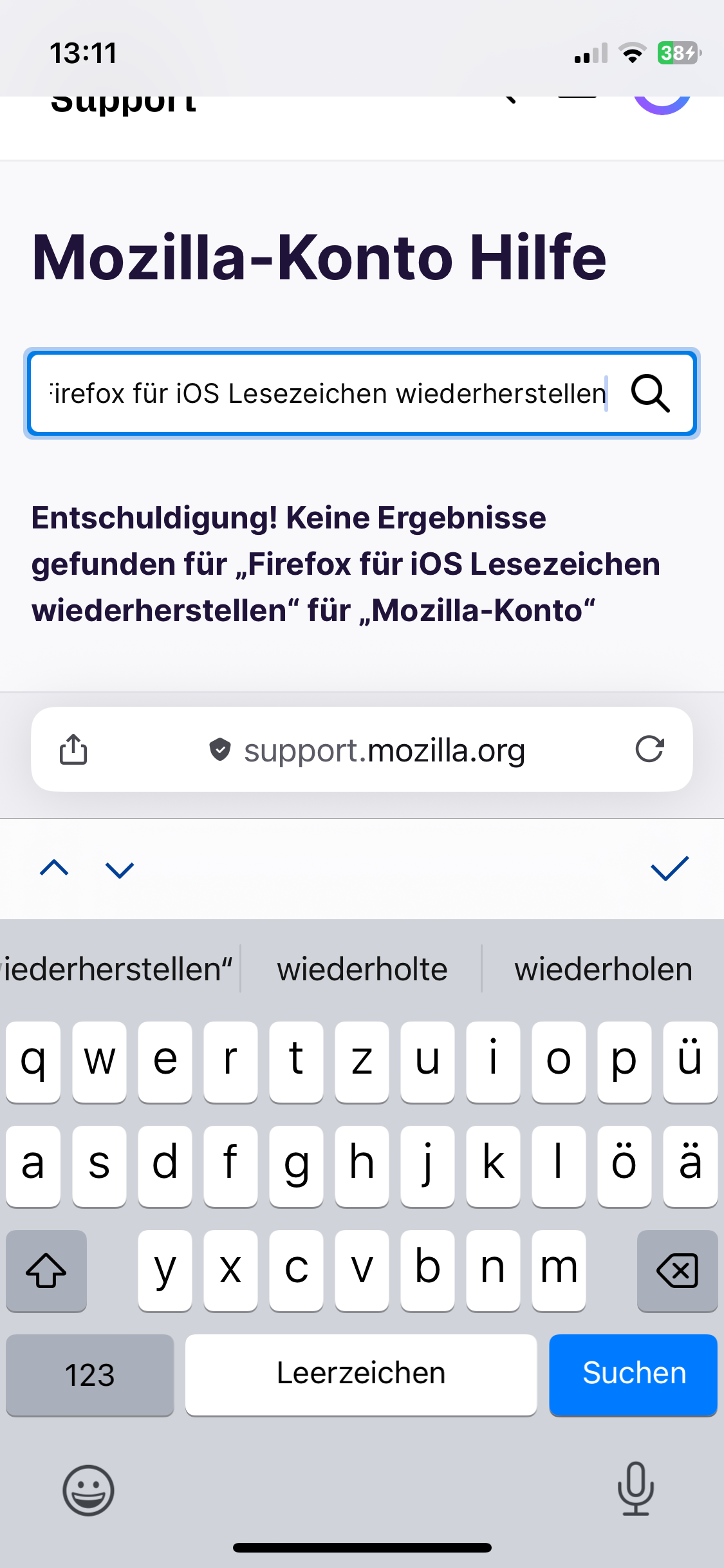
Attached screenshots

You must log in to your account to reply to posts. Please start a new question, if you do not have an account yet.