


tablet layout on phone

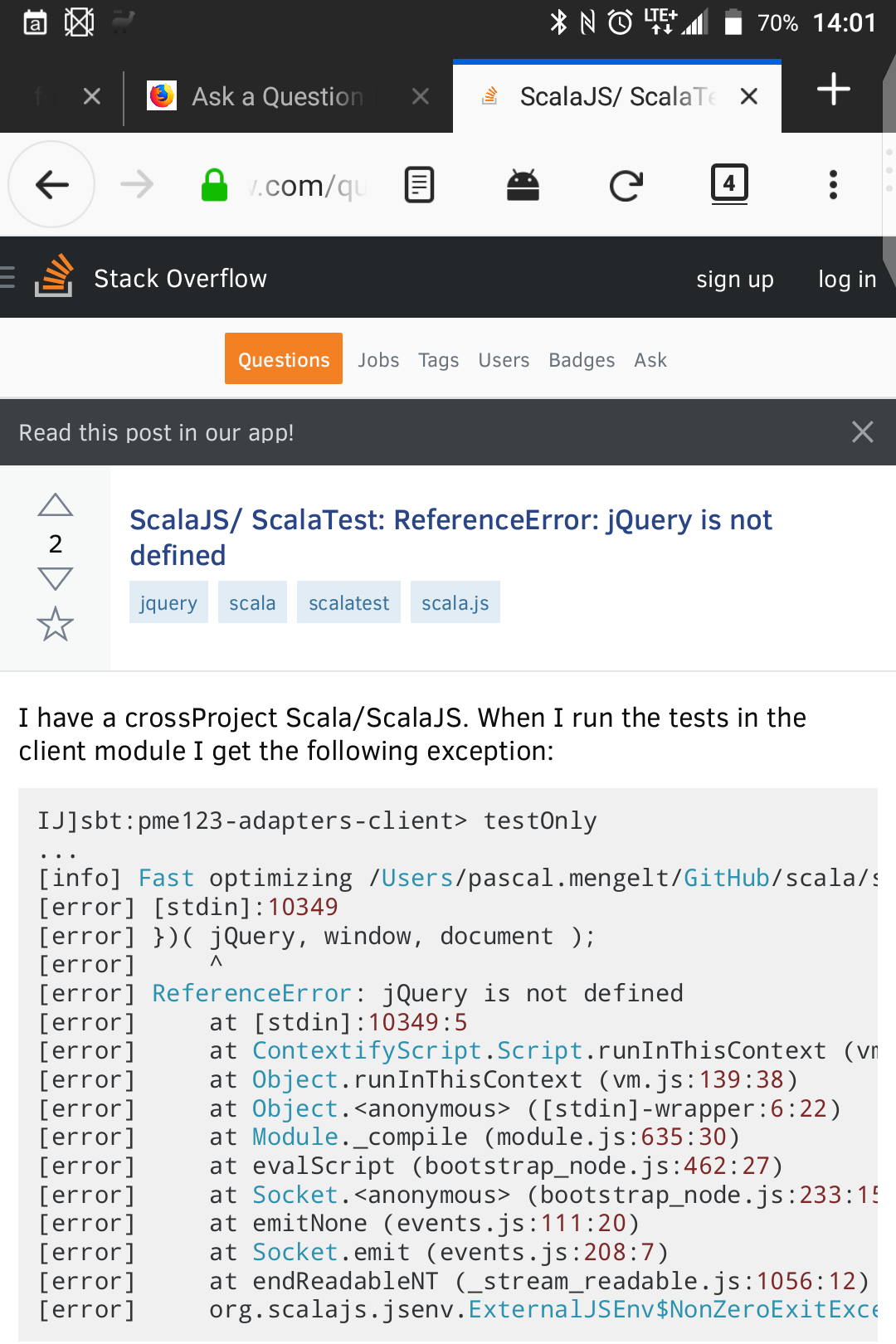
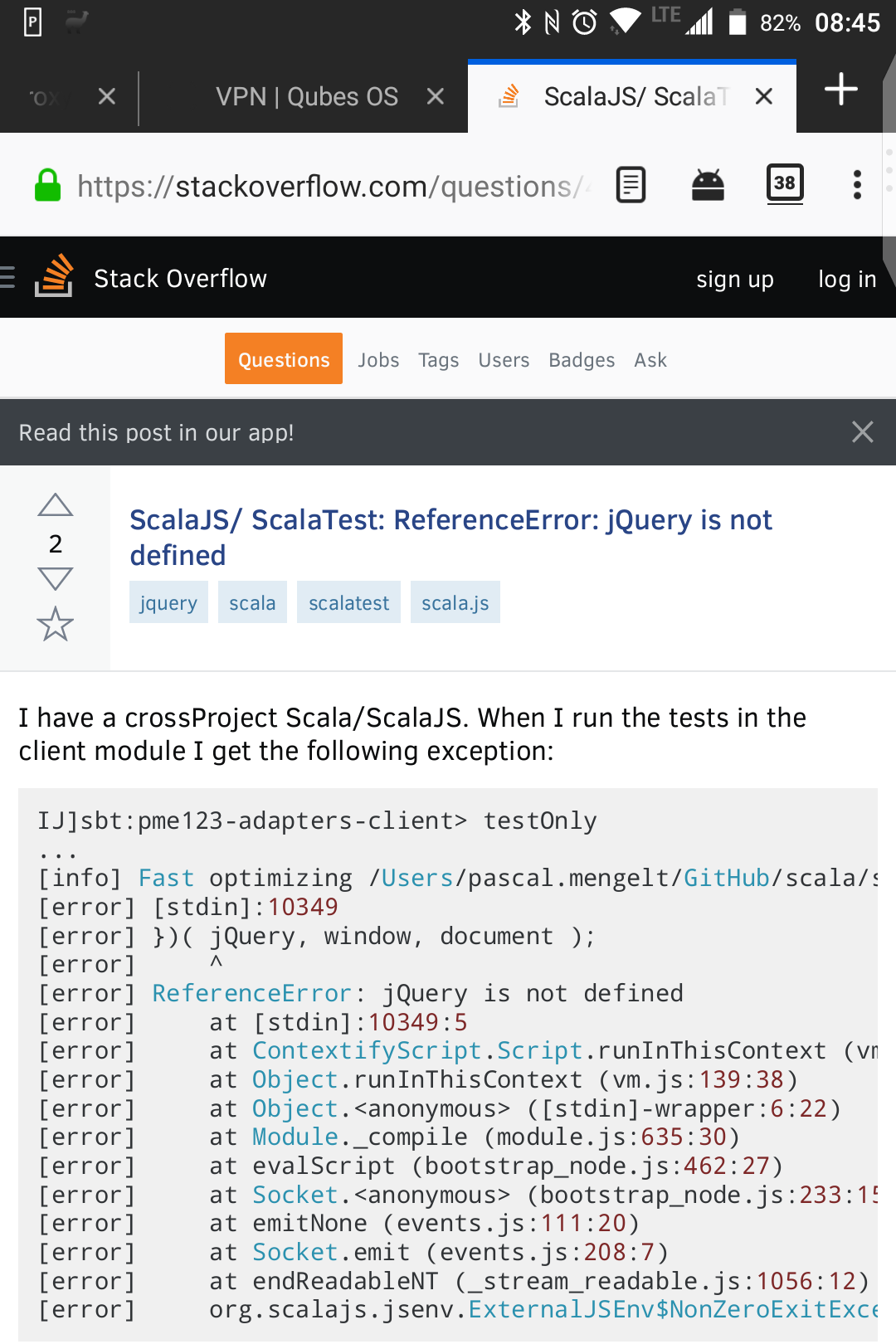
When I configure Settings -> Display -> Display size to Small, Firefox switches from phone layout to tablet layout. However, the tablet layout is not much appropriate, see the screenshot.
How I can change it back to phone mode without changing all the phone GUI to large?
My phone: BlackBerry KEYone Android version: 7.1.1 screen: 4.5", 1620*1080
A workaround: I've realized that starting Firefox in split-screen forces Firefox to use phone mode, even if I switch the split-screen mode off. This likely has to be repeated after every OOM kill. Not very convenient and this is probably also a bug on its own, but at least there is some workaround. Attaching a screenshot, so you can compare the two layouts.
When I configure Settings -> Display -> Display size to Small, Firefox switches from phone layout to tablet layout. However, the tablet layout is not much appropriate, see the screenshot.
How I can change it back to phone mode without changing all the phone GUI to large?
My phone: BlackBerry KEYone
Android version: 7.1.1
screen: 4.5", 1620*1080
A workaround: I've realized that starting Firefox in split-screen forces Firefox to use phone mode, even if I switch the split-screen mode off. This likely has to be repeated after every OOM kill. Not very convenient and this is probably also a bug on its own, but at least there is some workaround. Attaching a screenshot, so you can compare the two layouts.
Modified by v6ak